HOTSPOT GATEWAY
System Administration 231
Rebooting the System {Reboot}
This procedure shows you how to reboot the HSG.
1. From the Web Management Interface, click on System, then Reboot.
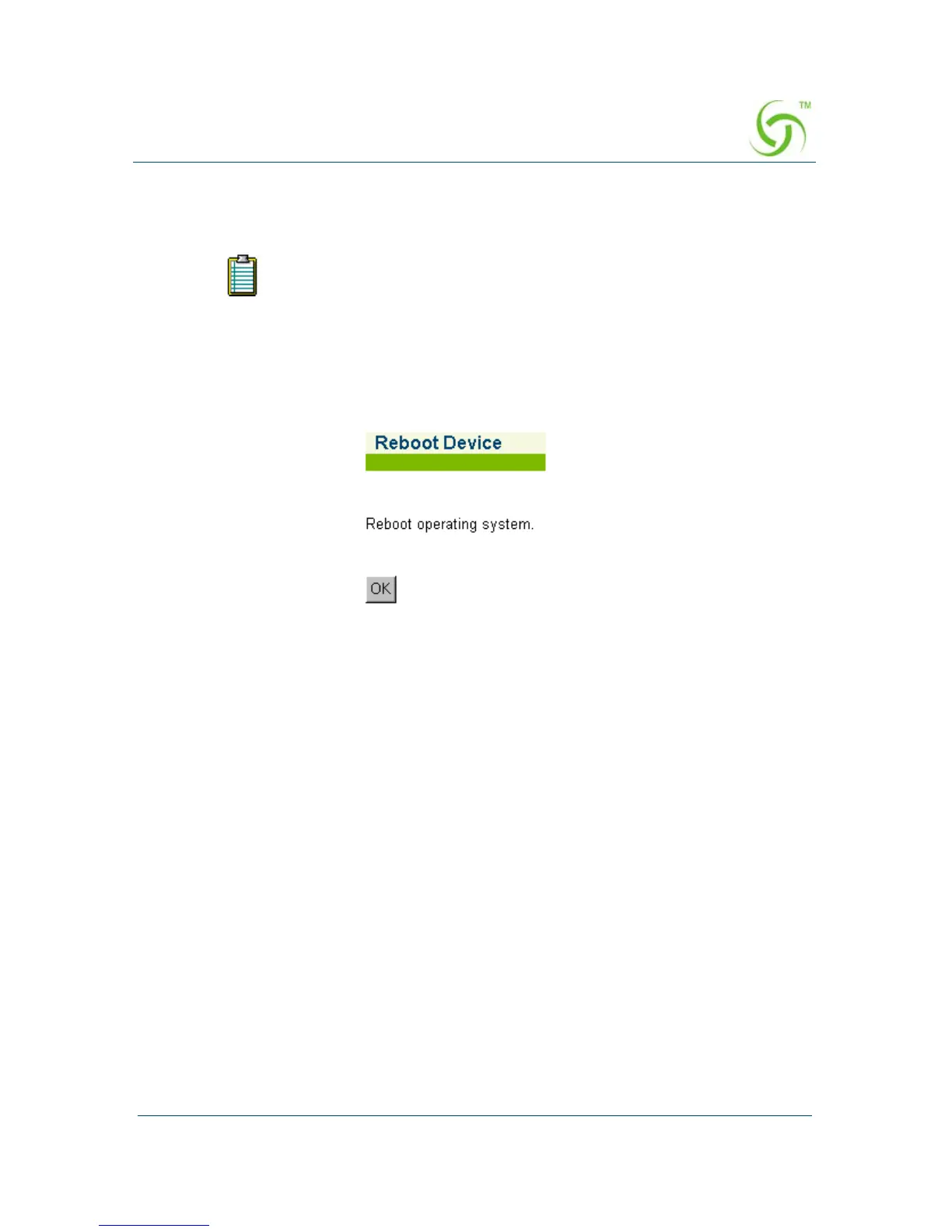
The Reboot Device screen appears:
2. Click on OK to reboot the operating system.
The “reboot” procedure outlined on this page allows you to decide
when to reboot (if you are making multiple changes to different menu
functions and you want to reboot just one time after completing all your
changes).



 To Next Page