HOTSPOT GATEWAY
146 System Administration
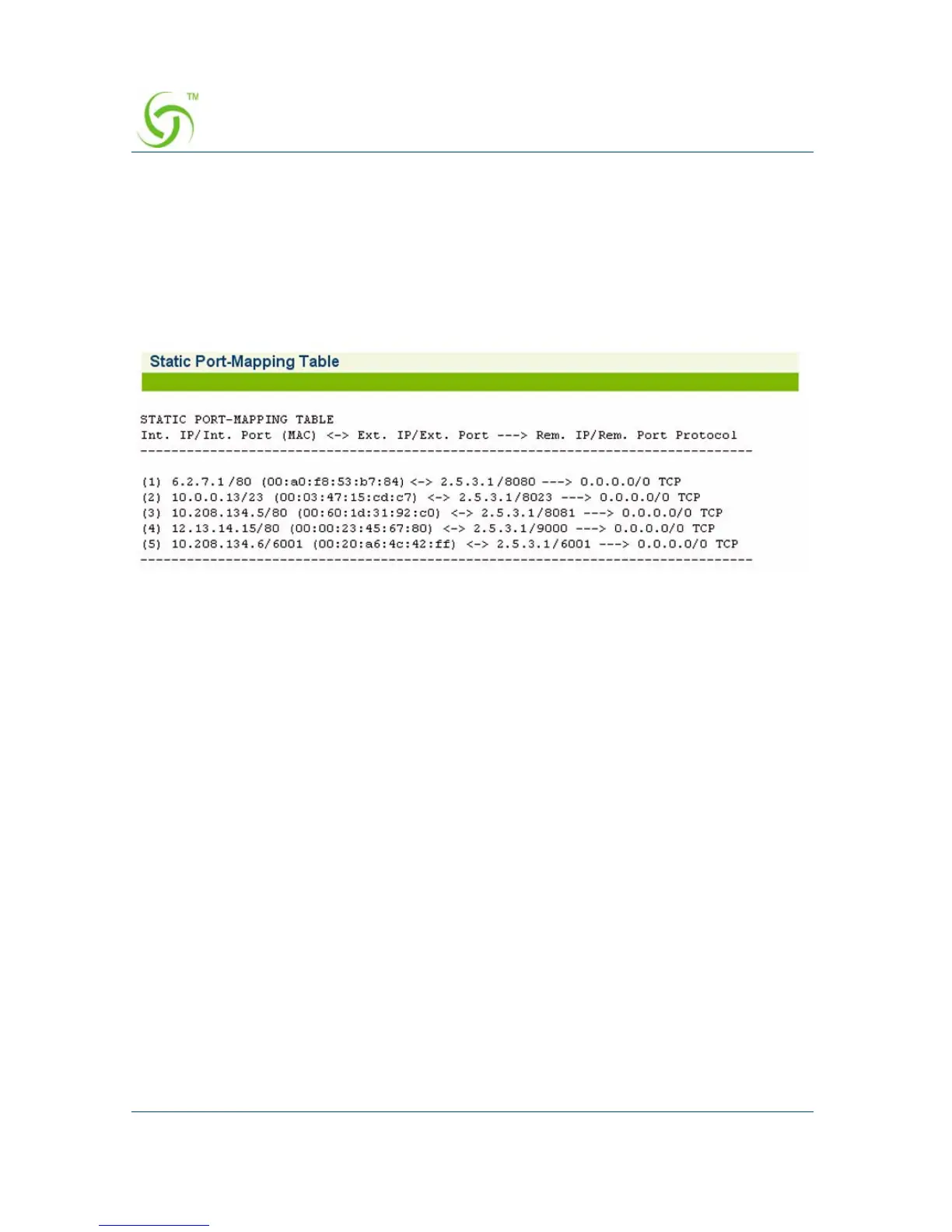
Displaying the Static Port Mapping Table {Static Port-Mapping}
You can display a table which provides a detailed listing of the currently active static
port mapping scheme.
To view the Static Port-Mapping Table, go to the Web Management Interface, click on
Network Info, then click on Static Port-Mapping.
The Static Port-Mapping Table screen appears:



 To Next Page