HOTSPOT GATEWAY
80 System Administration
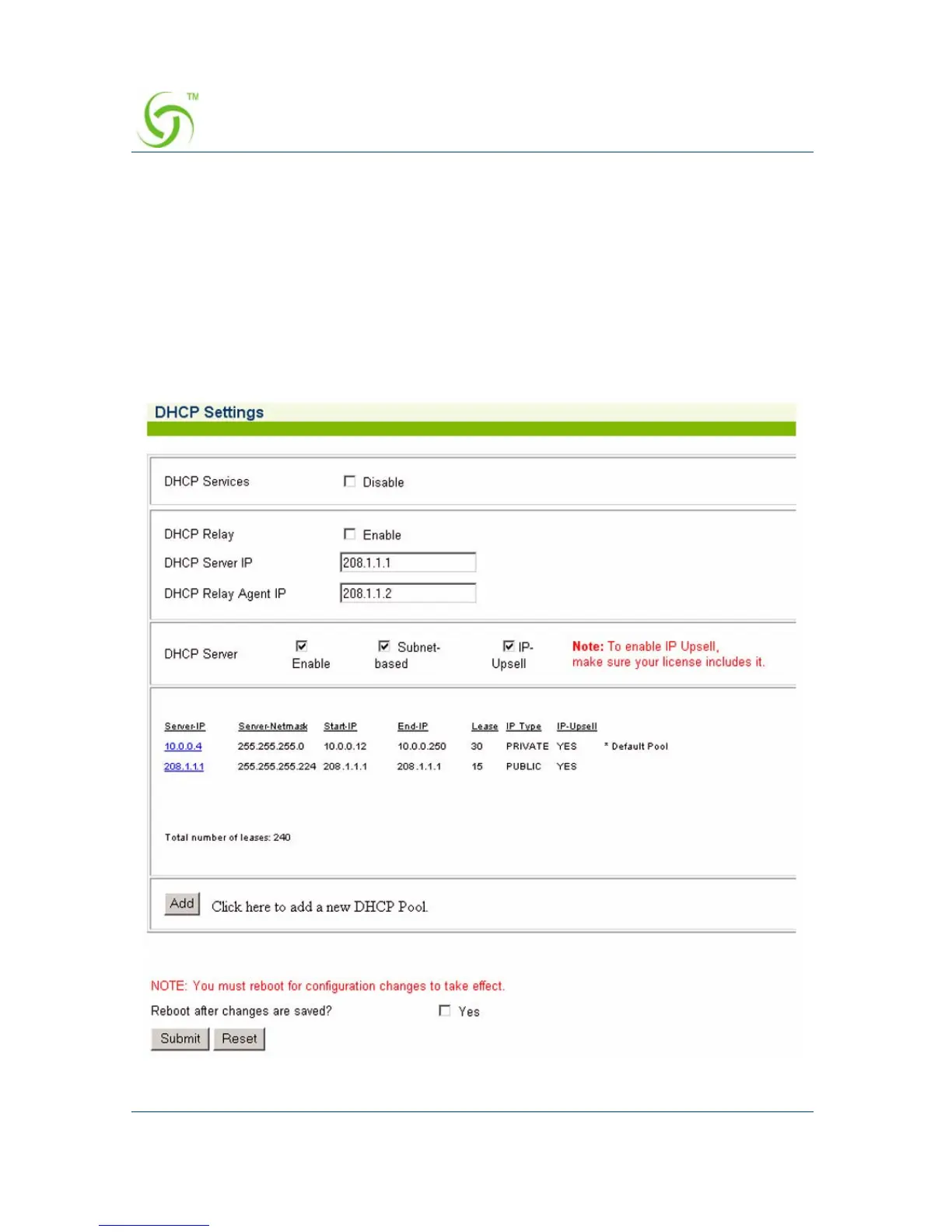
Managing the DHCP Service Options {DHCP}
When a device connects to the network, the DHCP server assigns it a “dynamic” IP
address for the duration of the session. Most users have DHCP capability on their
computer. To enable this service on the HSG, you can either enable the DHCP relay
(routed to an external DHCP server IP address), or you can enable the HSG to act as
its own DHCP server. In both cases, DHCP functionality is necessary if you want to
automatically assign IP addresses to subscribers.
1. From the Web Management Interface, click on Configuration, then DHCP. The
DHCP Settings screen appears:



 To Next Page