HOTSPOT GATEWAY
System Administration 171
Deleting Subscriber Profiles by User Name {Delete by User}
This procedure shows you how to delete a subscriber profile from the HSG’s database
of authorized subscribers, based on the profile’s user name.
1. From the Web Management Interface, click on Subscriber Administration, then
Delete by User.
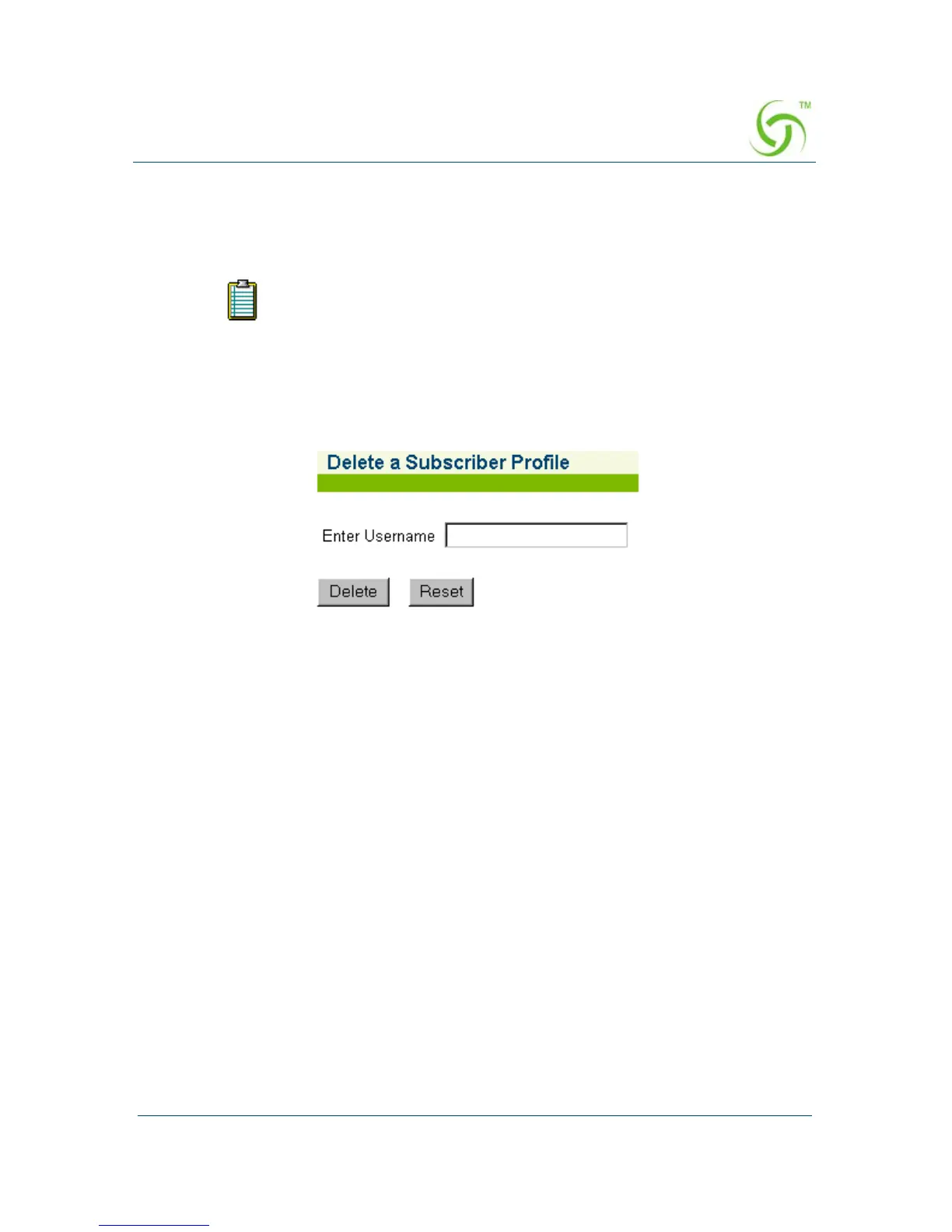
The Delete a Subscriber Profile (by User) screen appears:
2. In the Username field, enter the user name of the profile you want to delete.
3. Click on the Delete button to delete this subscriber profile, or click on the Reset
button if you want to reset the “Username” value to its blank state.
To see a current listing of the subscriber database, sorted by user name,
go to “Listing Subscriber Profiles by User Name {List by User}” on
page 177.



 To Next Page