HOTSPOT GATEWAY
234 System Administration
Establishing Session Rate Limiting {Session Limit}
Session Rate Limiting (SRL) significantly reduces the risk of “Denial of Service”
attacks by allowing administrators to limit the number of DAT sessions any one user
can take over a given time period and, if necessary, then block malicious users.
1. From the Web Management Interface, click on System, then Session Limit.
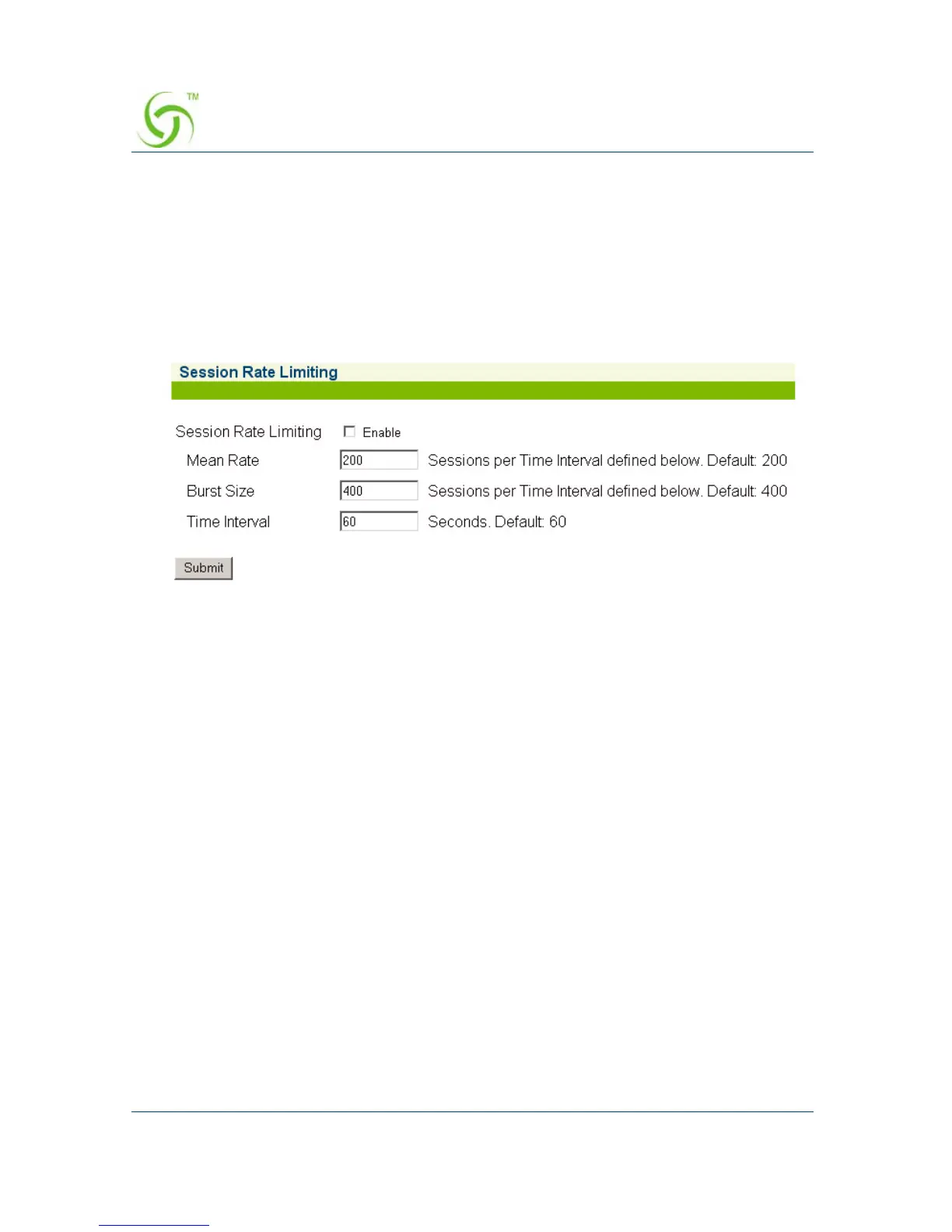
The Session Rate Limiting screen appears:
2. Click on the check box for Session Rate Limiting to enable (or disable) this
feature, as required.
3. Enter values for the following session “limiting” parameters:
z Mean Rate
z Burst Size
z Time Interval (in seconds)
4. Click on the Submit button to save your changes.
For advanced security, see also “Defining the MAC Filtering Options {Mac
Filtering}” on page 230.



 To Next Page