HOTSPOT GATEWAY
System Administration 139
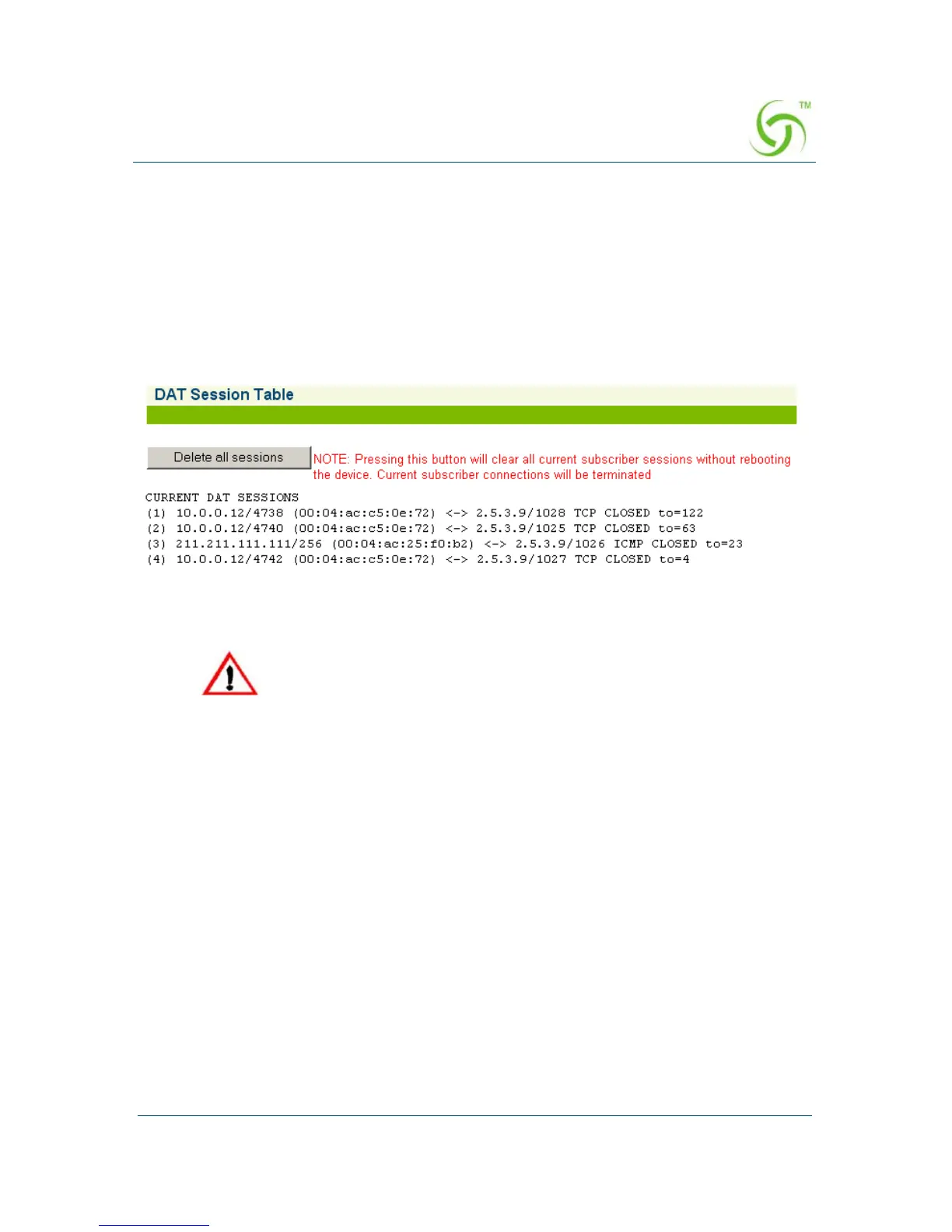
Displaying DAT Sessions {DAT}
The HSG provides “plug-and-play” access to subscribers who are misconfigured with
static (permanent) IP addresses, or subscribers that do not have DHCP functionality
on their computers. Dynamic Address Translation (DAT) allows all users to obtain
network access, regardless of their computer’s network settings.
To view the DAT Session Table, go to the Web Management Interface, click on
Network Info, then click on DAT.
The DAT Session Table screen appears:
Click on the
Delete all sessions button to clear all current subscriber sessions.
Deleting DAT sessions will cause all misconfigured subscribers to lose
their Internet connection for a short period of time.



 To Next Page