HOTSPOT GATEWAY
System Administration 191
Assigning Buttons
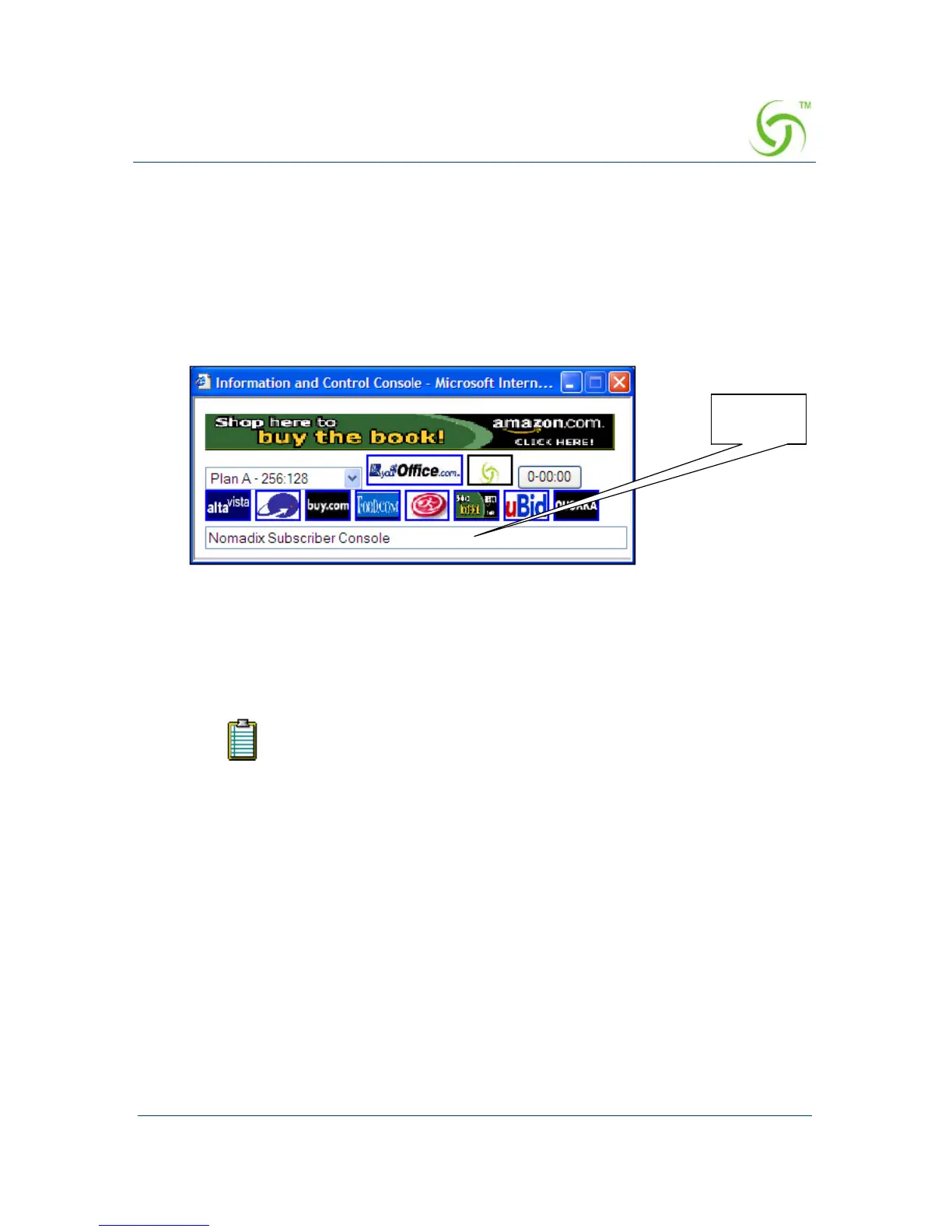
8. When assigning the redirect buttons that will appear in the ICC, you can define
one
ISP Logo Button (large button) and up to 8 smaller buttons (Button 2
through
Button 9), with the following parameters:
z Name/Text – The name of the button and the mouse-over text. The mouse-
over text is the text that appears in the ICC’s Message Bar when your mouse
pointer “rolls” over a button image.
z Target URL – Where subscribers are sent when they click on the button.
z Image Name – The representative image file you want to use for the button.
When assigning images for buttons, refer to: “Pixel Sizes” on page 194.
9. When you have completed assigning all your redirect buttons, click on the
Submit button to save your changes, or click on the Reset button if you want to
reset all the values to their previous state.
10. You can now assign the banners that you want to display to subscribers.
If you assign (or change) button images or banner images, the HSG
must be rebooted for your changes to take effect.
Message
Bar



 To Next Page