HOTSPOT GATEWAY
System Administration 147
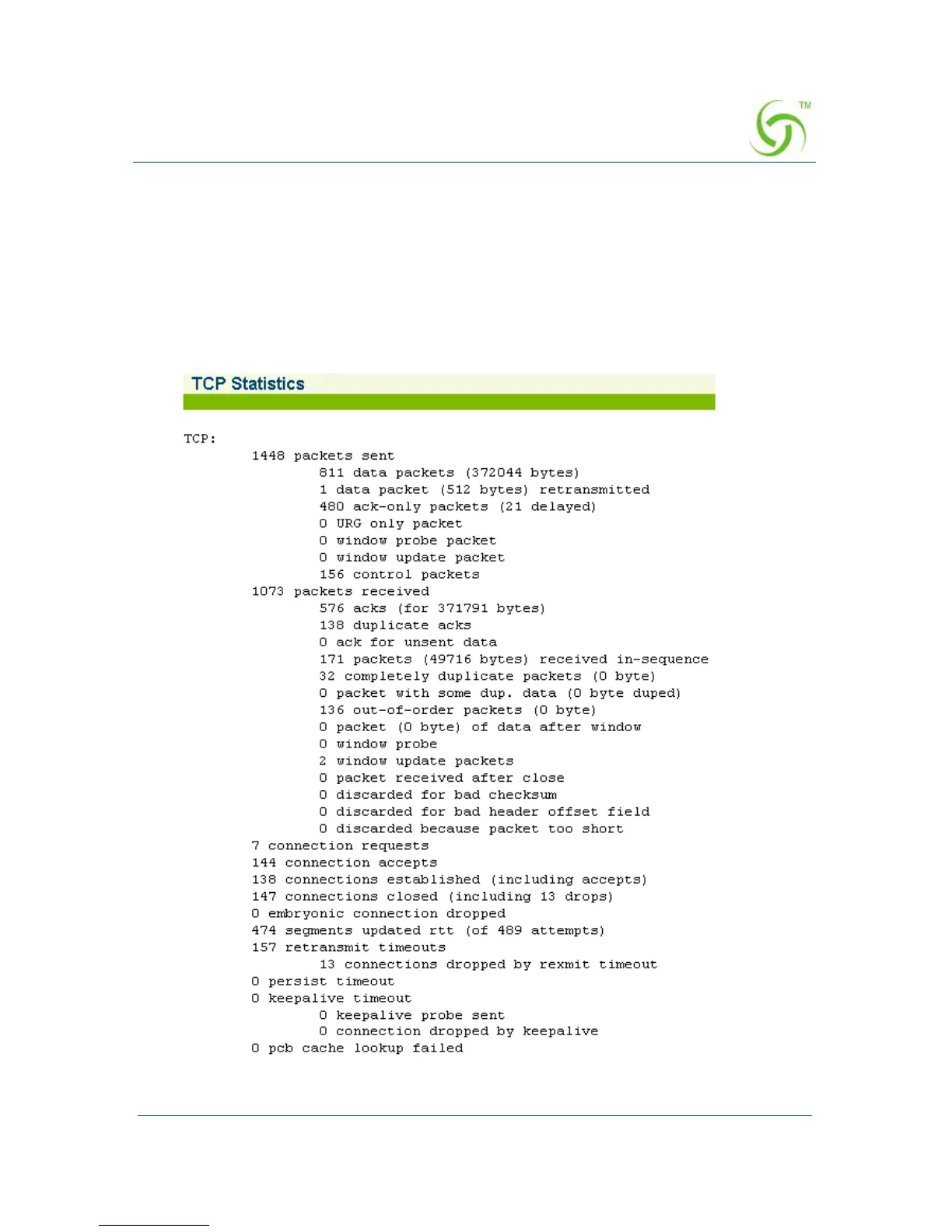
Displaying TCP Statistics {TCP}
You can display the TCP (Transmission Control Protocol) statistics which are
presented as a detailed listing of all TCP elements and their current status. TCP is a
standard protocol that manages data transmissions across networks.
To view the TCP Statistics, go to the Web Management Interface, click on
Network
Info
, then click on TCP.
The TCP Statistics screen appears:



 To Next Page