HOTSPOT GATEWAY
System Administration 155
Deleting Port-Location Assignments by Port {Delete by Port}
This procedure shows you how to delete a port-location assignment, based on its port.
The HSG prompts you to confirm this action before deleting the requested port-
location.
1. From the Web Management Interface, click on Port-Location, then Delete by
Port.
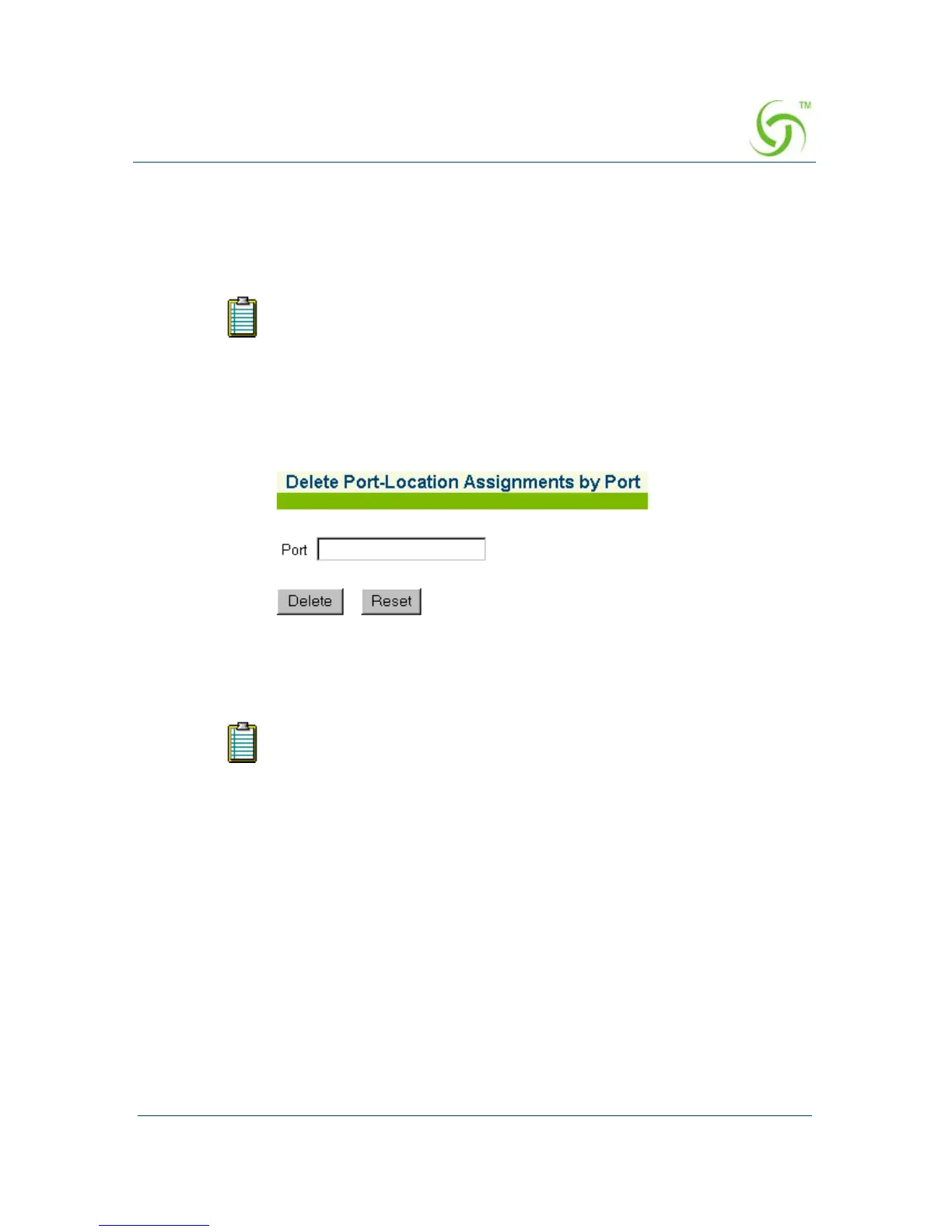
The Delete Port-Location Assignments by Port screen appears:
2. In the Port field, enter the port of the assignment you want to delete.
3. Click on the Delete button to delete the specified port-location assignment, or
click on the
Reset button if you want to reset the “port” value to its blank state.
If you are unsure which port-locations are currently mapped to the
system, you can view a list at “Displaying the Port-Location Mappings
{List}” on page 165.
The “port” is the VLAN ID (when using 802.1Q 2-way).



 To Next Page