HOTSPOT GATEWAY
290 Quick Reference Guide
Private Key Generation
Create a directory from Root and put 5 random files, a.dat, b.dat, c.dat, d.dat, and
e.dat (see note) into the C:\cygwin\bin\ directory (or the directory where you installed
openssl.exe).
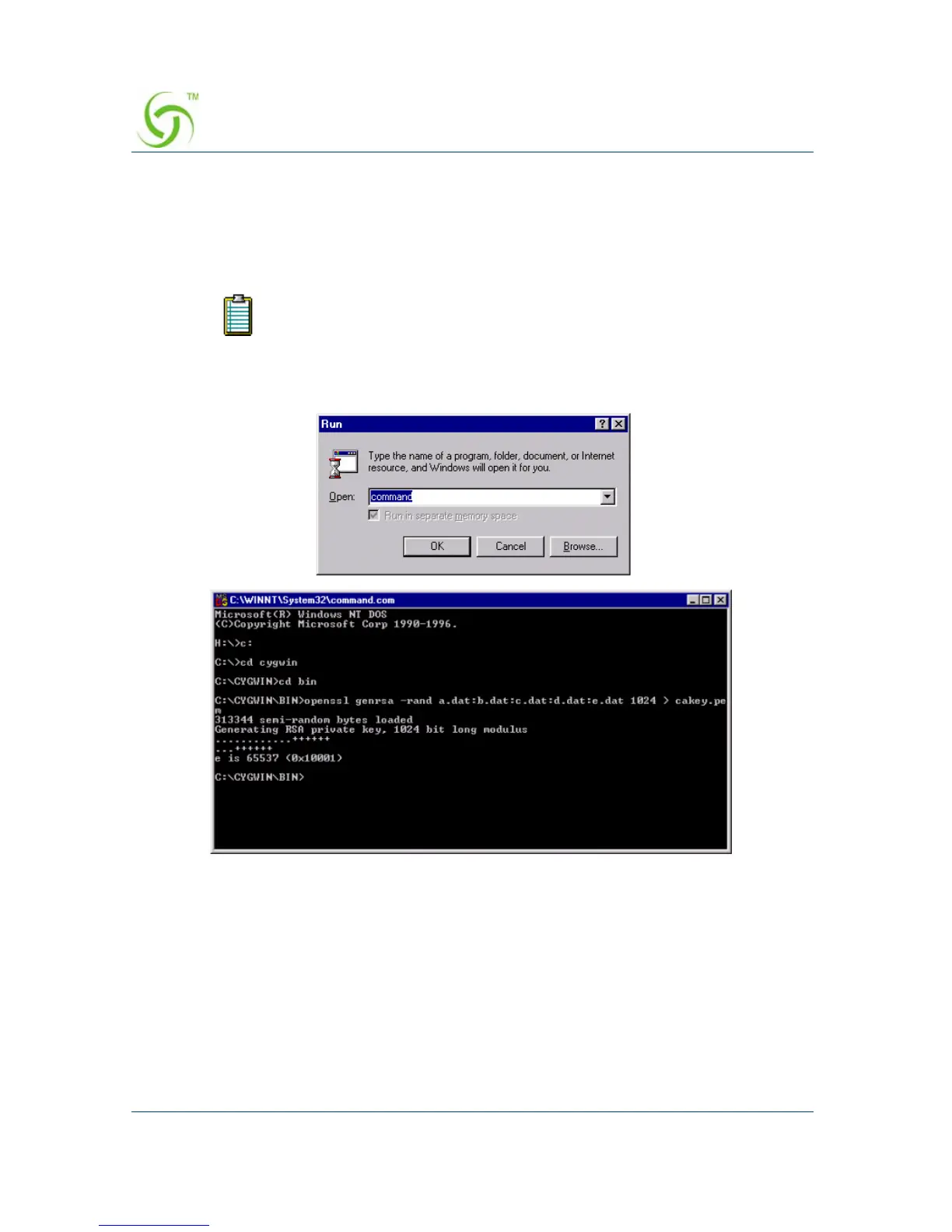
Run the “command” prompt from Windows, then click on the
OK button.
Go to the c:\cygwin\bin\ directory and run the following command:
>openssl genrsa -rand file1:file2:file3:file4:file5 1024 > cakey.pem
The following table provides an explanation of the command elements:
These random files can be any file type, such as Word, Excel, etc.
Change the files to .dat files (shown above). All files must follow the
DOS naming format (maximum 8 characters).



 To Next Page