HOTSPOT GATEWAY
System Administration 133
Setting the System Date and Time {Time}
This procedure shows you how to set the system date and time.
1. From the Web Management Interface, click on Configuration, then Time.
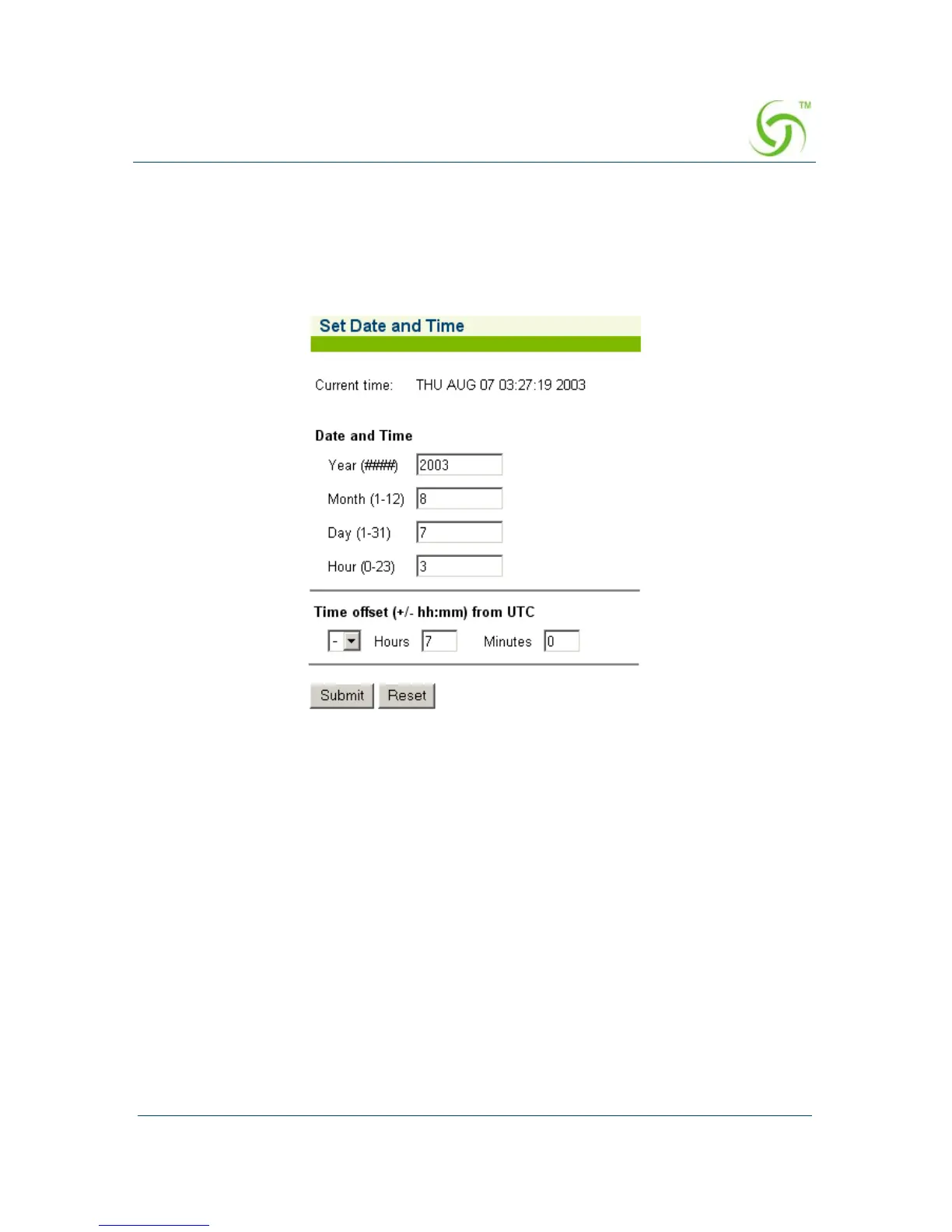
The Set Date and Time screen appears:
2. If required, enter the new date and time parameters in the relevant fields:
z Year (####)
z Month (1-12)
z Day (1-31)
z Hour (0-23)
z Minute (0-59)
After entering new data for the final parameter (minutes), the system writes the
information into its BIOS, then displays the new date and time. The HSG also
allows you to enter a “Time offset from UTC.” This parameter is the Universal
Coordinated Time, based on the ISO 8601 standard, and is used in conjunction
with RADIUS servers (for example, if the RADIUS server is setup for a time
zone that is different from the HSG).



 To Next Page