HOTSPOT GATEWAY
188 System Administration
Setting Up the Information and Control Console {ICC Setup}
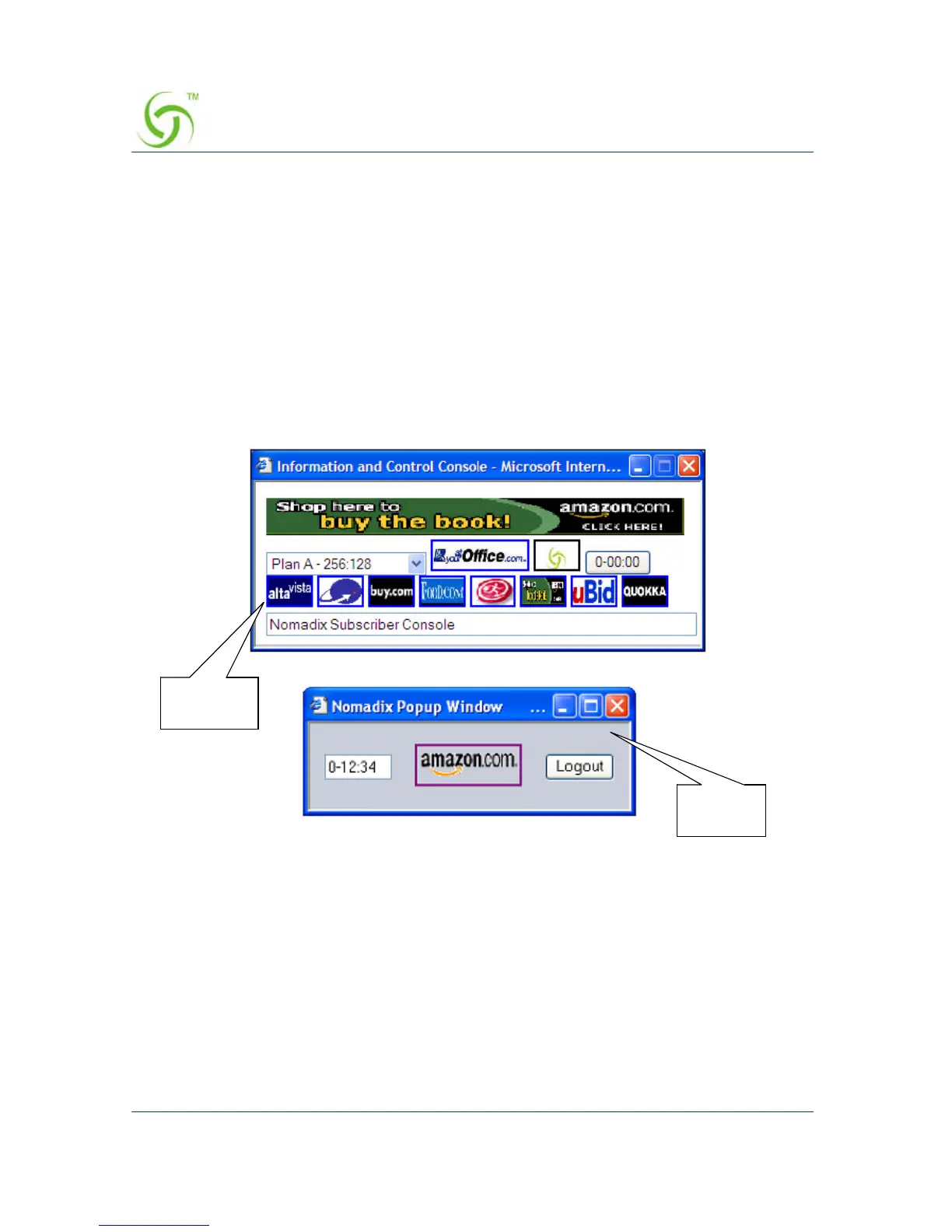
The Nomadix Information and Control Console (ICC) is a HTML pop-up window
that is presented to subscribers, allowing them to select their bandwidth and billing
plan options quickly and efficiently, and displays a dynamic “time” field to inform
them of the time remaining on their account. The ICC also offers service providers an
opportunity to display advertising banners and provide a choice of redirection options.
The HSG also lets System Administrators define a simple HTML-based pop-up
window for explicit Logout that can be used as an alternative to the more fully
featured ICC (described above). The pop-up Logout Console offers the opportunity to
display the elapsed/count-down time and one logo for intra-session service branding.
This procedure allows you to set up how the ICC is displayed to subscribers. For more
information about the ICC, go to “Information and Control Console (ICC)” on
page 254.
1. From the Web Management Interface, click on Subscriber Interface, then ICC
Setup
.
Logout
Console
Featured
ICC



 To Next Page