HOTSPOT GATEWAY
178 System Administration
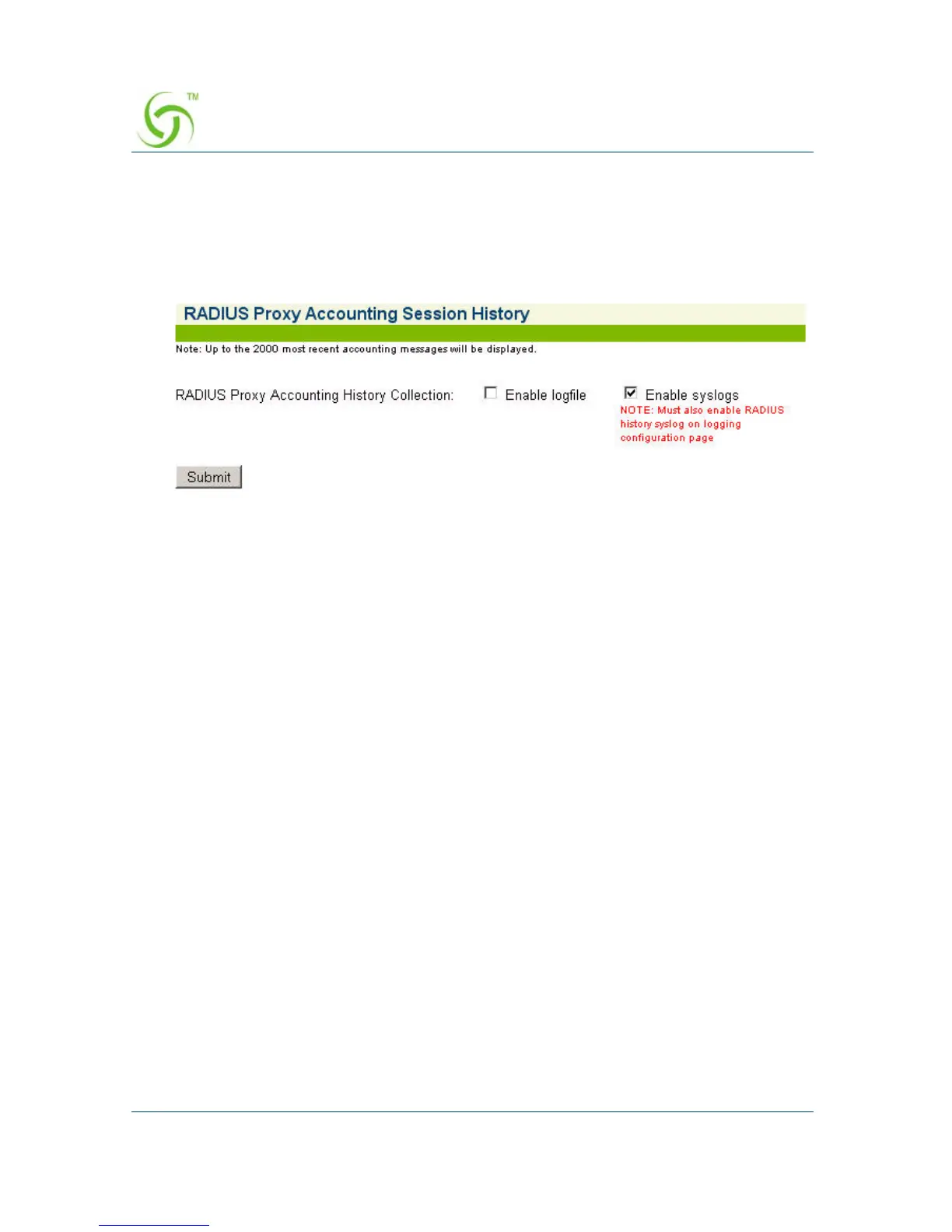
Viewing RADIUS Proxy Accounting History {RADIUS Session
History}
These settings are available under Subscriber Administration/RADIUS Session
History menu.
Enable Logfile checkbox
When this setting is enabled any RADIUS proxy accounting messages sent or
received by the RADIUS proxy application are logged into a file named
“RADHIST.RAD” in the /flash directory. This log contains accounting messages
exchanged with downstream servers, and upstream NASs. The size of the log file is
limited to 2000 records (accounting messages) or 320000 bytes -- when and if
necessary the oldest records are purged to make room for new records.
If the logfile is disabled the current logfile is purged from the flash. If this is re-
enabled again, only RADIUS accounting message sent/received from that point in
time forward will be stored in the log.
Enable Syslogs checkbox
If enabled then the same information described above is sent to the configured Syslog
server. The content of the syslogs is sent in human-readable format. The configuration
page of the syslog server to which these RADIUS proxy accounting messages are sent
is available under the Configuration/Logging menu as described above. The third set
of Syslog parameters on that page pertains to the RADIUS History Log.



 To Next Page