HOTSPOT GATEWAY
226 System Administration
Importing Configuration Settings from the Archive File {Import}
This procedure shows you how to restore the system configuration settings from an
archive file (previously created with the export function).
1. From the Web Management Interface, click on System, then Import.
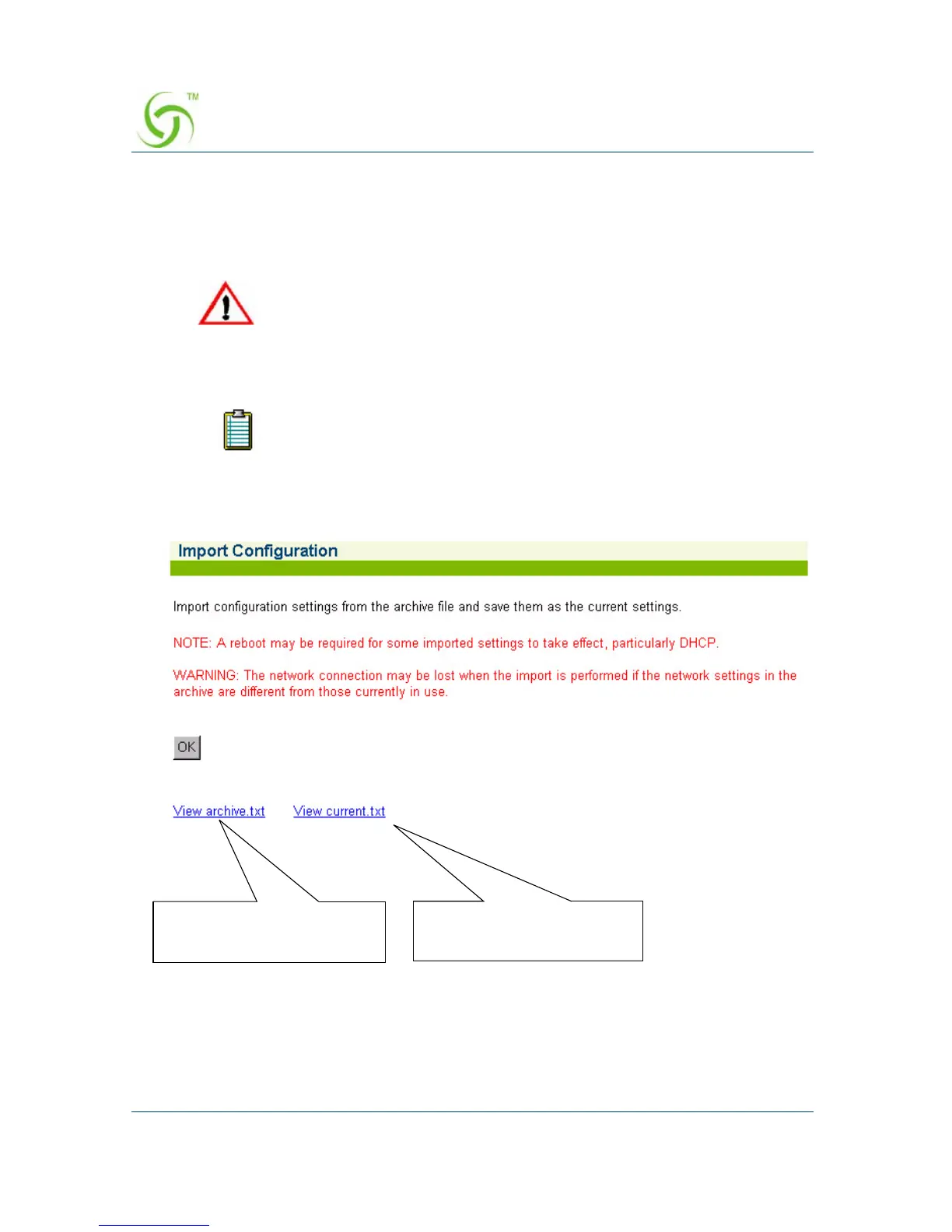
The Import Configuration screen appears:
2. Click on the OK button to replace the current system configuration settings with
the settings contained in the archive.txt file (see notes above).
The archived configuration settings you want to restore may not
contain valid IP addresses. It is recommended that you use a serial
connection to the HSG when performing this procedure, otherwise
you risk losing a remote connection (if the restored IP addresses are
not valid).
You will need to reboot the system for some of the imported default
settings to take effect (especially DHCP).
Click here to view the
“current.txt” file
Click here to view the
“archive.txt” file



 To Next Page