HOTSPOT GATEWAY
216 System Administration
System Menu
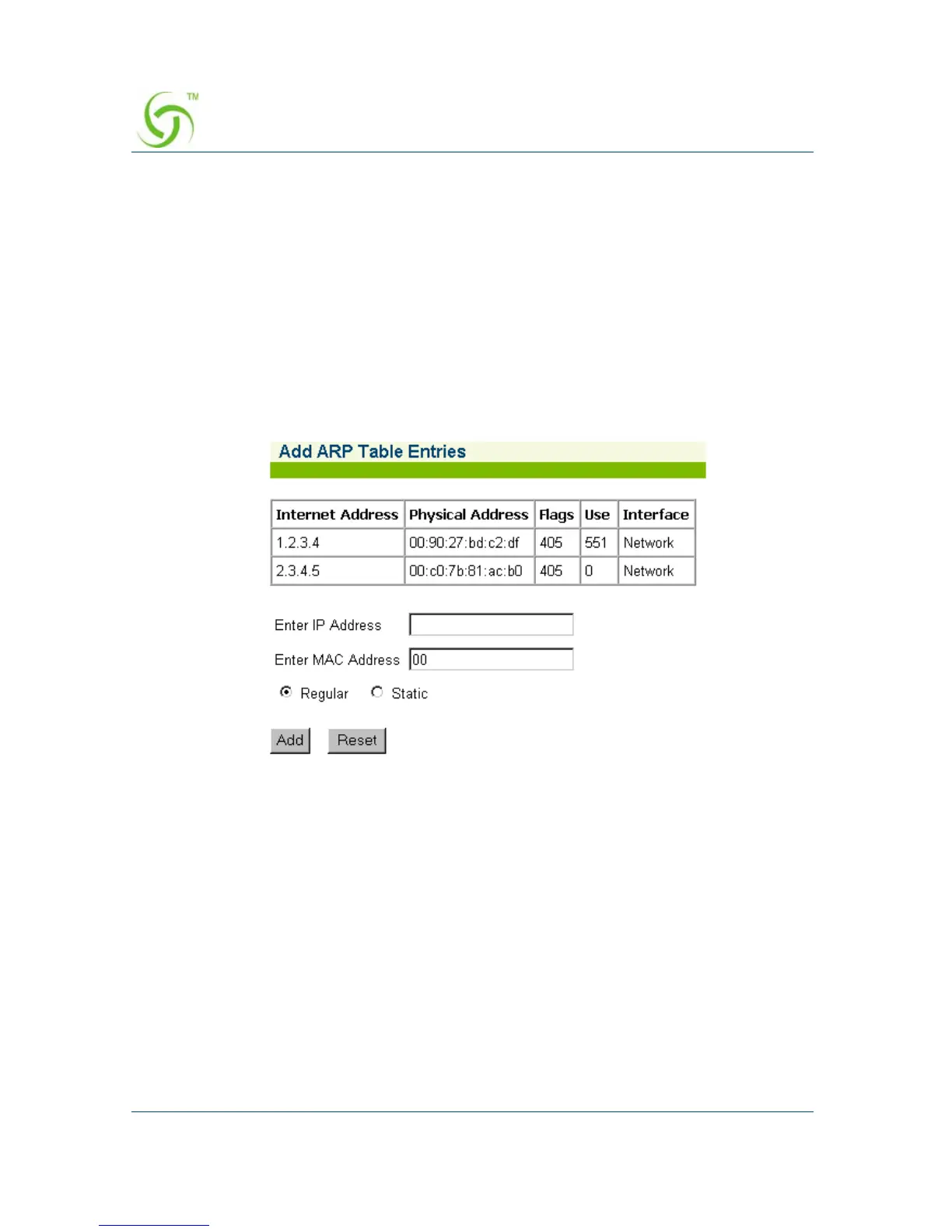
Adding an ARP Table Entry {ARP Add}
ARP (Address Resolution Protocol) is used to dynamically bind a high level IP
address to a low level physical hardware (MAC) address. ARP is limited to a single
physical network that supports hardware broadcasting. This procedure shows you
how to add an ARP table entry.
1. From the Web Management Interface, click on System, then ARP Add.
The Add ARP Table Entries screen appears:
2. Enter the IP Address of the entry you want to add.
3. Enter the MAC Address.
4. Define whether this entry is Regular or Static.
5. Click on the Add button to add your entry, or click on the Reset button if you
want to reset all the values to their previous state.



 To Next Page