HOTSPOT GATEWAY
114 System Administration
3. Enter your user name and password, then click on the OK button. The In Room
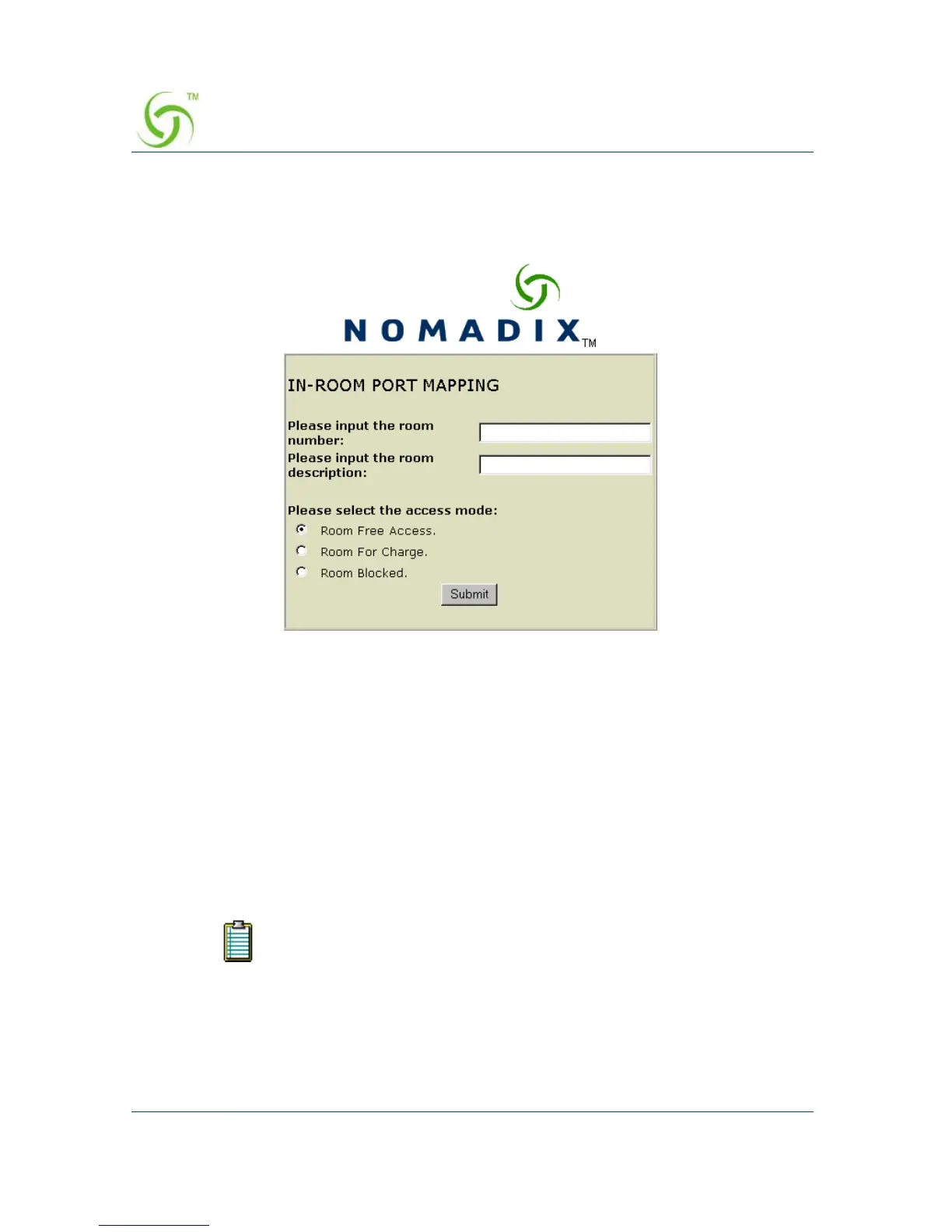
Port Mapping screen appears:
4. Enter the room number and a description for this room.
5. Select the access mode you want to assign to this room:
z Room Free Access
z Room For Charge
z Room Blocked
6. Click on the Submit button to save your changes.
7. Repeat Steps 4 through 6 for each room (see note).
If you leave your browser open, the “cookie” that is placed on your
system will allow you to go from room to room during the mapping
process. However, if you close your browser, the cookie is deleted and
you will need to login again.



 To Next Page