HOTSPOT GATEWAY
System Administration 105
Click on the Submit button to save your changes, or click on the Reset button if you
want to reset all the values to their previous state.
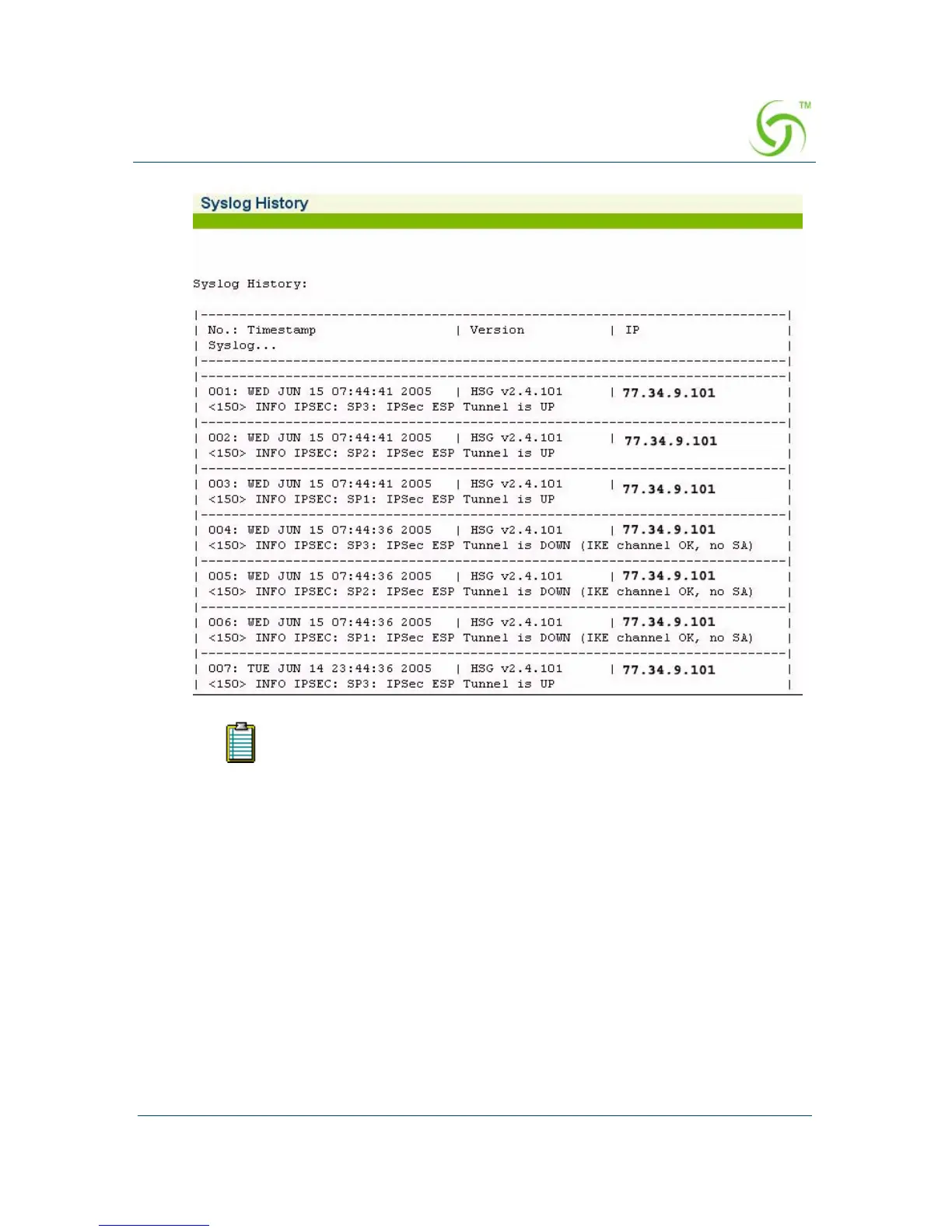
When logging is enabled, log files and error messages are sent to these servers for
future retrieval. To see sample reports, go to “Sample SYSLOG Report” on page 274
and “Sample AAA Log” on page 272.
PageFaults are stored in the file named “lograw.txt” in the /flash
directory and is not viewable on the web management interface.



 To Next Page