HOTSPOT GATEWAY
116 System Administration
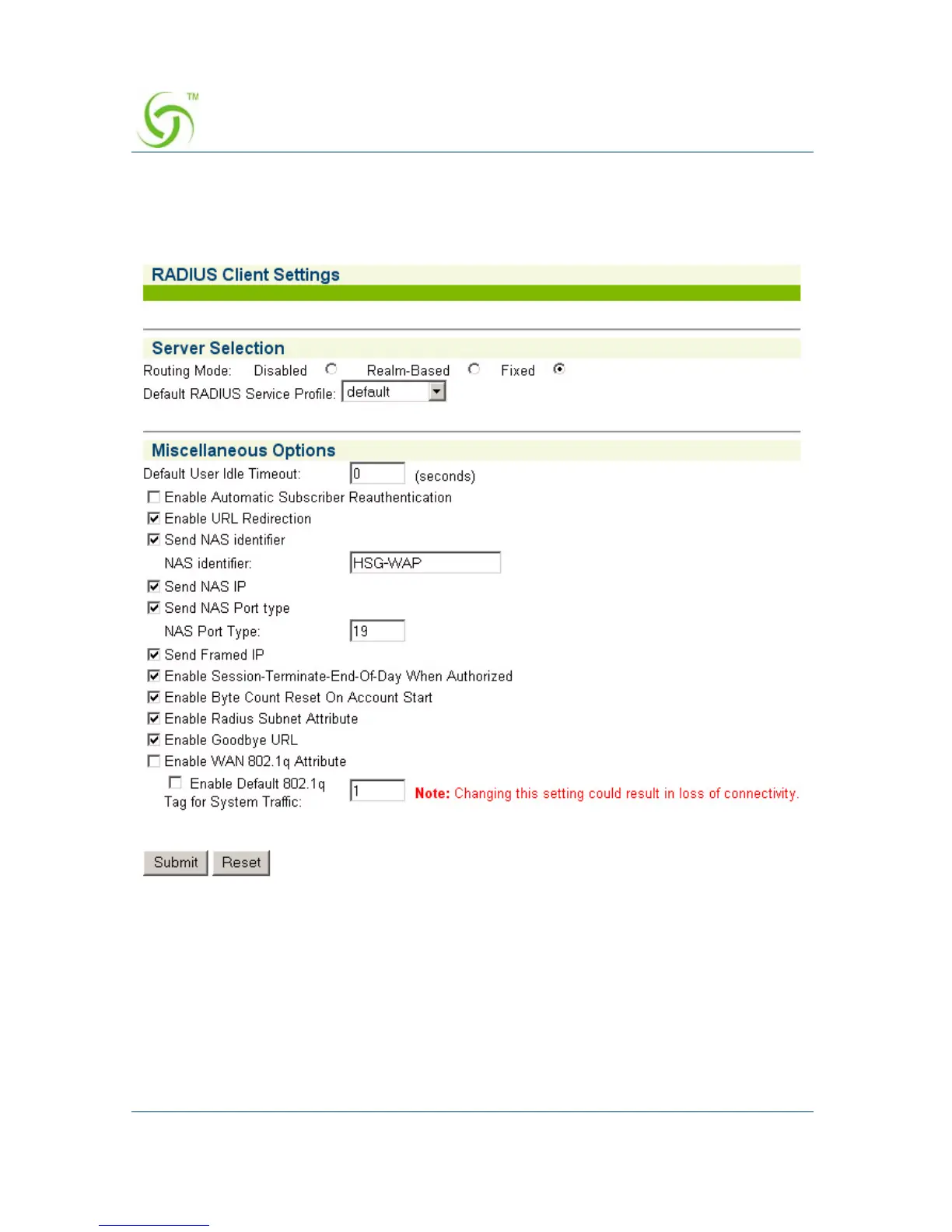
1. From the Web Management Interface, click on Configuration, then RADIUS
Client.
The RADIUS Client Settings screen appears:
2. Under the Server Selection options, choose the Routing Mode:
z Disabled (to disable RADIUS authentication)
z Realm-Based (for Realm routing)
z Fixed (for routing to predefined RADIUS servers)
3. Select the Default RADIUS Service Profile from the pull-down menu.



 To Next Page