HOTSPOT GATEWAY
120 System Administration
10. Select the Default RADIUS Service Profile from the pull-down menu (see note).
11. Click on the Add button to add this Upstream RADIUS NAS definition, then
click on the Back to Main RADIUS Proxy Settings page link to return to the
RADIUS Proxy Settings screen.
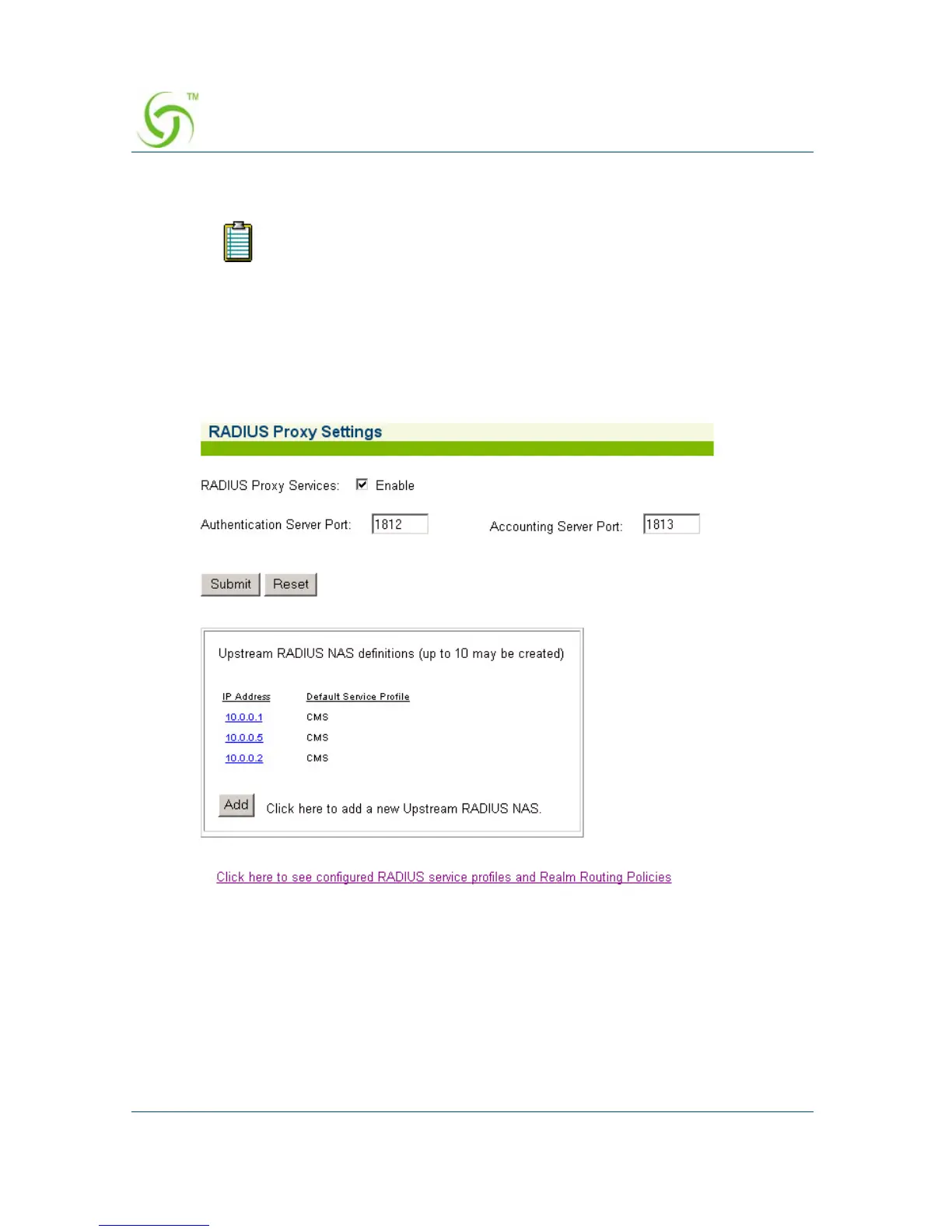
The Upstream RADIUS NAS definition you just added appears in the list. You
can add up to 10 definitions.
12. Repeat Steps 5 through 11 to add more Upstream RADIUS NAS definitions, as
required.
13. To view configured RADIUS Service Profiles and Realm Routing Policies, click
on the link:
Click here to see configured RADIUS service profiles and Realm
Routing Policies
to view the Realm-Based Routing Settings screen).
See also, “Defining the Realm-Based Routing Settings {Realm-Based Routing}” on
page 121.
RADIUS requests originating from this Upstream NAS will be routed via
the specified profile if it cannot be routed based on realm. Leave this
field blank if default routing is not desired.



 To Next Page