HOTSPOT GATEWAY
126 System Administration
4. Select the required RADIUS Service Profile from the pull-down menu.
5. Click on the Strip off routing information check box if you want to remove the
routing information.
6. Click on the Add button to add this Realm Routing Policy.
7. When you have completed the definition of your Realm Routing Policy, you can
return to the previous screen (Realm-Based Routing Settings) by clicking on the
Back to Main Realm-Based Routing Settings page link.
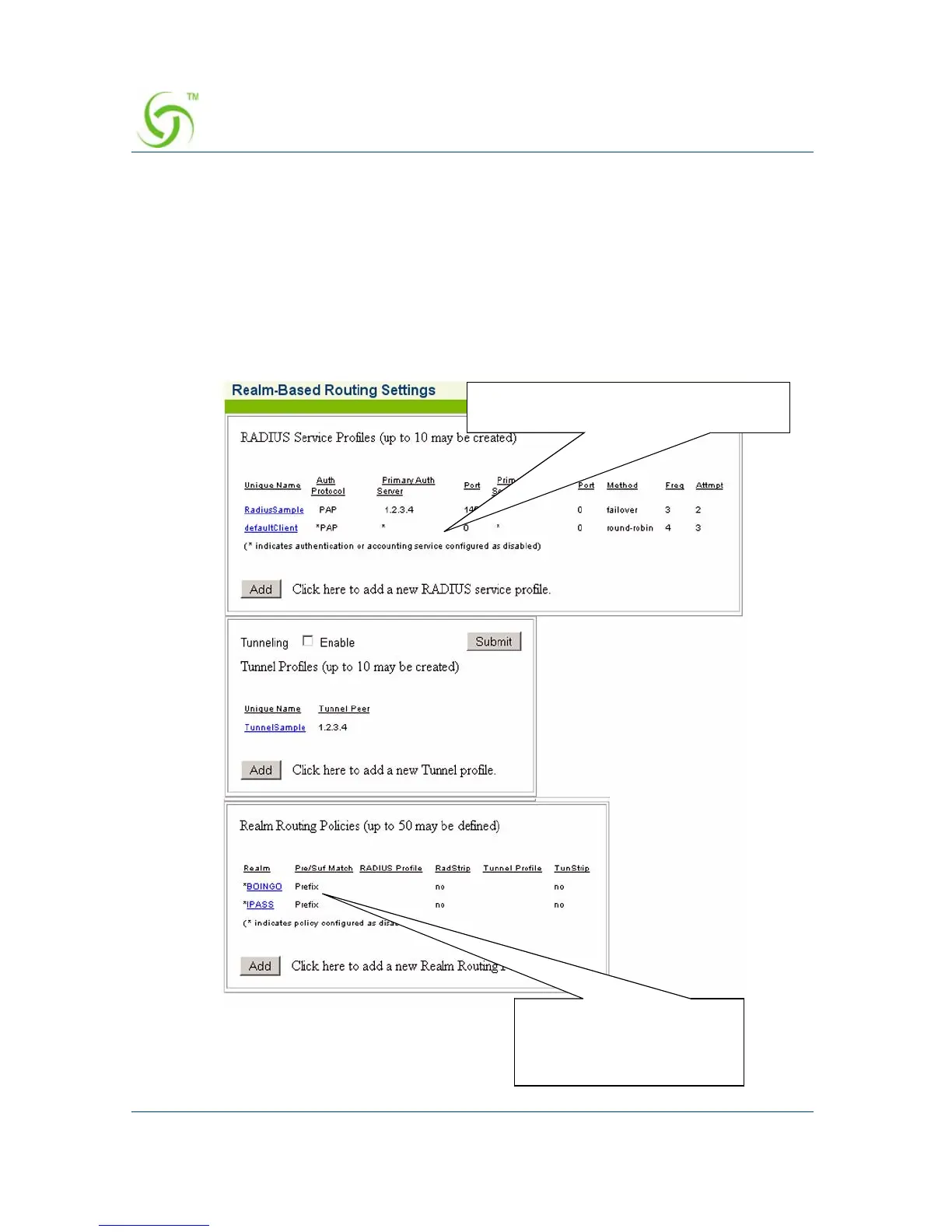
8. The Realm Routing Policy you just created is added to the list.
Your new Realm Routing
Policies are added to this
list
Your new RADIUS Service Profiles are
added to this list



 To Next Page