HOTSPOT GATEWAY
Quick Reference Guide 297
CSR Submission to VeriSign
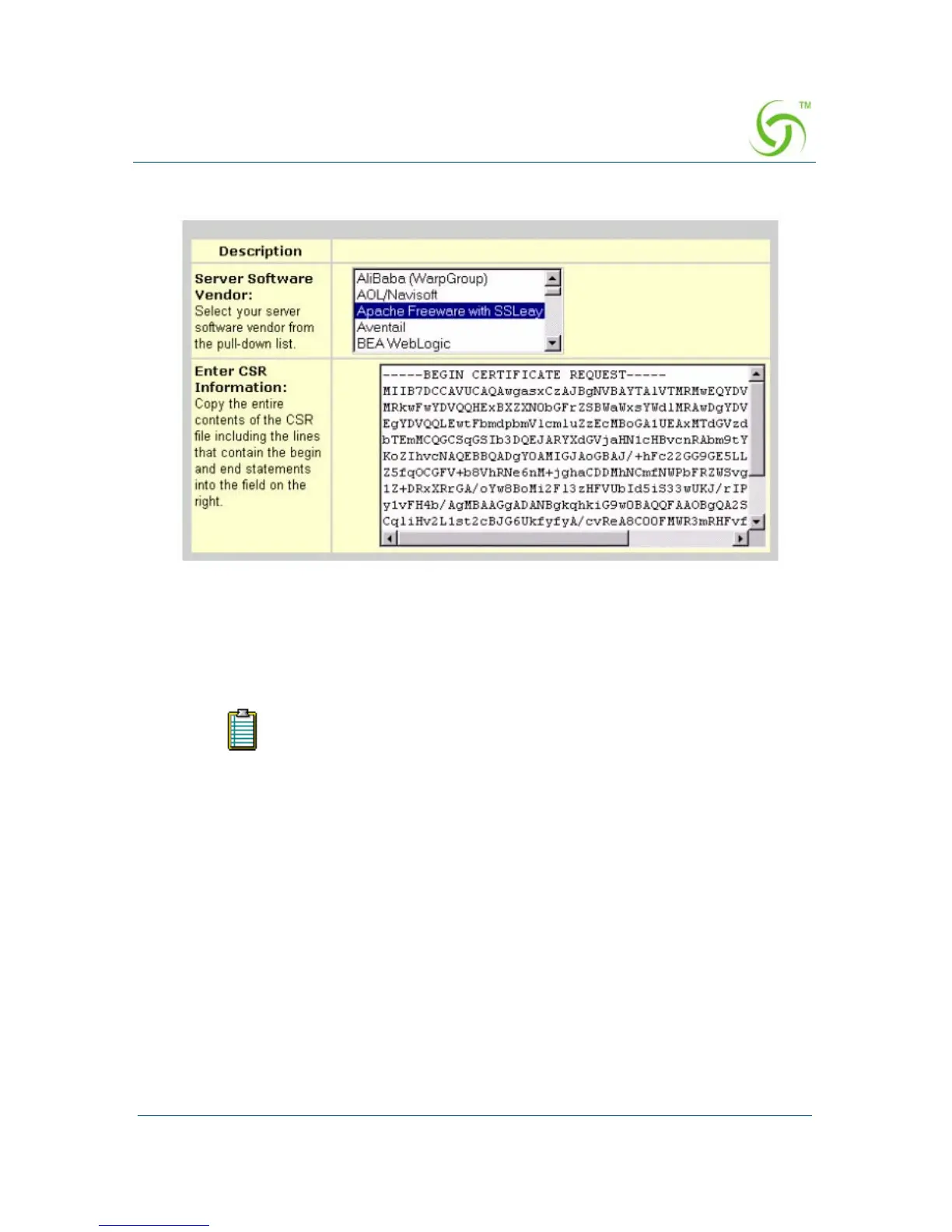
Please select “Apache Freeware” to submit the CSR to VeriSign. The Certificate
Signing Request is in the server.csr (created in the previous step). Open server.csr and
copy and paste all data into the edit box.
Select the purchase method and summit the required contact information.
When you receive an email from VeriSign with “Secure Server ID” (Global Server ID
if you create a 128-bit key) that contains the Public Key information, cut and paste
the key to paste it into a new file, named server.pem.
For Expedited Service, you will typically be able to get the Public Key
by email within two days. For Regular Service, you will typically be
able to obtain the key within seven days.



 To Next Page