HOTSPOT GATEWAY
System Administration 75
Administrative Steps to Enable Auto-Config
Typically, these tasks are performed either at a device pre-staging center or by the
field engineer.
1. Establish a WAN connection and electronically accept the EULA.
2. Setup RADIUS Server parameters (go to “Defining the RADIUS Client Settings
{RADIUS Client}” on page 115).
3. Setup Username and Password for RADIUS Authentication.
Administrative Steps to Enable Auto-Config for the NOC Administrator
1. Add NAS IP address.
2. Add Nomadix Auto-Config VSA to the Nomadix dictionary file on the RADIUS
server.
3. Create a RADIUS profile with the configuration VSA.
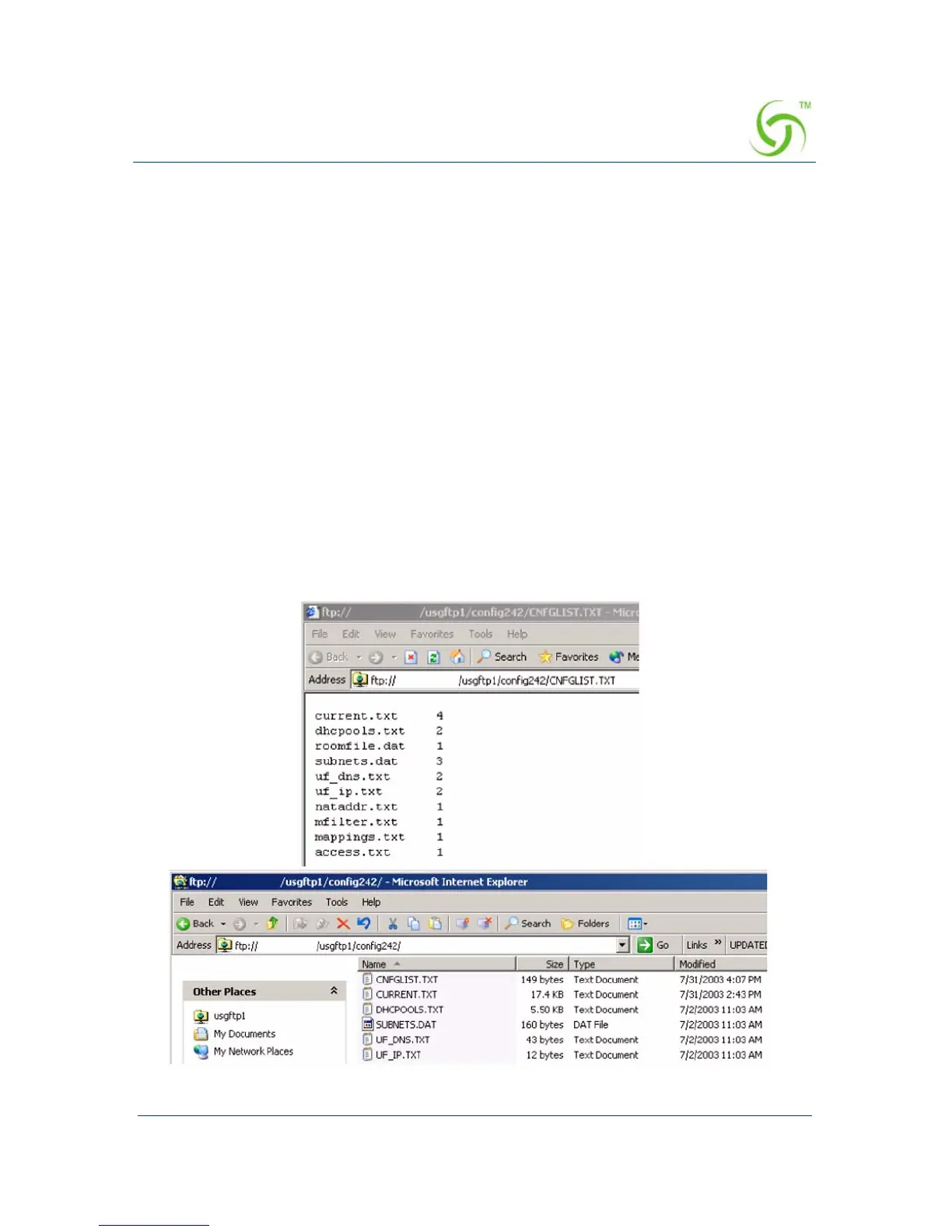
4. Create an FTP server with the configuration files.
5. The following diagram shows a sample RADIUS configuration file, meta file
and illustration of the FTP server setup.



 To Next Page