6
Setting up the PCL driver
6-4 MP1020/1025/1035
2
Note
To enable any installed options, you must specify the Option settings. For
details, refer to “Specifying the Option tab settings” on page 6-31.
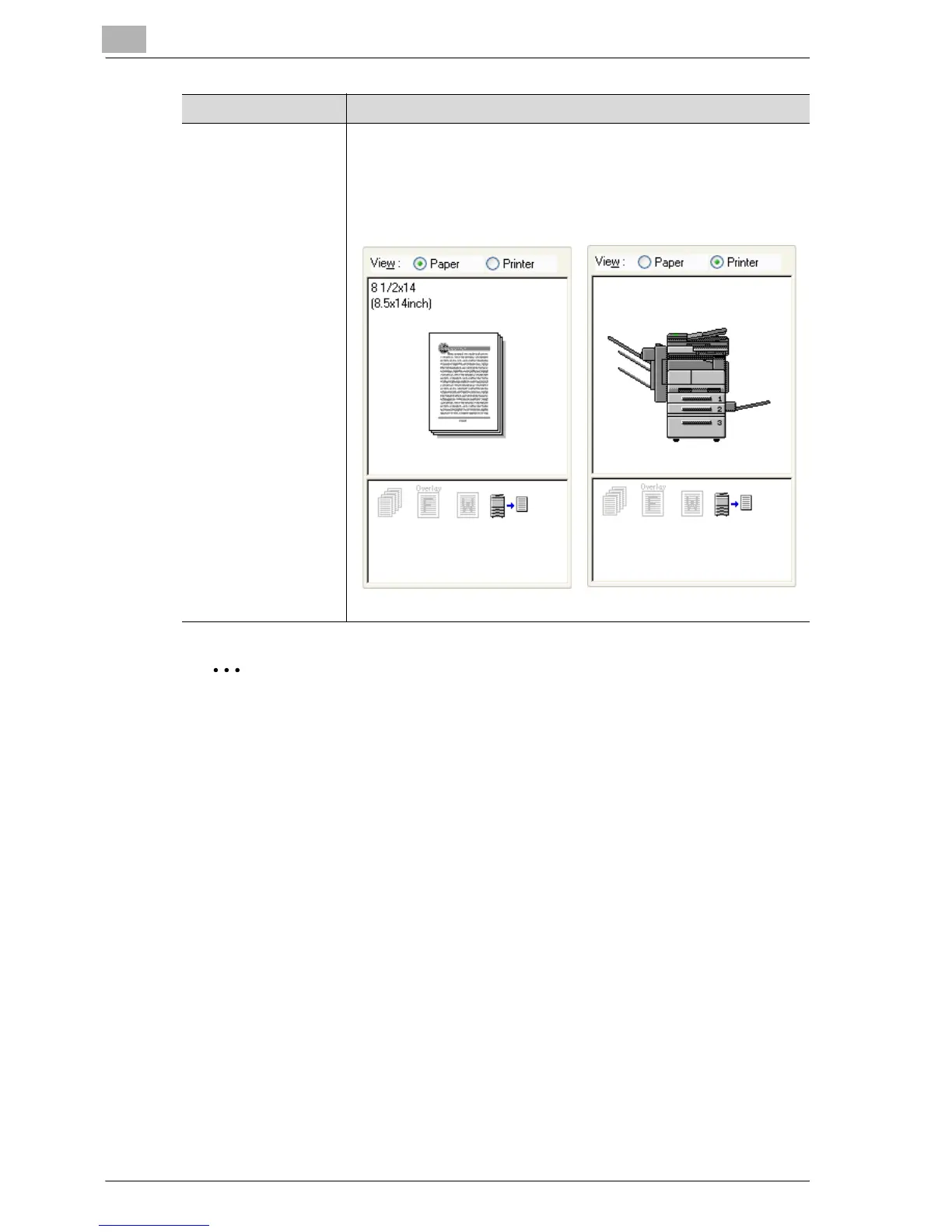
View When “Paper” is selected, a preview of the page layout as specified in
the current settings is displayed and a preview image of the print job
can be checked.
When “Printer” is selected, a printer figure is displayed showing any
options, such as the paper tray, that are installed on this machine.
Button Function
Paper Printer



 To Next Page