11
Various settings
11-8 MP1020/1025/1035
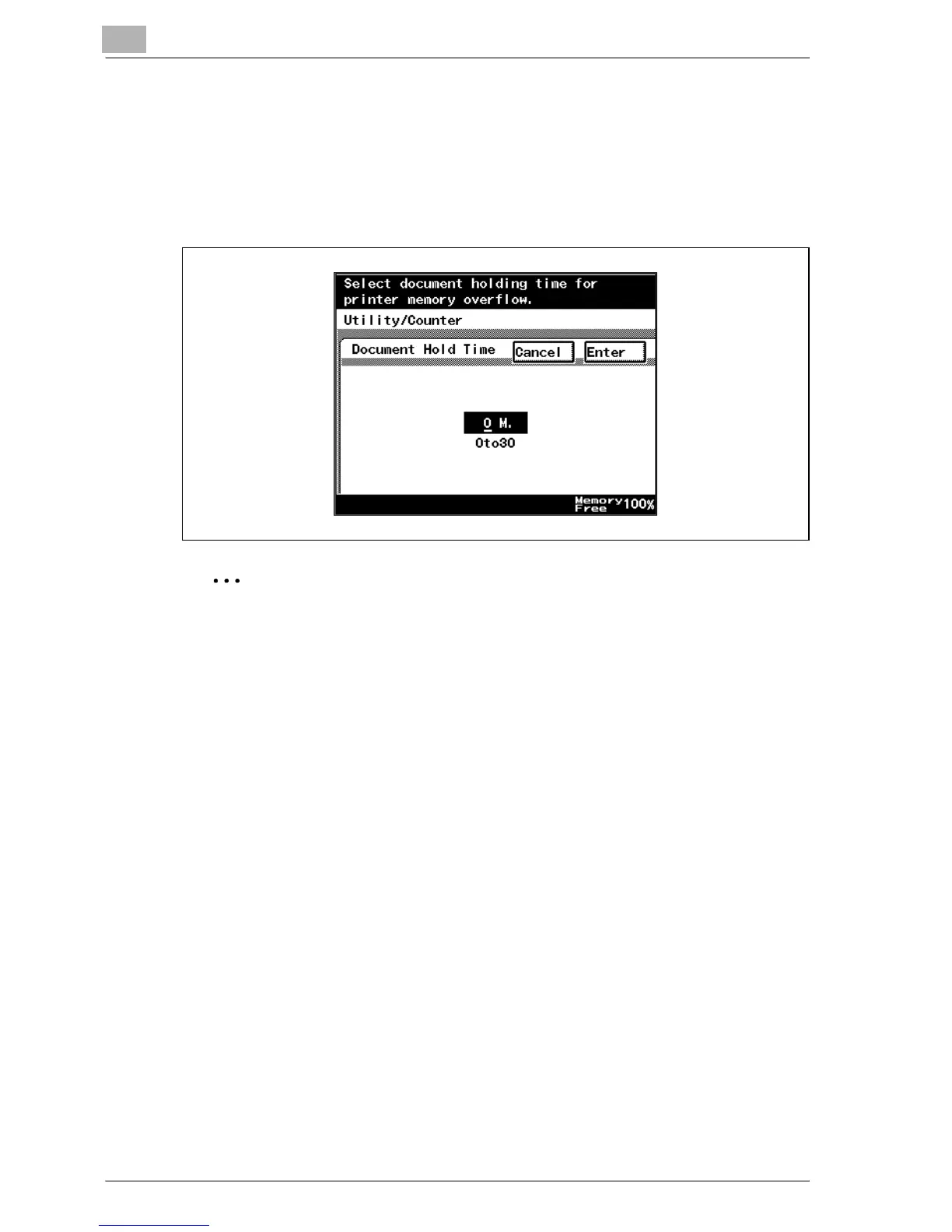
Document Hold Time
You can specify the minutes until a job that is being received is deleted when
the memory has exceeded capacity when spooling. (Default setting: 5 M.)
% After using the keypad to type in a value, touch [Enter].
– 0to30: Specifies the time in which to delete the data.
2
Note
If a value outside of the allowable range is specified, the setting cannot
be changed even when [Enter] is touched. Type in a value within the al-
lowable range.
To cancel changes to the settings, touch [Cancel].



 To Next Page