Various settings
11
MP1020/1025/1035 11-93
Recalling jobs (Secured Print)
For details on using the keys on the control panel, refer to User’s Guide
[Copy Operations].
For details on the box functions of this machine, refer to User’s Guide [Box
Operations].
1 Press the [Box] key on this machine’s control panel.
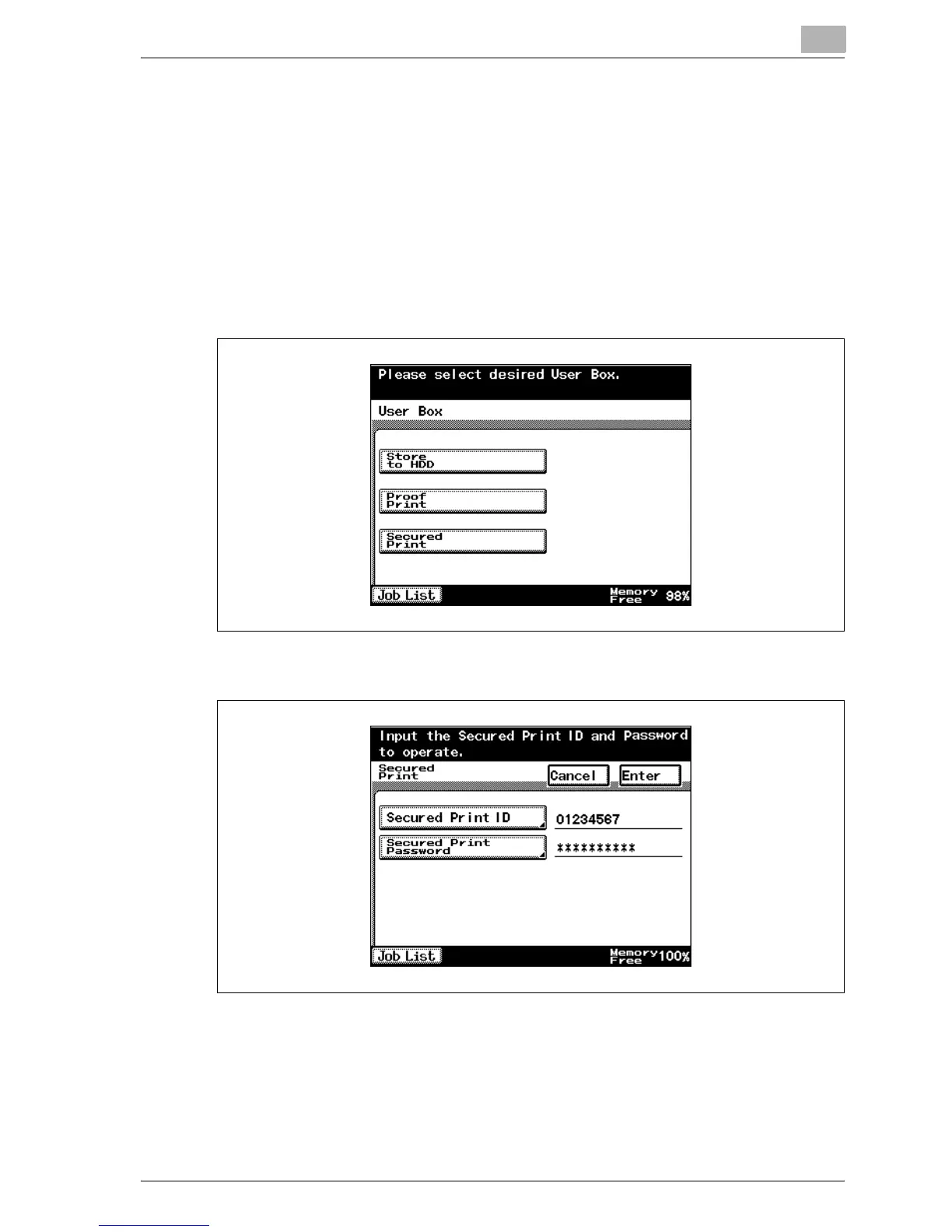
2 Touch [Secured Print].
3 Enter the ID and password in Secured Print, and then touch [Enter].



 To Next Page