11
Various settings
11-94 MP1020/1025/1035
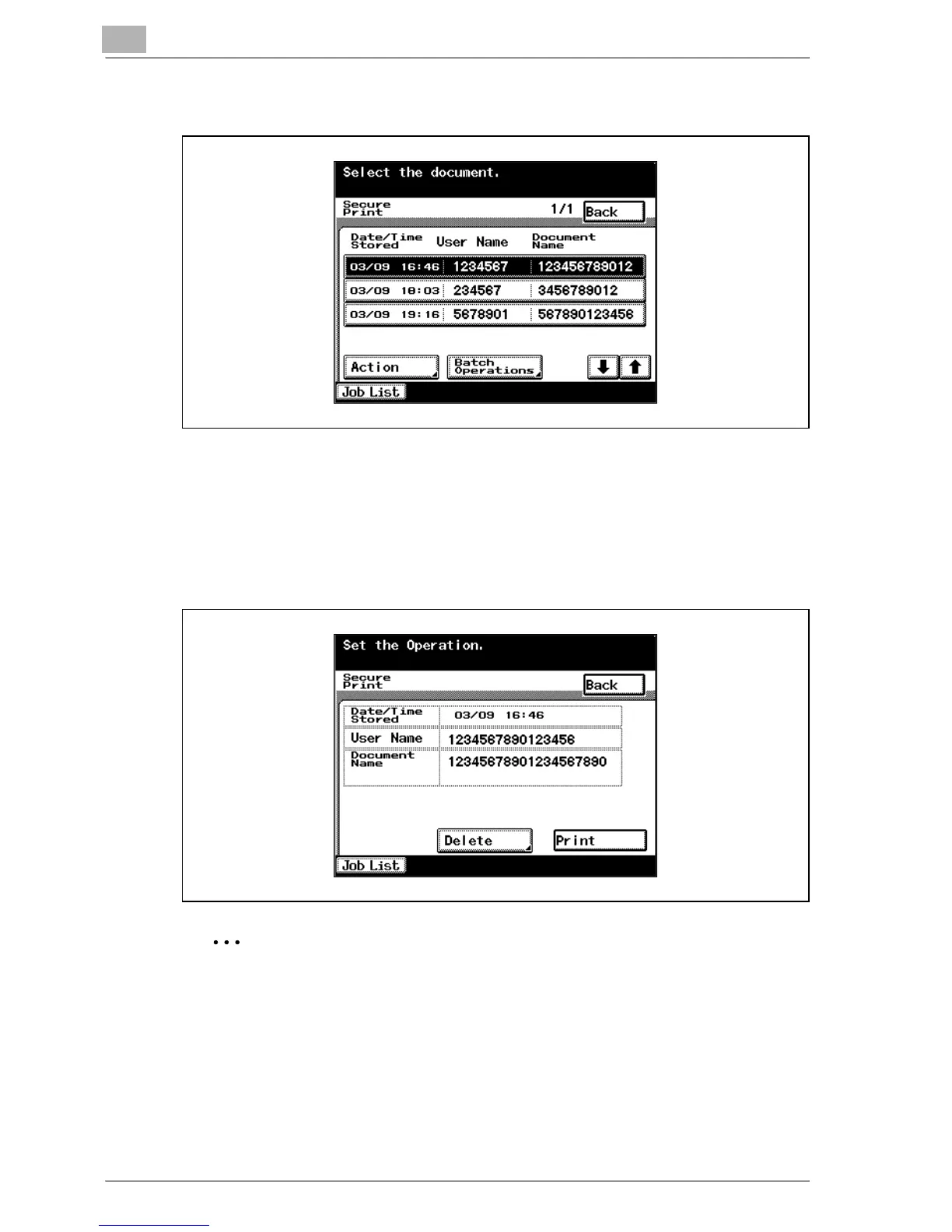
4 From the job list, select the job you want to print.
5 Touch [Action].
The Action screen appears.
6 Touch [Print].
The stored job is changed to an active job, then printed.
2
Note
To delete and not print a job, touch [Delete].
Jobs in [Proof Print] or [Secured Print] are deleted after being printed or
when this machine is turned off.



 To Next Page