11
Various settings
11-58 MP1020/1025/1035
System tab
On the System tab, information and settings concerning the system config-
uration of this machine are displayed.
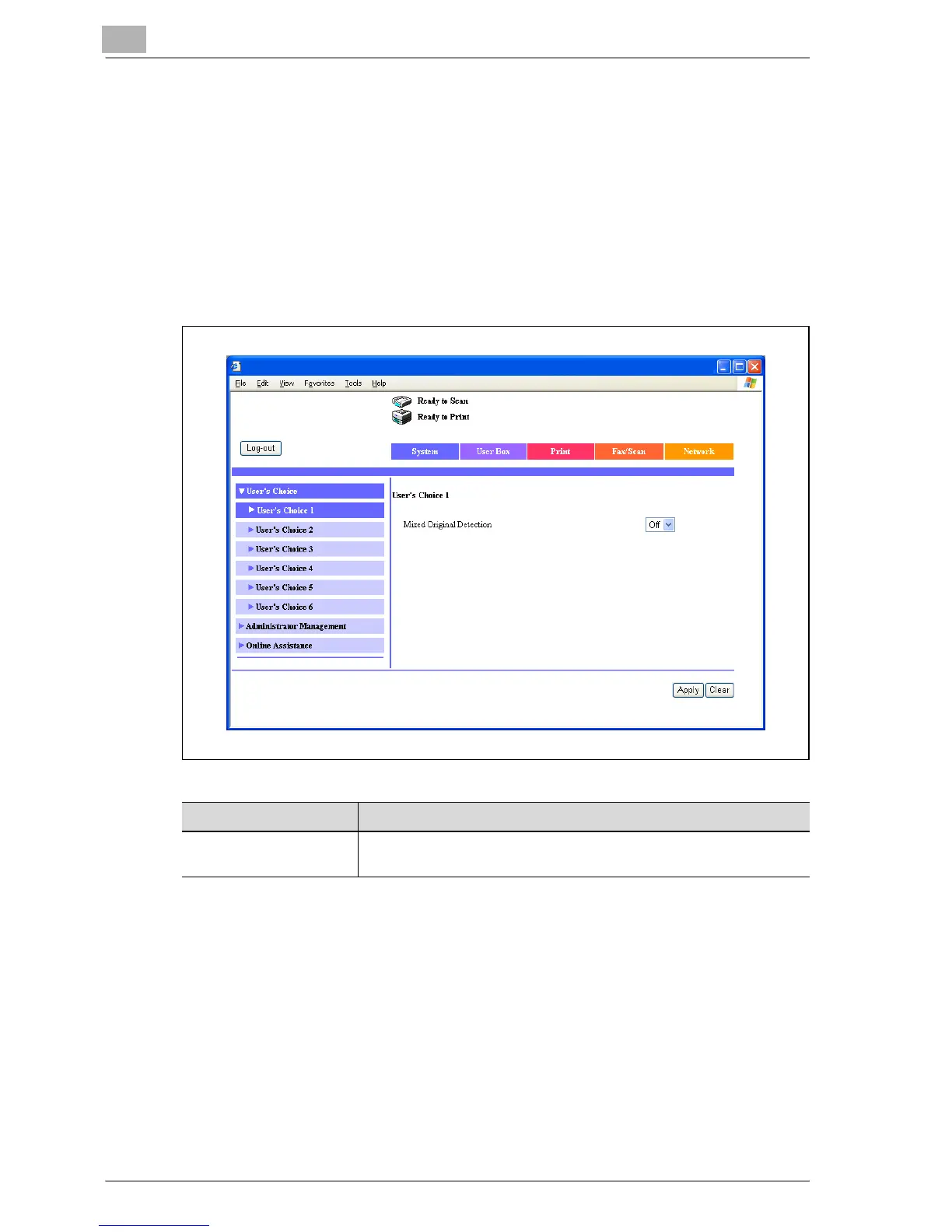
System tab - User’s Choice - User’s Choice 1
Click the System tab, click “User’s Choice”, and then click “User’s Choice 1”
in the sub-menu that appeared.
You can specify the related settings for process a mixed document.
Item Description
Mixed Original Detection Specify whether to set the mixed original detection mode to the de-
fault value.



 To Next Page