11
Various settings
11-90 MP1020/1025/1035
Job storage
Depending on the printer driver “Output Method” settings, a print document
can be stored in this machine as a print job.
To print a stored job, you must recall the job in Box mode using this
machine’s control panel.
Recalling jobs (Proof Print)
For details on using the keys on the control panel, refer to User’s Guide
[Copy Operations].
For details on the box functions of this machine, refer to User’s Guide [Box
Operations].
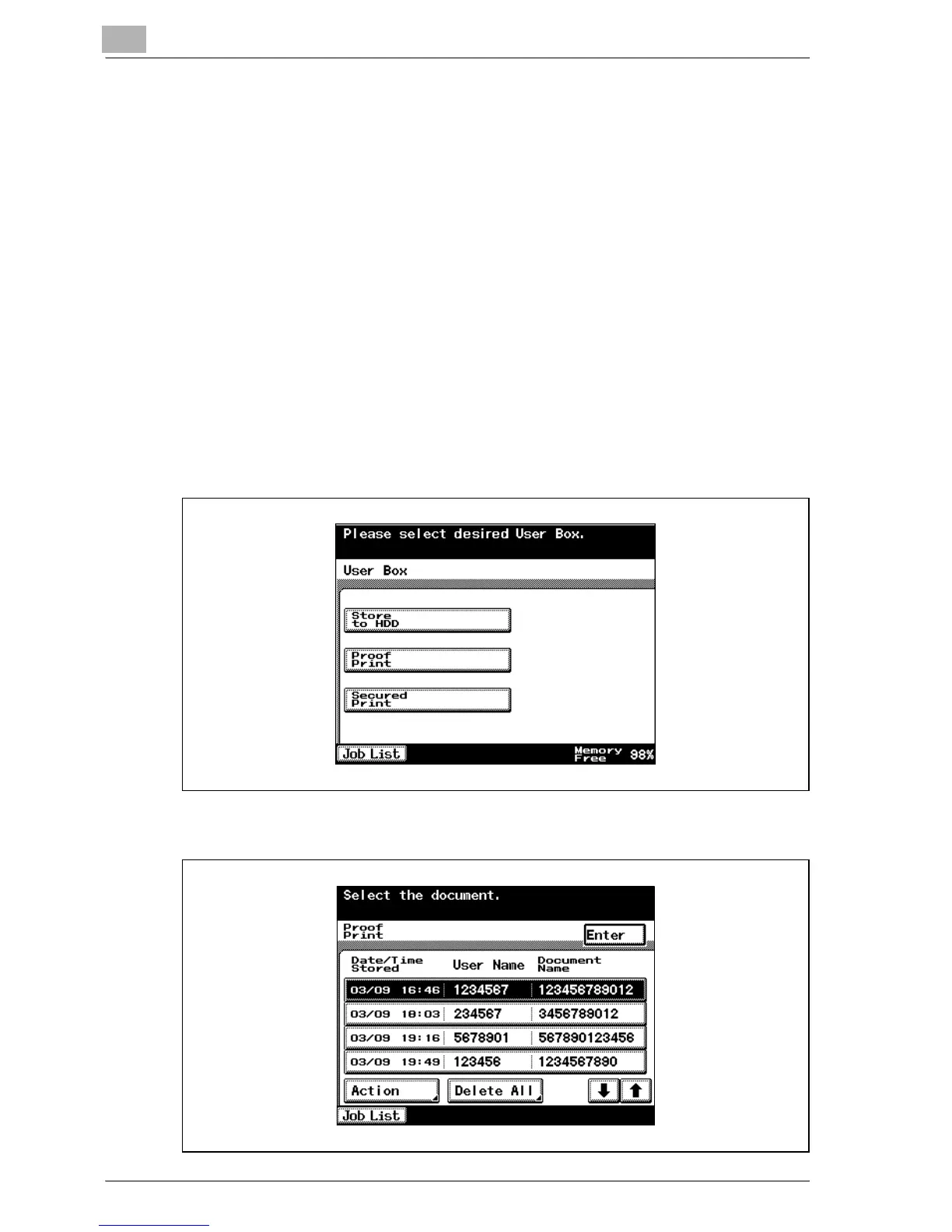
1 Press the [Box] key on this machine’s control panel.
2 Touch [Proof Print].
3 From the job list, select the job you want to print.



 To Next Page