11
Various settings
11-56 MP1020/1025/1035
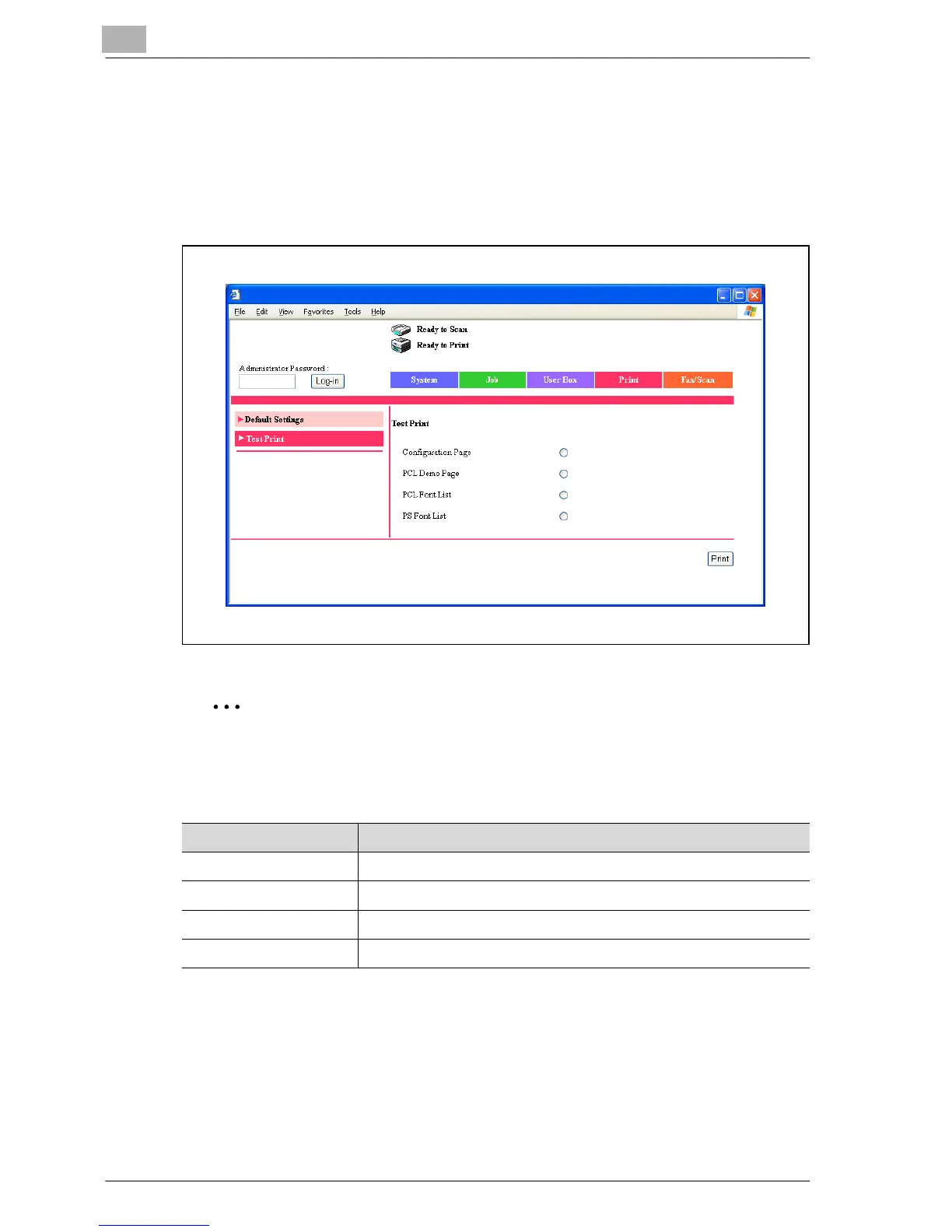
Print tab - Test Print
Click the Print tab, and then click “Test Print” in the menu.
You can print various configuration information, the demo pages, and the
font information. Select the report that you want to print, and then click the
[Print] button.
2
Note
When this machine is processing a job, you may not be able to output re-
ports.
Item Description
Configuration Page Prints the various configuration information pages of this machine.
PCL Demo Page Prints a demo page.
PCL Font List Prints the font list that is used by PCL.
PS Font List Prints the font list that is used by PostScript.



 To Next Page