Various settings
11
MP1020/1025/1035 11-71
Print tab
On the Print tab, information and settings concerning the connecting inter-
face and print default print settings are displayed.
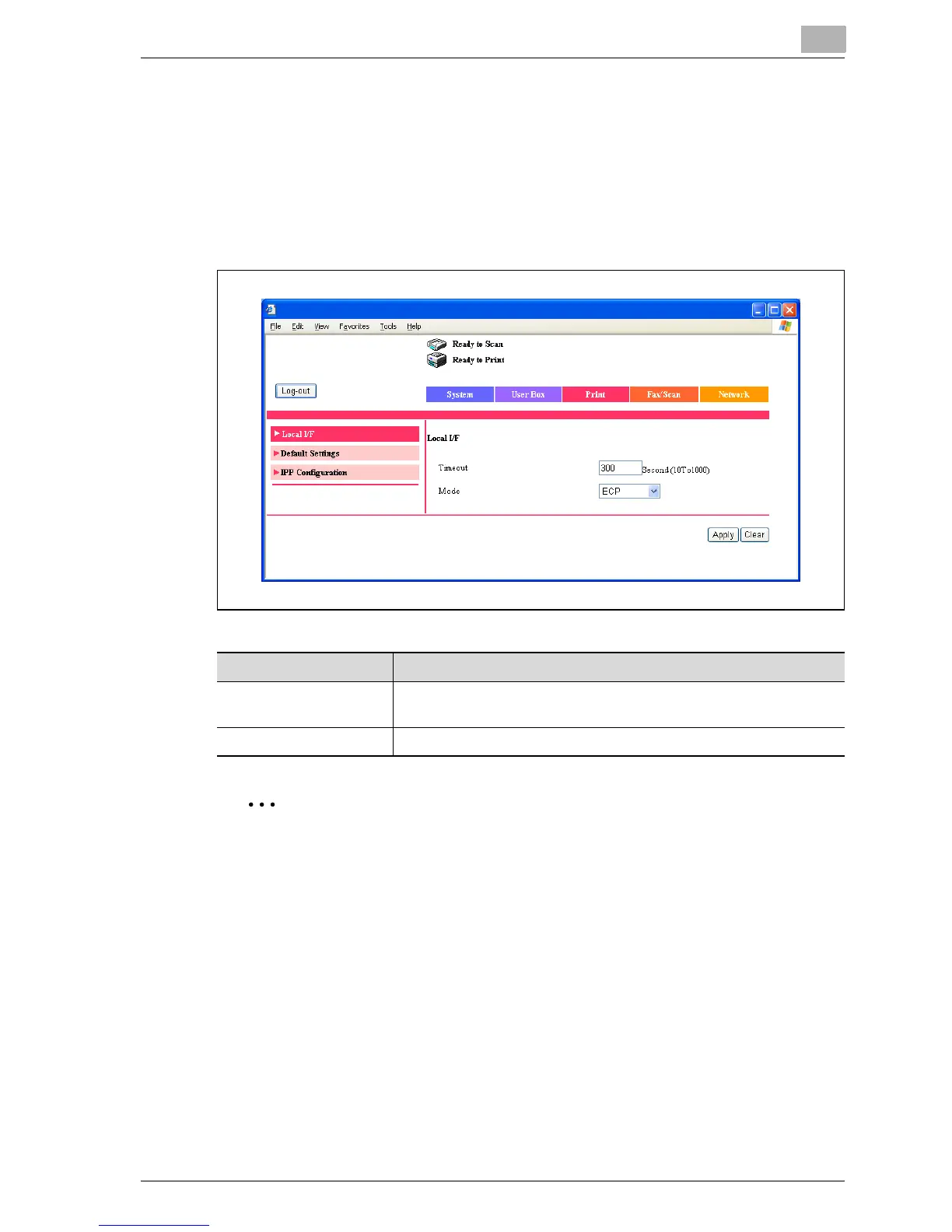
Print tab - Local I/F
You can change the interface timeout settings.
2
Note
“Mode” can only be displayed when optional local interface kit is in-
stalled.
Item Description
Timeout Enter the reception timeout for the interface port (input range: 10-
1000).
Mode Select the parallel port transmission method.



 To Next Page