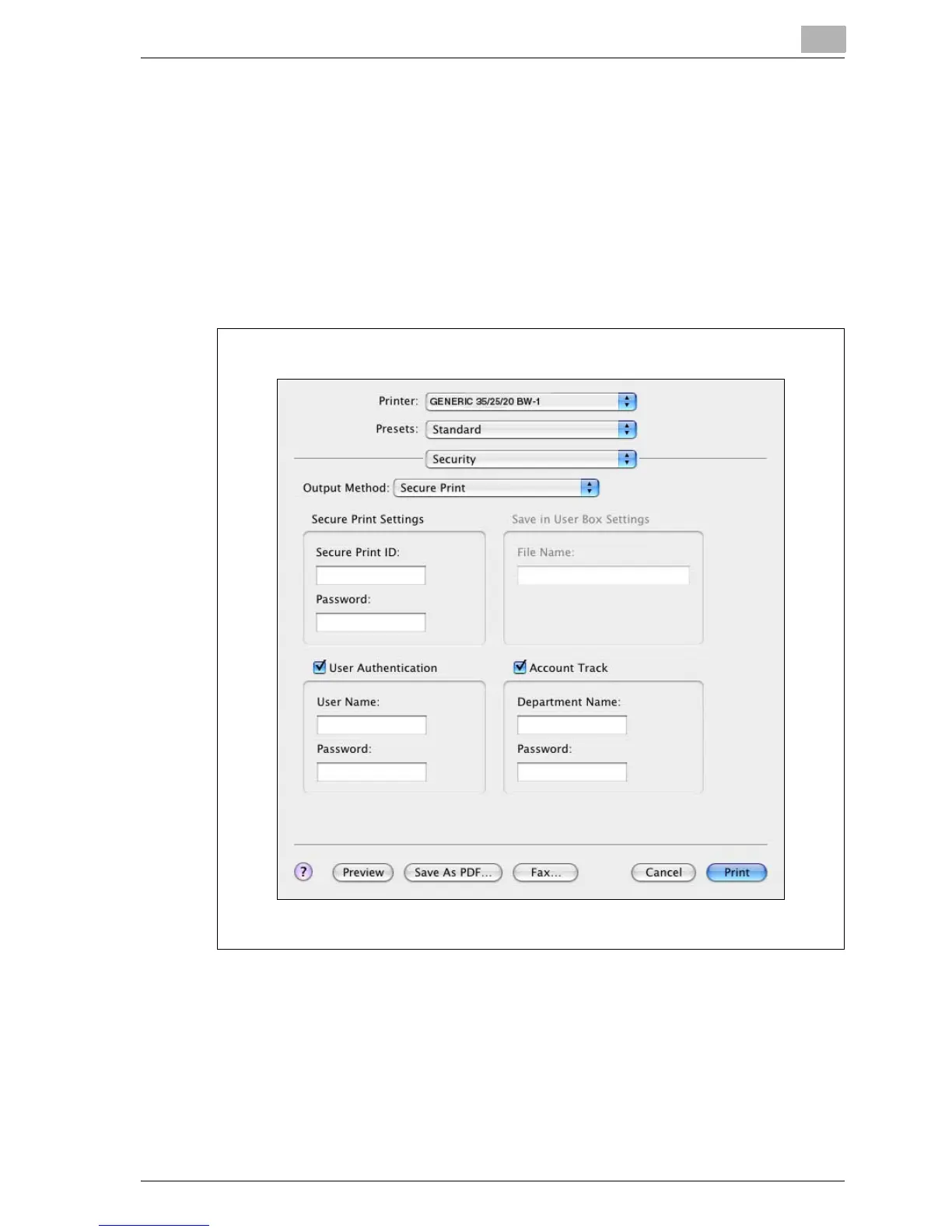
Setting up the PPD driver (Mac OS X)
10
MP1020/1025/1035 10-17
!
Detail
Print the document from the control panel of this machine. For details, re-
fer to “Print job management” on page 11-87.
Proof and Print can be specified when “Collated” is specified.
For details on the box functions of this machine, refer to User’s Guide
[Box Operations].



 To Next Page