Various settings
11
MP1020/1025/1035 11-5
2
Note
To quit specifying the printer settings, touch [Enter] until the screen for
the Copy, Fax, Scan, or Box mode appears.
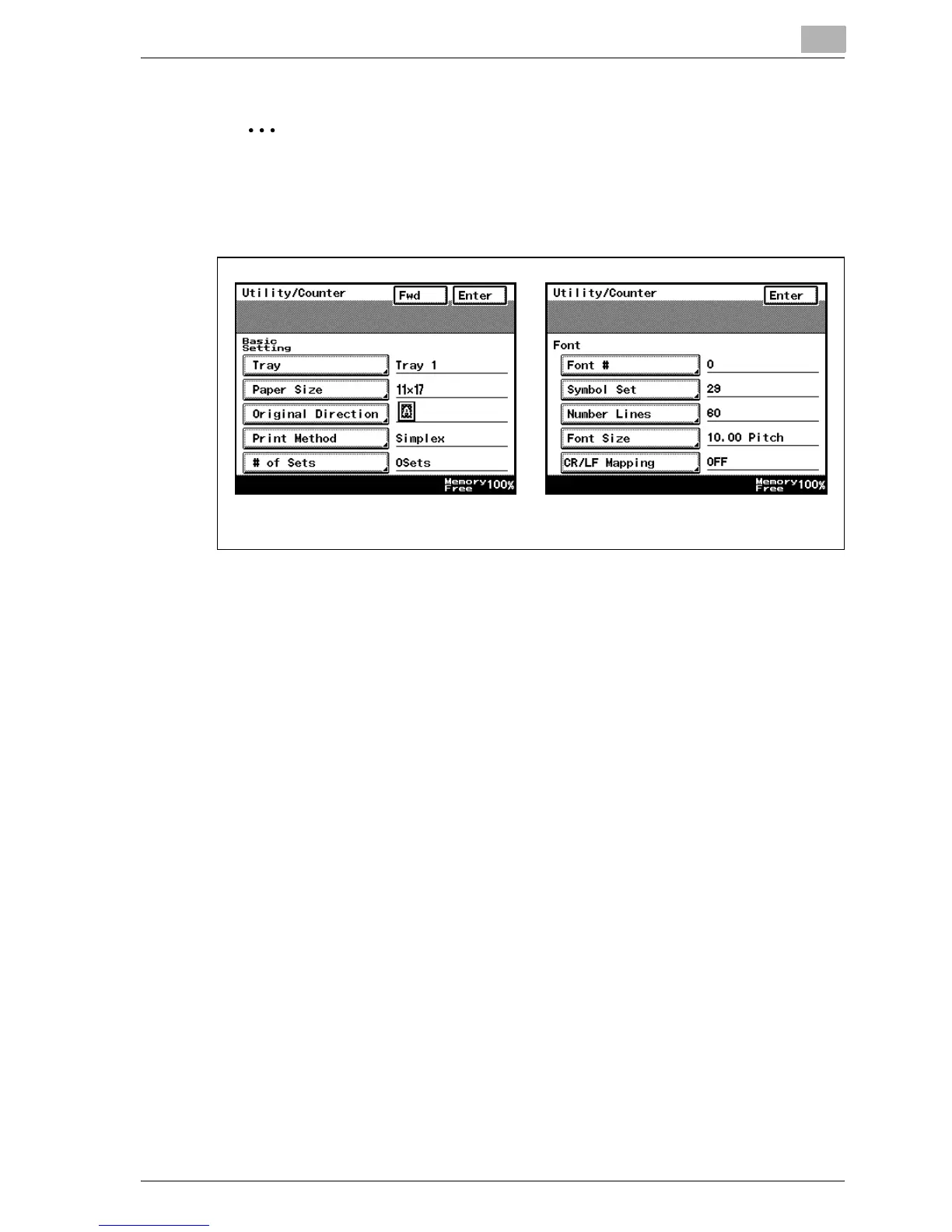
The default screens are shown below and each setting can be specified.
Basic Setting screen Font screen



 To Next Page