Installing the printer driver
3
MP1020/1025/1035 3-21
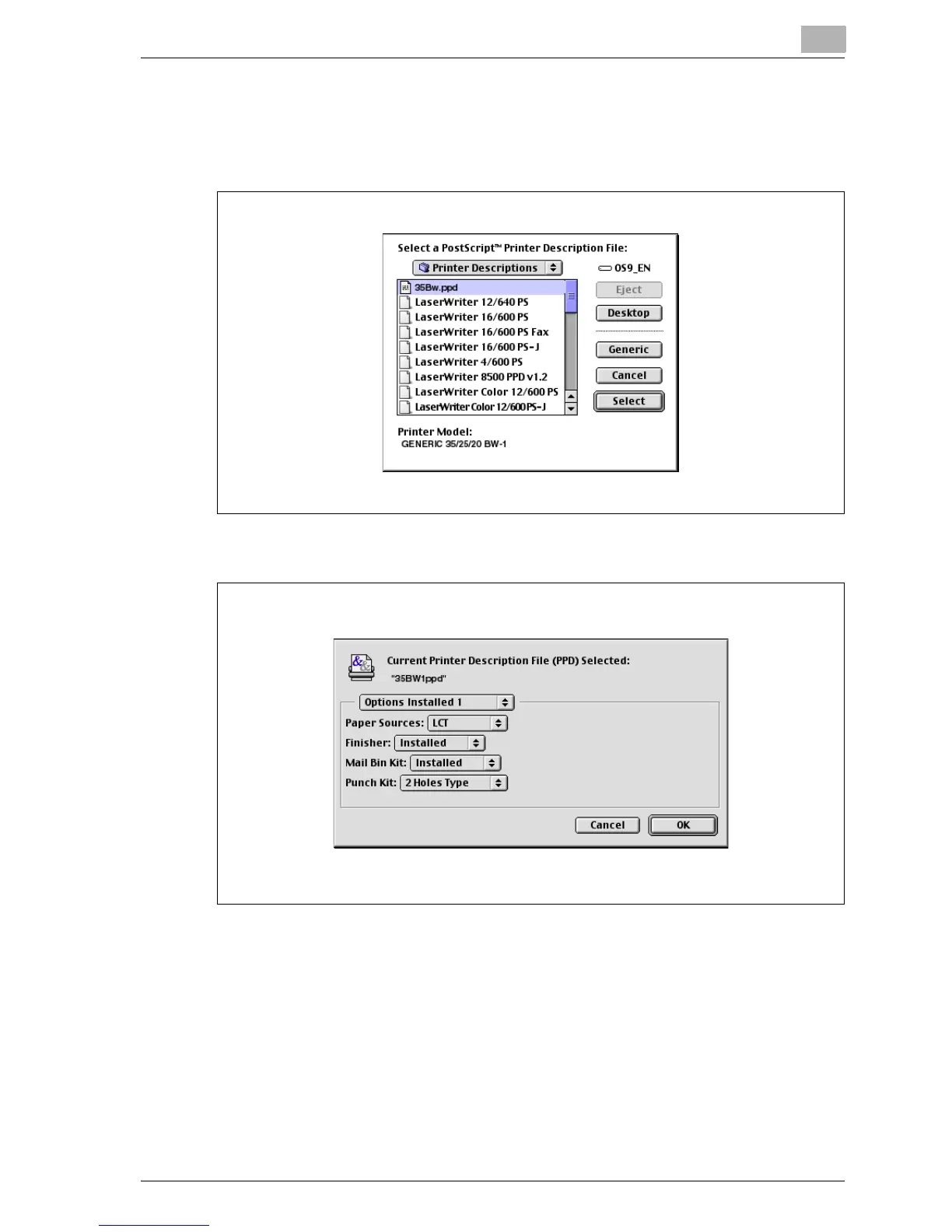
7 Select the applicable PPD file, and then click the [Select] button or
[Open] button.
The setting screen for adding Options appears.
8 Select the options that are installed on this machine.
9 Click the [OK] button.
The Chooser window appears again.
10 Close the Chooser window.



 To Next Page