2KZ/2K0
1-4-40
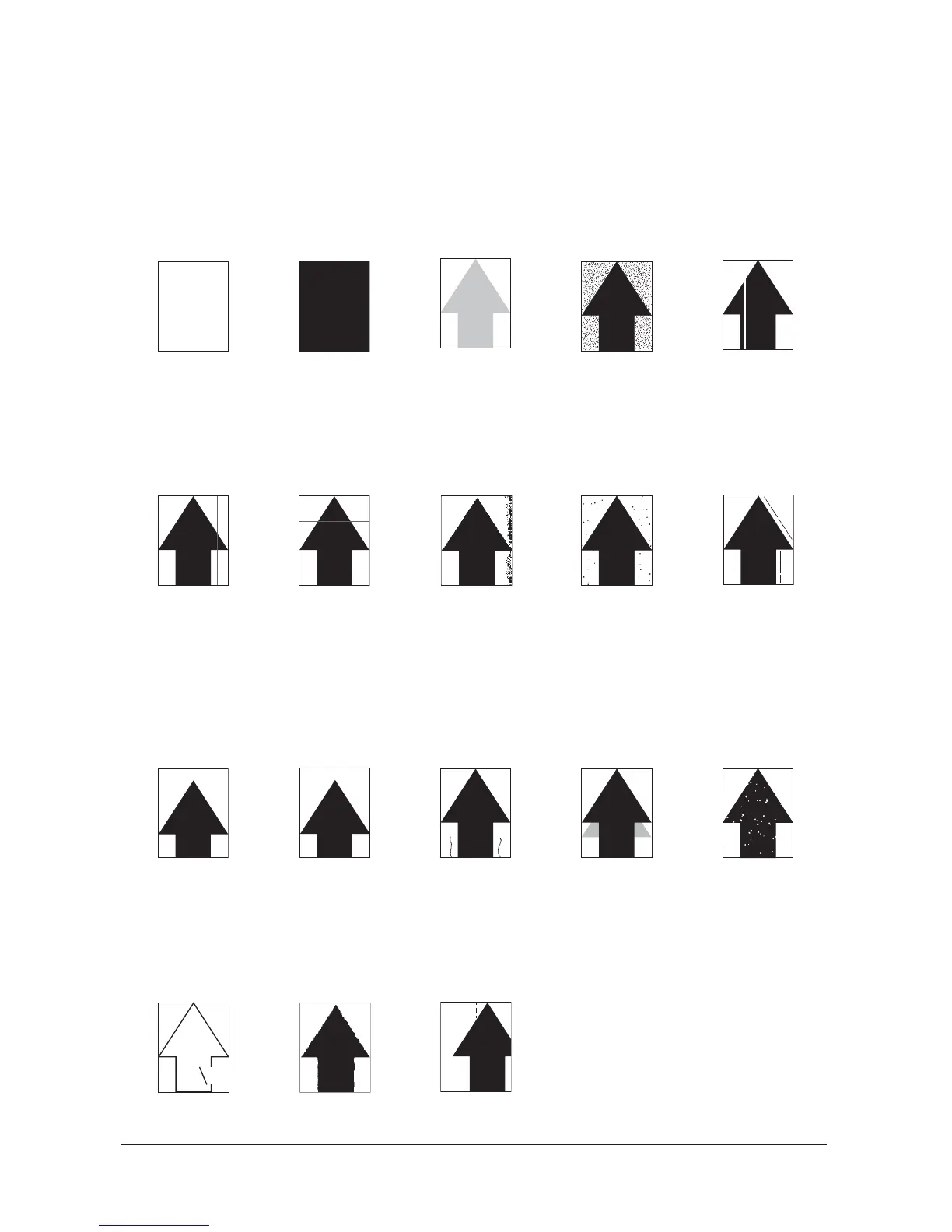
1-4-3 Image quality problems
If the part causing the problem is not designated as a service part, replace with the assembly comprising the
part.
(1) No image
appears (entirely
white).
(2) No image
appears (entirely
black).
(3) Image is too
light.
(4) The back-
ground is col-
ored.
(5) White streaks
are printed verti-
cally.
See page 1-4-41 See page 1-4-41 See page 1-4-42 See page 1-4-42 See page 1-4-42
(6) Black streaks
are printed verti-
cally.
(7) Streaks are
printed horizon-
tally.
(8) One side of the
print image is
darker than the
other.
(9) Spots are
printed.
(10)Image is
blurred.
See page 1-4-43 See page 1-4-43 See page 1-4-43 See page 1-4-44 See page 1-4-44
(11) The leading
edge of the
image is con-
sistently mis-
aligned with the
original.
(12)The leading
edge of the
image is spo-
radically mis-
aligned with the
original.
(13)Paper is wrin-
kled.
(14)Offset occurs. (15)Part of image is
missing.
See page 1-4-44 See page 1-4-44 See page 1-4-45 See page 1-4-45 See page 1-4-45
(16)Fusing is loose. (17)Image is out of
focus.
(18)Image center
does not align
with the original
center.
See page 1-4-45 See page 1-4-46 See page 1-4-46
Service Manual Y113010-4



 To Next Page
 Loading...








