Previous Page Table of Contents Section Contents
Back
Index Next Page
LIFEPAK 20/20e Defibrillator/Monitor Modes of Operation
Setup Mode (continued)
Saving the Setup
Configuration
(continued)
■ Another way to save the setup configuration is to use SETUP menu to print
the setup configuration. When service is complete, you can verify the
setup and then manually reset the configuration.
Note: Saving the configuration by transferring it to another device requires that
both devices have the same software version. Otherwise, unexpected
results can occur when the configuration is restored to the repaired
device.
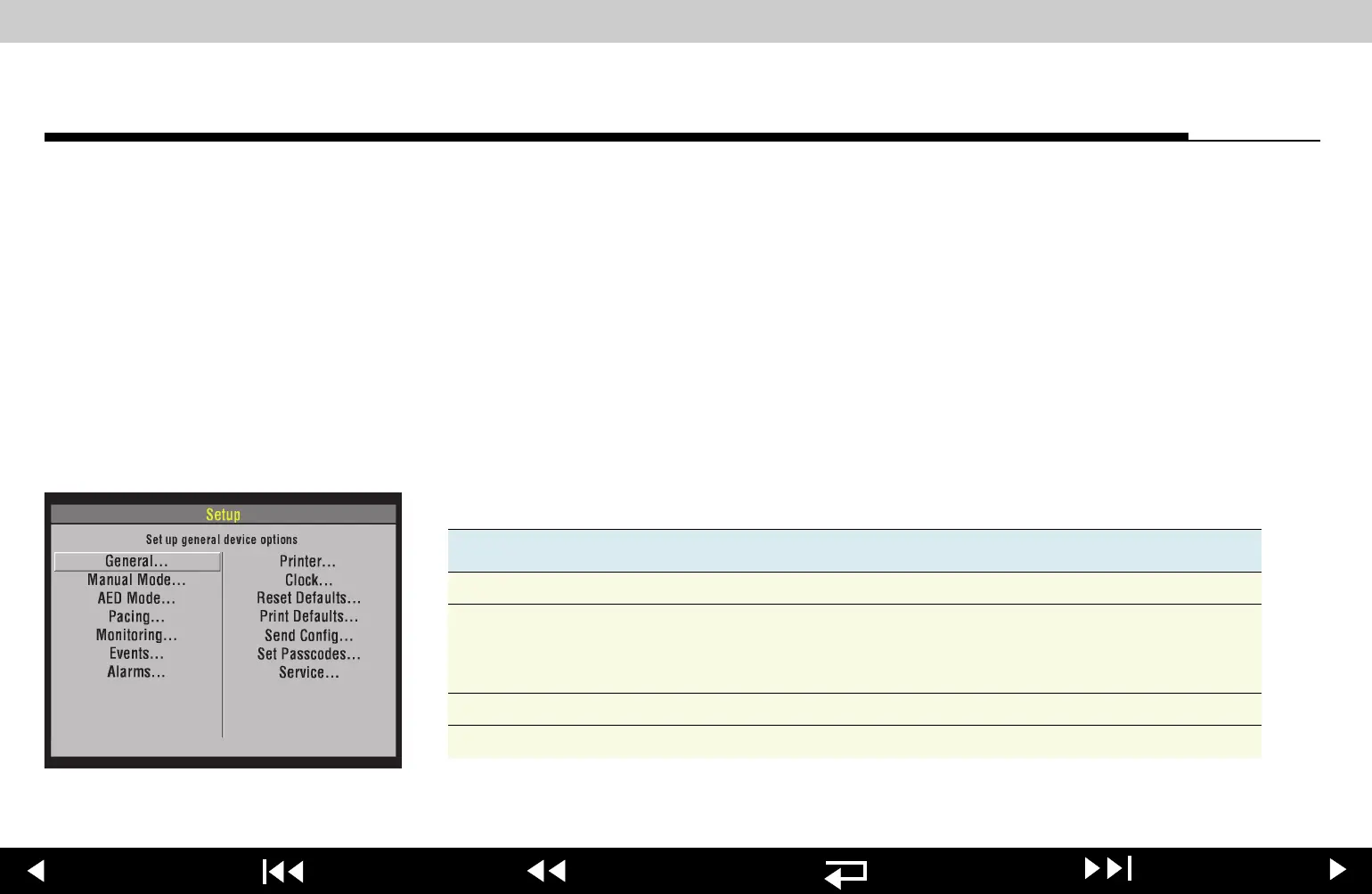
Creating a Passcode
To create a passcode, select SET PASSCODES in the SETUP menu.
Select one of the following options in the
SET PASSCODES submenu. .
Option Description
SETUP MODE Set passcode to enter setup mode.
ARCHIVES ACCESS Select a passcode access protocol for archives mode:
1. No Passcode (default)
2. Archives Only
3. Delete Only
4. Archive/Delete
ARCHIVES MODE Set passcode to enter archives mode.
DELETE RECORDS Set passcode to delete records in archives mode.
4-9
















 To Next Page