Previous Page Table of Contents Section Contents
Back
Index Next Page
LIFEPAK 20/20e Defibrillator/Monitor Troubleshooting
Using the Service/Status Features
Accessing the Service/
Status Features
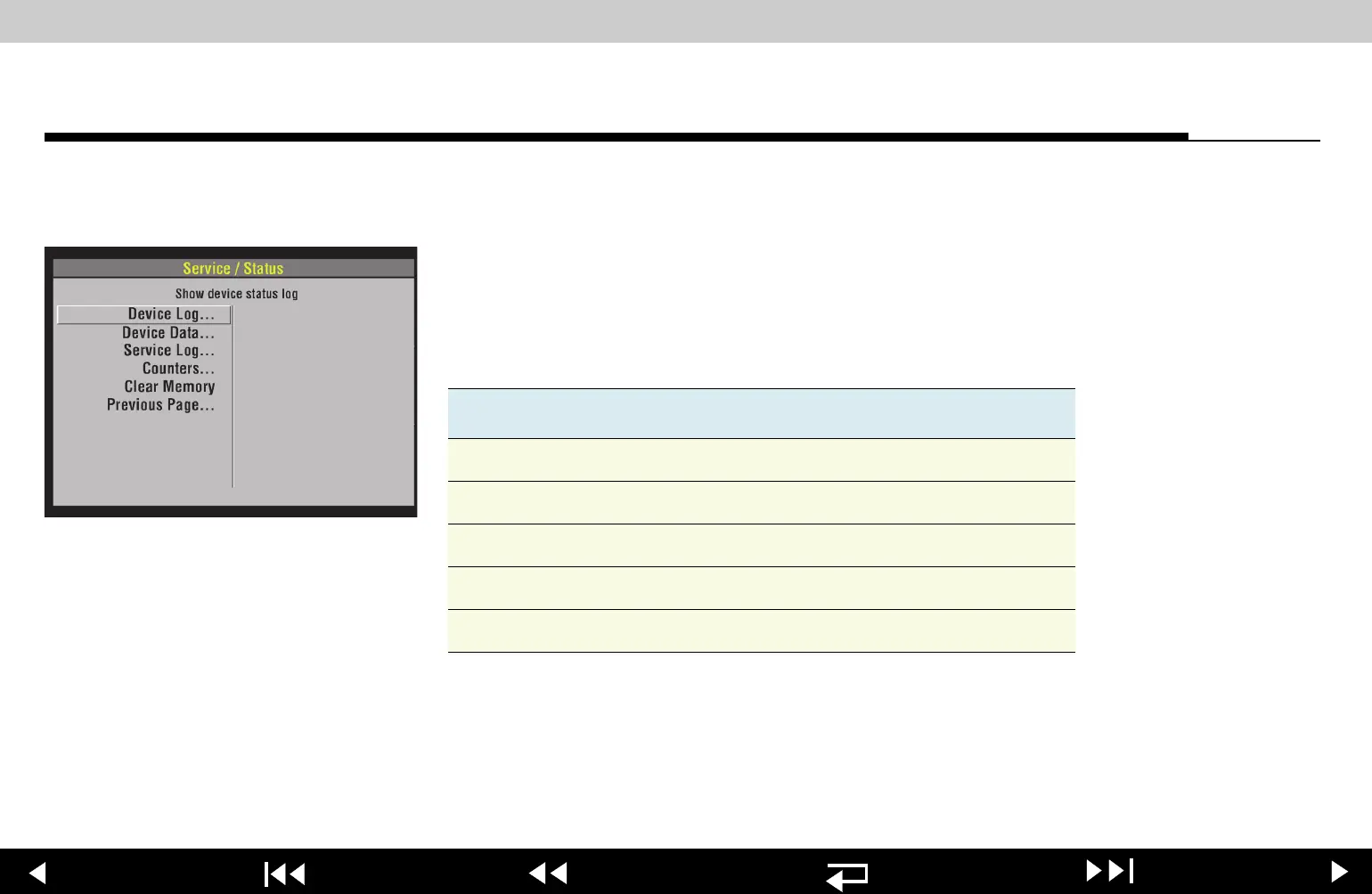
The SERVICE/STATUS submenu includes options that provide information such as
stored manufacturing data, recorded errors, and counters for shock and pacing
operation.
To display the
SERVICE/STATUS submenu, access the SERVICE menu and select
STATUS.
The
SERVICE/STATUS options include:
Option Description
Device Log Show device status log
Device Data Show device data
Service Log Show service log
Counters Display shock counters
Clear Memory Clear data management memory
6-41
















 To Next Page