Previous Page Table of Contents Section Contents
Back
Index Next Page
LIFEPAK 20/20e Defibrillator/Monitor Modes of Operation
Service Mode (continued)
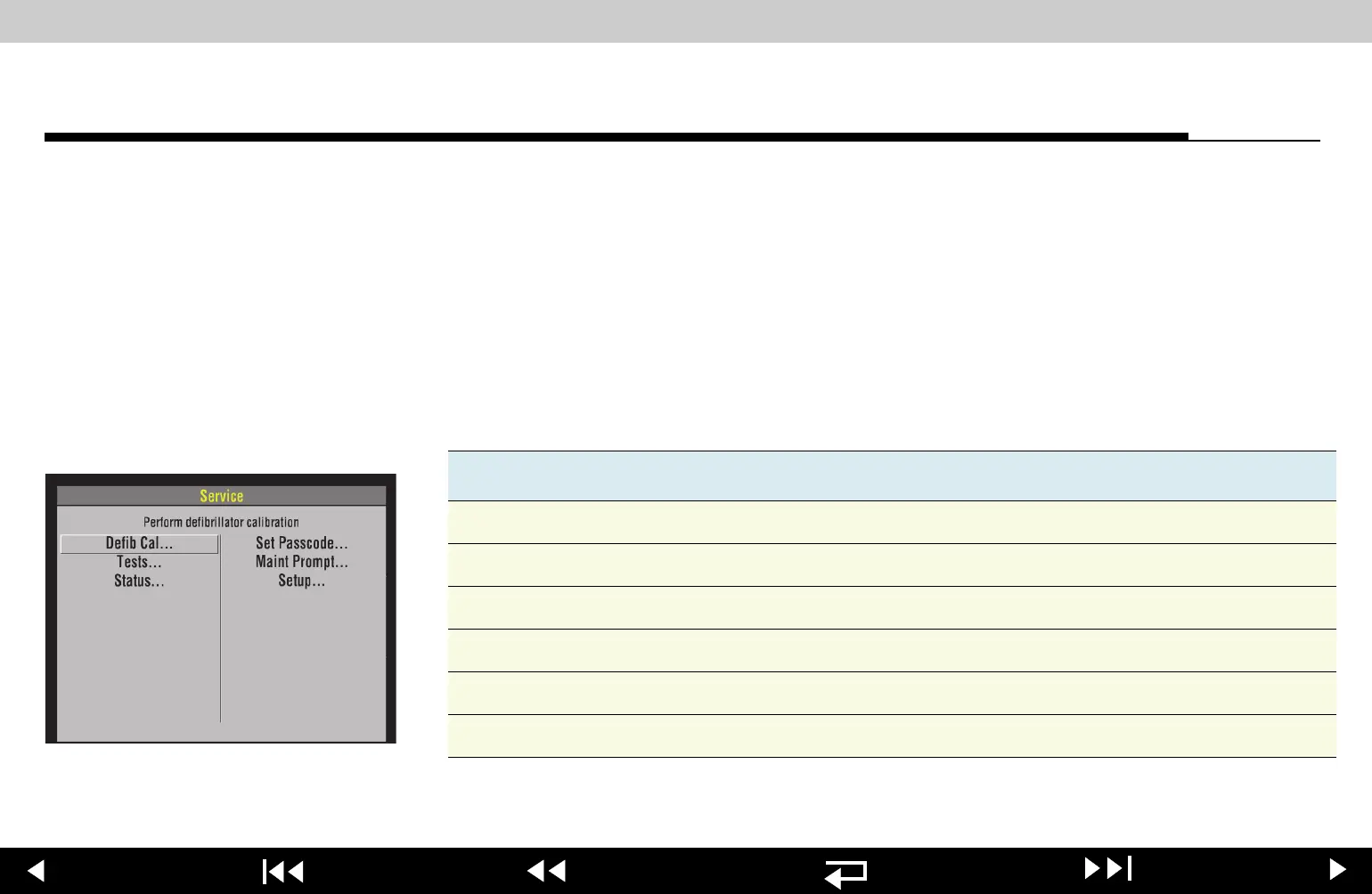
Displaying the Service
Menu
To display the SERVICE menu:
1. Display the
SETUP menu.
2. Select
SERVICE from the SETUP menu.
3. Enter the service mode passcode (
0000 or 5433).
4. After you enter the passcode, press the
SPEED DIAL. The SERVICE menu
appears. (If an incorrect passcode is entered, the
PASSCODE INCORRECT -
TRY AGAIN message appears.)
Service Menu Options
The SERVICE menu options include:
To exit the
SERVICE menu, turn the device OFF.
Option Description
Defib Cal Perform defibrillator calibration procedure.
Tests Follow performance inspection procedure.
Status Display device status.
Set Passcode Set the service mode access passcode.
Maint Prompt Prompt user to perform preventative maintenance.
Setup Return to main SETUP menu.
4-12
















 To Next Page