Previous Page Table of Contents Section Contents
Back
Index Next Page
LIFEPAK 20/20e Defibrillator/Monitor Replacement Procedures
Bottom Case (continued)
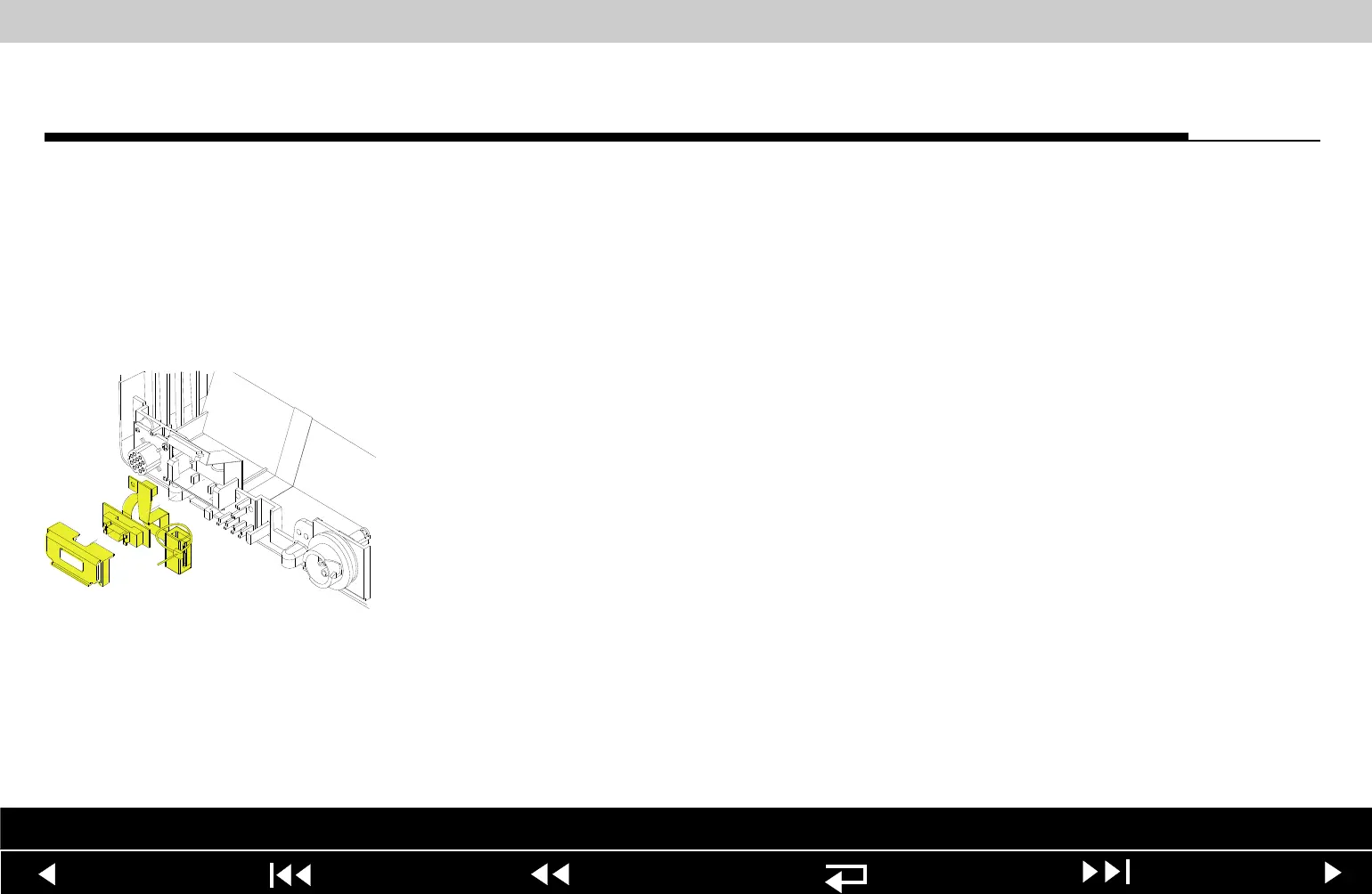
W05 SpO2 Connector
Removal
Note: The following assemblies must be removed before beginning this
disassembly:
– A07 Battery
– Top case
– Front case
– Boardstack
– W03 IrDA Port
To remove the W05 SpO2 Connector Assembly:
1. Remove the cable tie retainer (229) securing the SpO2 cable to the bottom
case. The W03 IrDA Port must be removed to expose this tie wrap.
2. Gently pull apart the plastic snap arms on the SpO2 connector mounting clip
(113), away from the bottom case.
3. Lift the mounting clip away from the bottom case.
4. Lift the W05 SpO2 connector assembly away from the bottom case.
Parts List Interconnect Diagram Module View Connectors View Main Assemblies
9-143
















 To Next Page