Previous Page Table of Contents Section Contents
Back
Index Next Page
LIFEPAK 20/20e Defibrillator/Monitor Replacement Procedures
Front Case (continued)
W04 Speed Dial
Assembly Installation
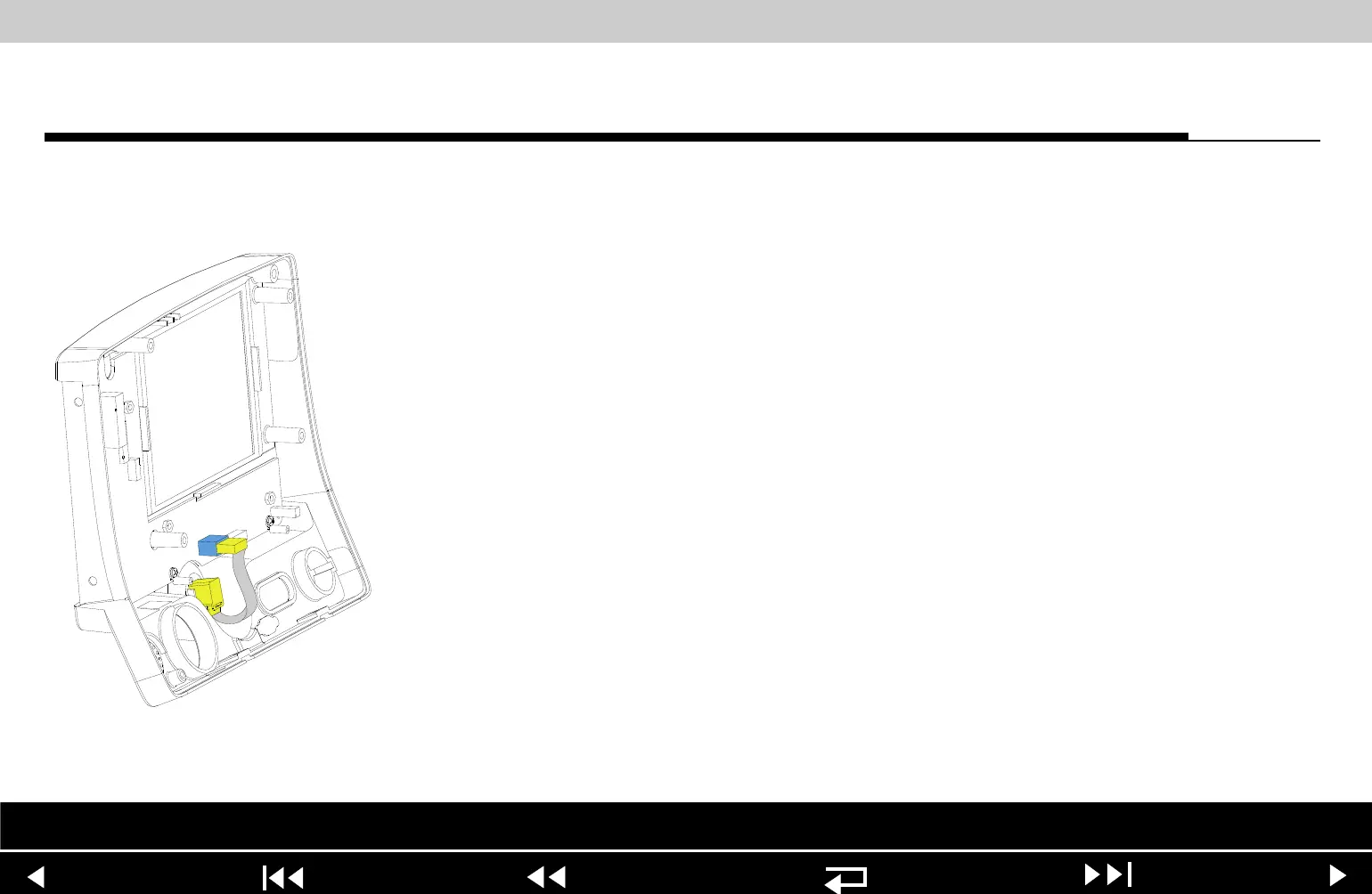
To install the W04 Speed Dial Assembly:
1. Insert the grounding harness (250) onto the Speed Dial axle.
2. From inside the case, install the W04 Speed Dial Assembly into the front
case by aligning the key on the assembly to the notch in the front case.
3. Install the washer onto the Speed Dial axle.
4. Install the nut onto the Speed Dial axle and torque to 10 in-lb.
5. Press the Speed Dial knob (17) onto the axle.
6. Connect the W04 Speed Dial Assembly connector to the A05 UI PCB at J32.
7. Complete the process by Installing the front case.
Parts List Interconnect Front Case View Rear View Main Assemblies
9-58
















 To Next Page