238
Polyend Tracker+ Manual
NOTES
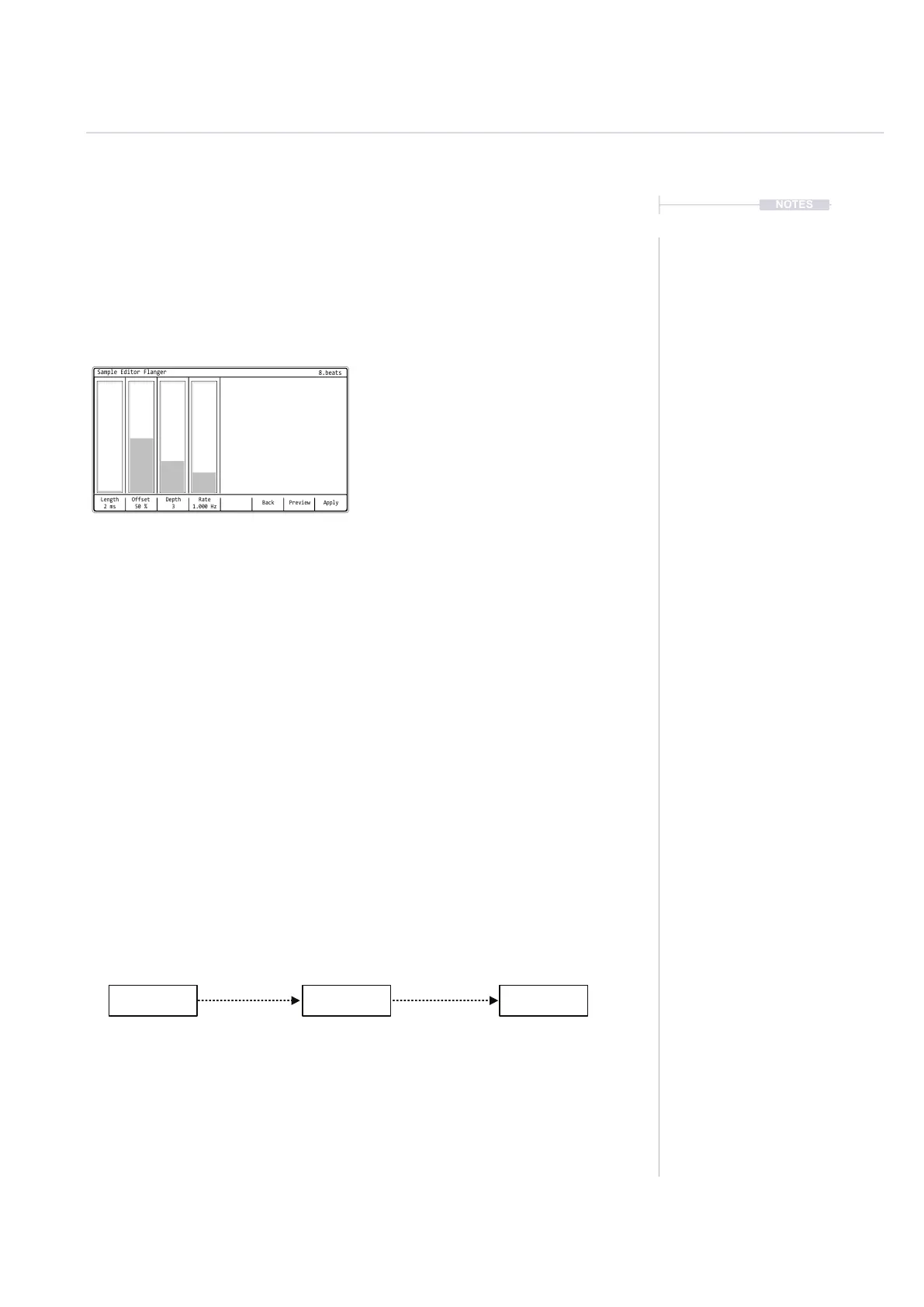
Flanger
Flanger follows similar principles to delay by doubling the audio and
introducing a slight phase shift and delay between the audio signals when
playing back. Flangers offer an evolving sweeping sound.
Equalizer, Compressor and Limiter.
The three effects, Equalizer, Compressor and Limiter are used for mixing
and nalising a sample rather than creative variations. In music production
they often nd themselves towards the end of a signal chain and are used
to polish and nish off a track, gluing tracks together, developing a
combined tonal balance, managing loudness and mastering a nal release.
In the context of Tracker+ sample editing, the process operates at an
individual sample level. However the same principles can be applied as
those in general music production, to nish off and generate a nal output
sample. While these effects are applied individually they can also optionally
be performed sequentially in order depending on what the objective is. An
example shown below.
Balances tonal elements in
a sound.
Provides harmonic
emphasis to elements and
makes space for others.
Can x stray frequencies
that affect the sound
Reduces dynamic range between
high peaks and low troughs,
allows overall level adjustment.
Can help sounds sit into a mix
better. Layered compressed /
uncompressed adds punch.
Create headroom.
Restricts and tames excessive
audio peaks in a sound.
Maximises output levels and
introduces a perceived loudness.
Protects digital integrity of a
sample by avoiding clipping.
Equalizer Compressor Limiter
Example of Effect Chain / Order
Audio
8
Back
Length
2 ms
Depth
3
Rate
1.000 Hz
Offset
50 %
ApplyPreview
Sample Editor Flanger
8.beats
Depth
Amount of anger effect applied.
Tweak by Ear
While the anger and perhaps other effects have labelled functions, it is much more useful to tune these
parameters by ear rather than by numerical positioning. The application of each parameter will give a different
output depending on the source audio material. Sounds ranging from subtle tremolo to glitchy rhythms can be
found by tweaking the anger parameters by ear. The same applies to all of the creative audio effects.
Rate
Speed of effect modulation.
Length
Length of delay line between signals.
Offset
Offset percentage of delay in signal



 To Next Page