78
Polyend Tracker+ Manual
Manual Step Entry
NOTES
Sequencing Steps
5
Track 1 Track 4Track 3Track 2
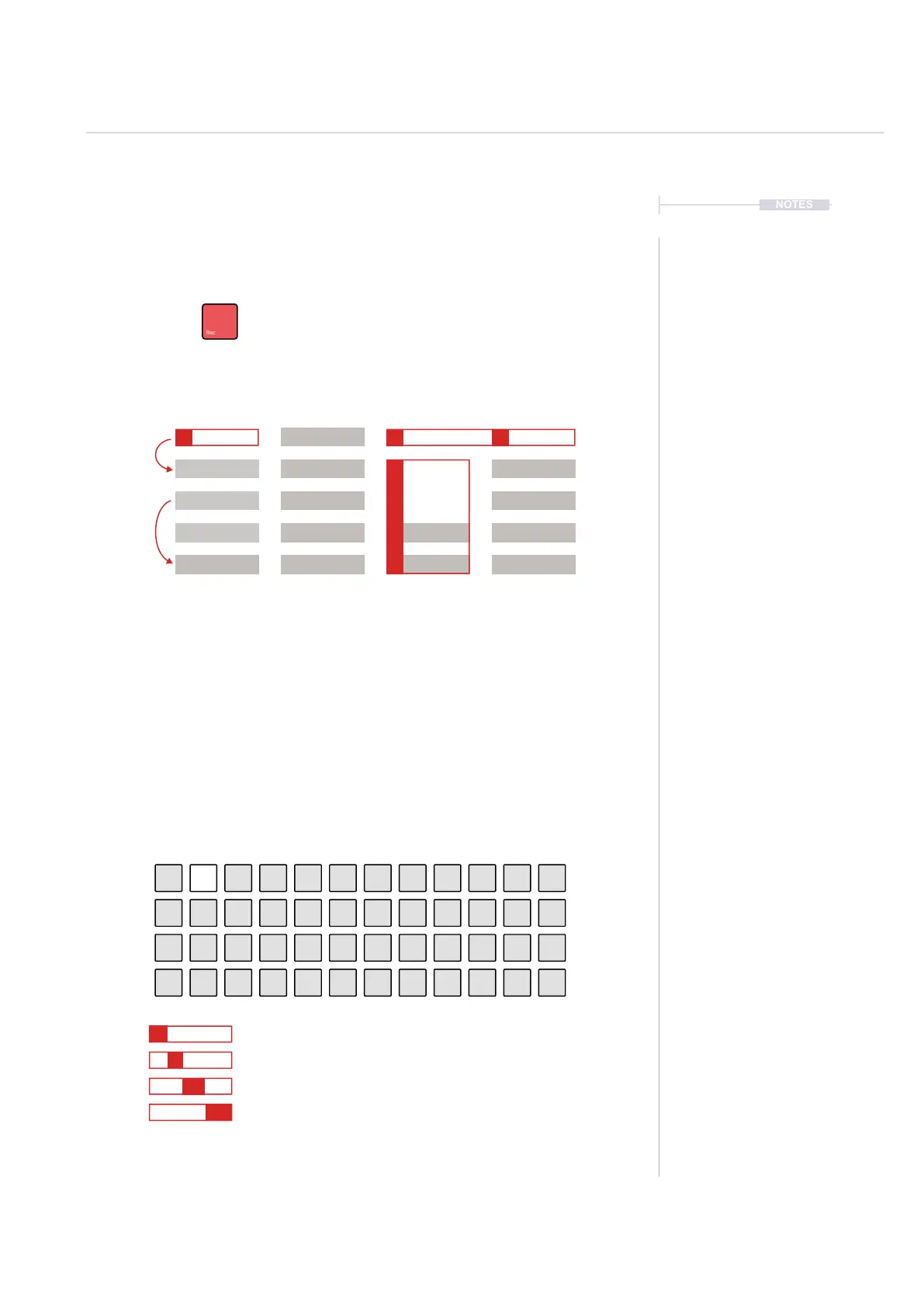
Recording mode on to edit steps in the pattern
Steps can be added individually.
Example: Hold [Note] + [PAD] to select an option.
Subsequent steps are recorded when pressing pads.
This will record iteratively the selected parameter into
rows dened by the ‘Step jump’ intervals.
Playing [PAD] in recording mode will record the respective parameter value depending
on 1) the parameter selected for the step and 2) the actual pad number chosen.
Example shows Pad 2 selected.
Note Selected, Pad 3 which represents D6.
Instrument Selected, Pad 3 which represents Instrument #3.
FX1 Selected, FX Effect not applied.
FX2 Selected, Pad 3 which represents effect #3 - Volume = 50.
Quick Tap Dedicated Parameter Button to lock the selection e.g. [Instrument]
Select multiple step rows with [Shift] + [Up] or [Down].
Also across multiple tracks [Shift] + [Left] + [Down]
On the top row [Shift] + [Up] will select all steps in the
track. Press [Shift] + [Up] + [Up] to select all steps.
Edits to any existing parameters can be made
simultaneously, but only If a parameter is already set.
These changes will be relative to the original value.
Unassigned elements of a step will remain empty.
Step Jump
1
Step Jump
2
C5 40
----
P 25
D6 03
----
V 50
D6 03
----
V 50
D6 03
----
V 50
D6 03
----
V 50
D6 03
----
V 10 D6 03
----
V 10
D6 03
----
D6 03
----
----
----
----
----
--- ---
--- ---
V 50
V 30



 To Next Page