Page 100
STAT
IM
2000/2000S Service Guide
96-108639 Rev 3.0
4. STAT
IM
2000 Calibration
STATIM 2000/2000S/2000 G4 Service Guide
4. This calibration will take approximately 6 minutes.
5. Allow the self-calibration to complete.
6. The temperature within the chamber will rise to the sterilization temperature. Wait until
sterilization phase of the calibration cycle ends automatically.
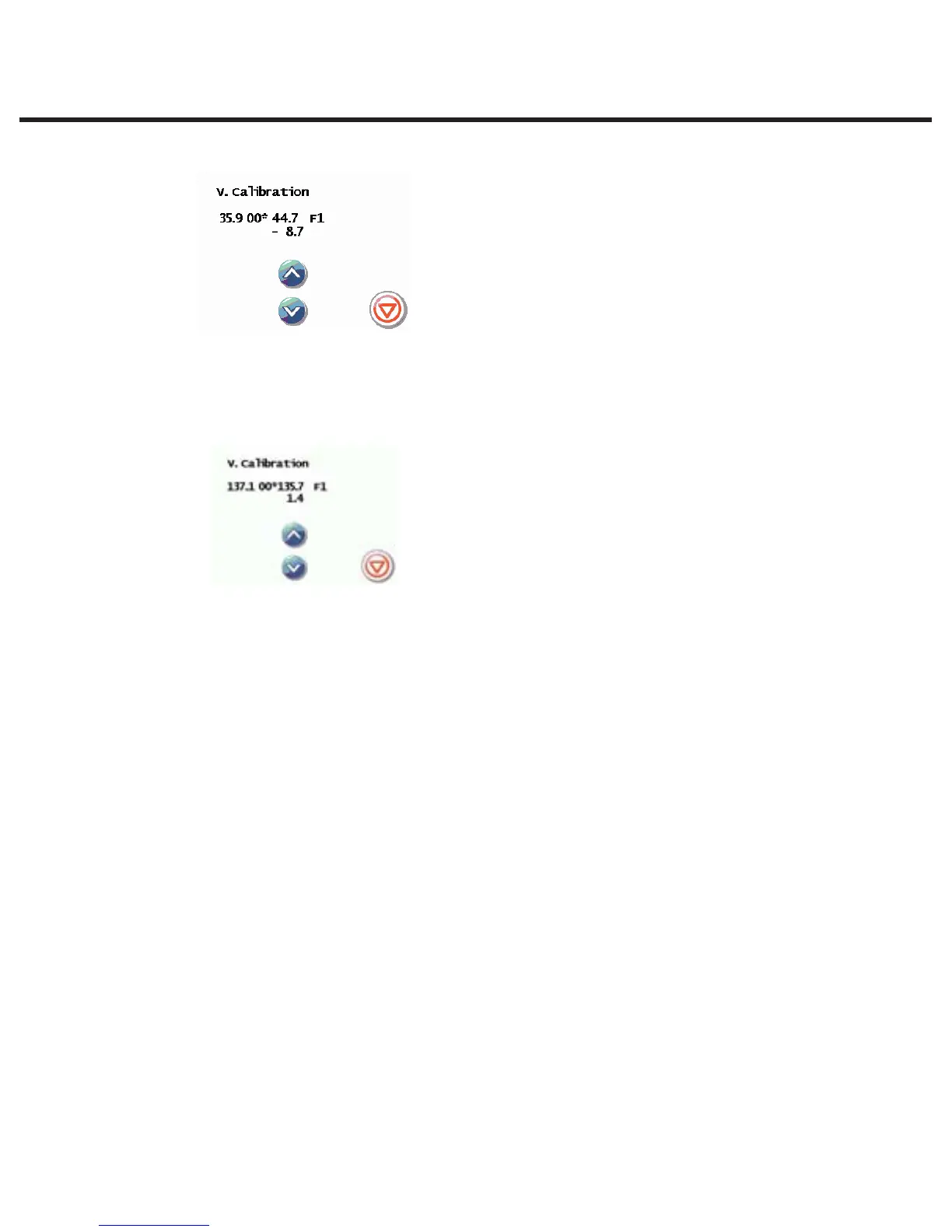
7. The offset value in the upper left-hand corner of the display (CVO) may have changed to a new
offset value.
8. Press the STOP button when finished.
3. Switch off the unit and remove all calibration equipment.



 To Next Page