Page 269
STAT
IM
2000/2000S Service Guide
96-108639 Rev 3.0
13. Installation
STATIM 2000/2000S/2000 G4 Service Guide
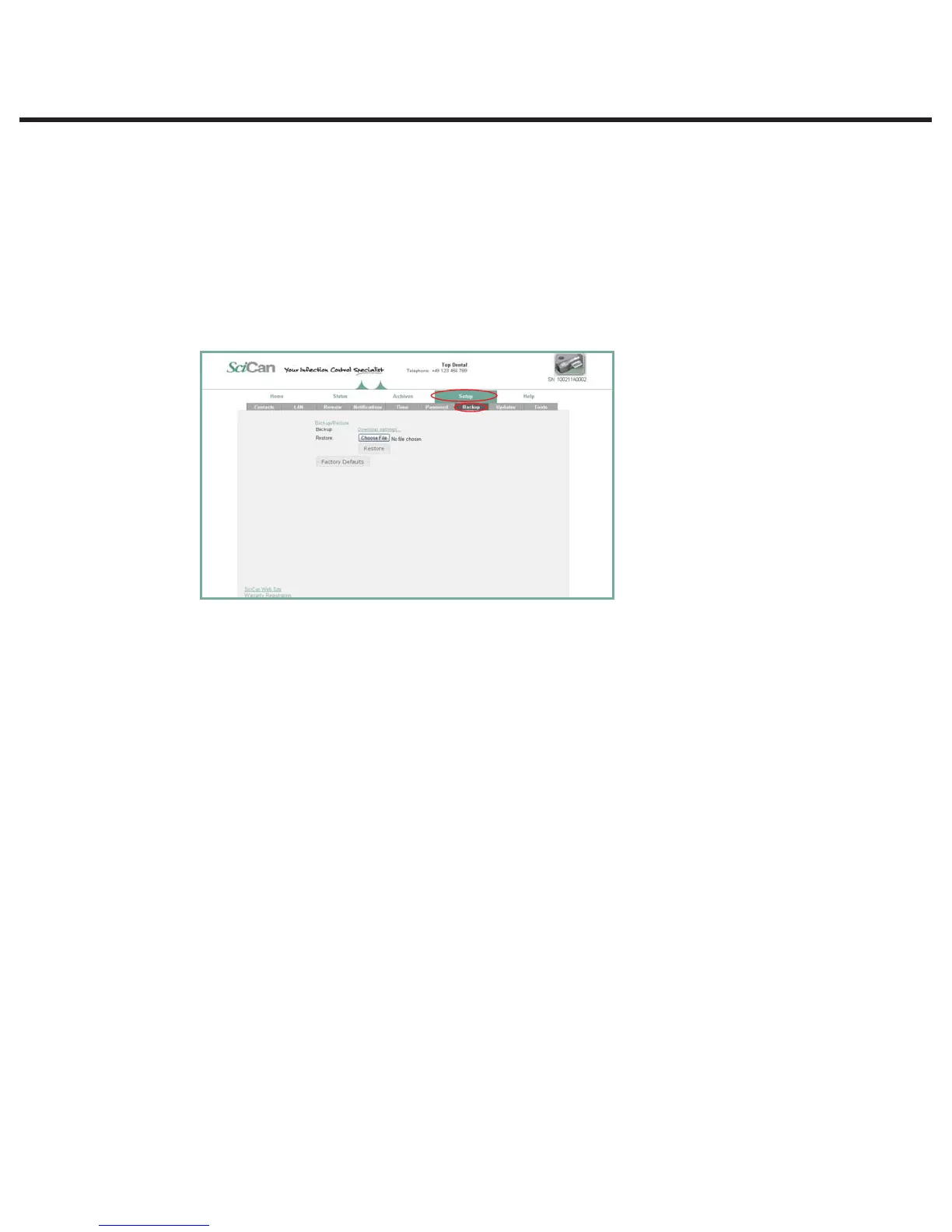
Setting up a BACKUP
1. From the SETUP page, use the BACKUP tab to back up all the configurable changes
and Contacts information made on the STAT
IM
’s web portal by storing a file on the office
computer.
NOTE: For security reasons, your email password will not be saved.
2. Click download settings to automatically store all settings in a file on the computer (TIP: Use
the Save function on the computer to choose a specific location, otherwise it will load the file
in a default location preset by the browser).
3. To restore settings, click Choose file and browse for the file on the computer, select it and
click Restore.



 To Next Page