Page 268
STAT
IM
2000/2000S Service Guide
96-108639 Rev 3.0
13. Installation
STATIM 2000/2000S/2000 G4 Service Guide
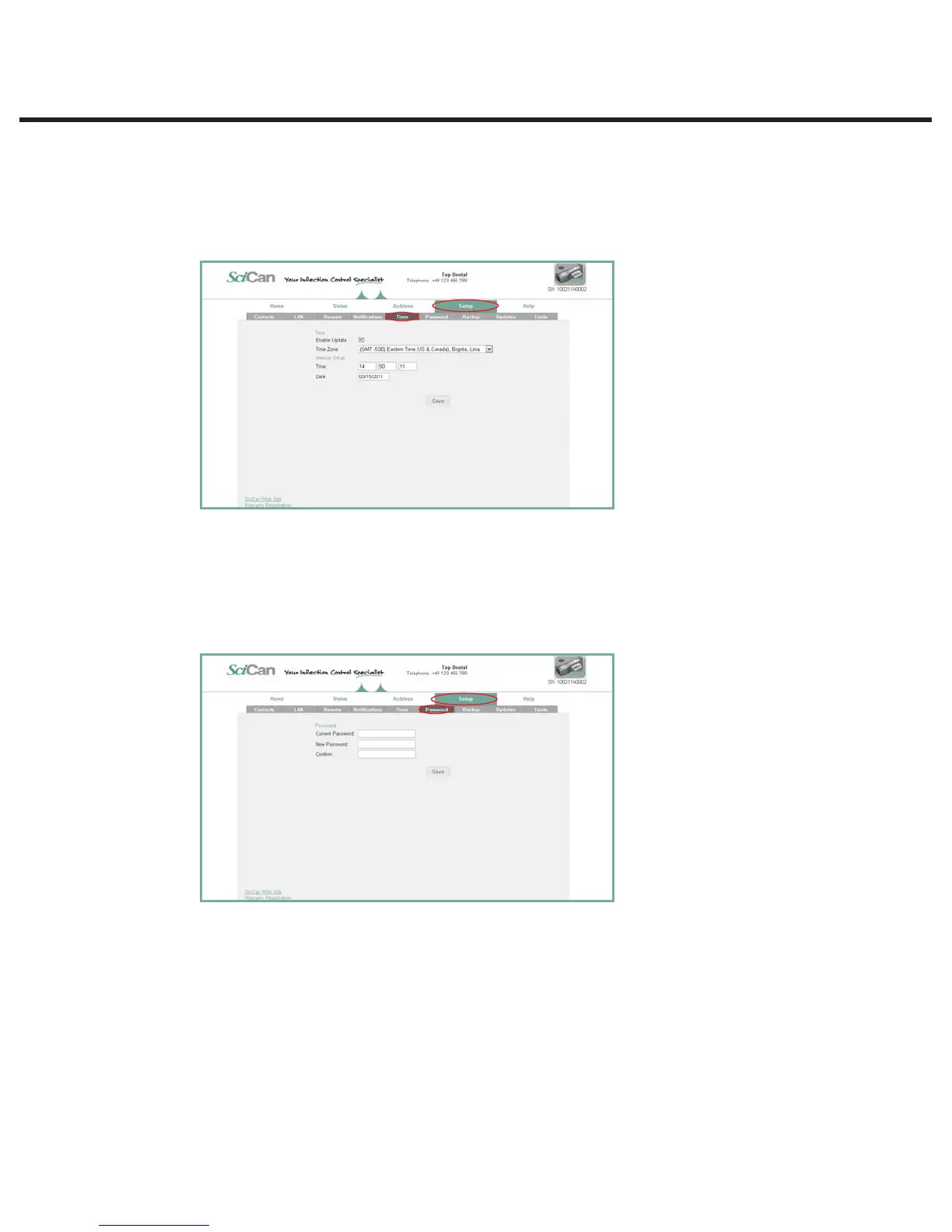
Setting the TIME zone and Internet synchronization
1. From the SETUP page, use the TIME tab to set the time and according to the customer’s time
zone and check the box for the unit to synchronize automatically with dedicated Internet time
servers. It will then automatically reset its clock whenever it connects to the network.
NOTE: It will override any manual changes made to time settings directly on the unit.
Setting the PASSWORD
1. Set a new user name and password to keep unauthorized users from changing the
configurations made on ConnectIM as well as the Contacts information the STAT
IM
uses to
generate forms.
2. From the SETUP page, go to the PASSWORD tab. Note that both the default user name and
password is ‘scican’.



 To Next Page