SENCON - Sennebogen Control System - Settings/Parameterization
SENCON / 01.2013
5 - 18
Change parameters
Note
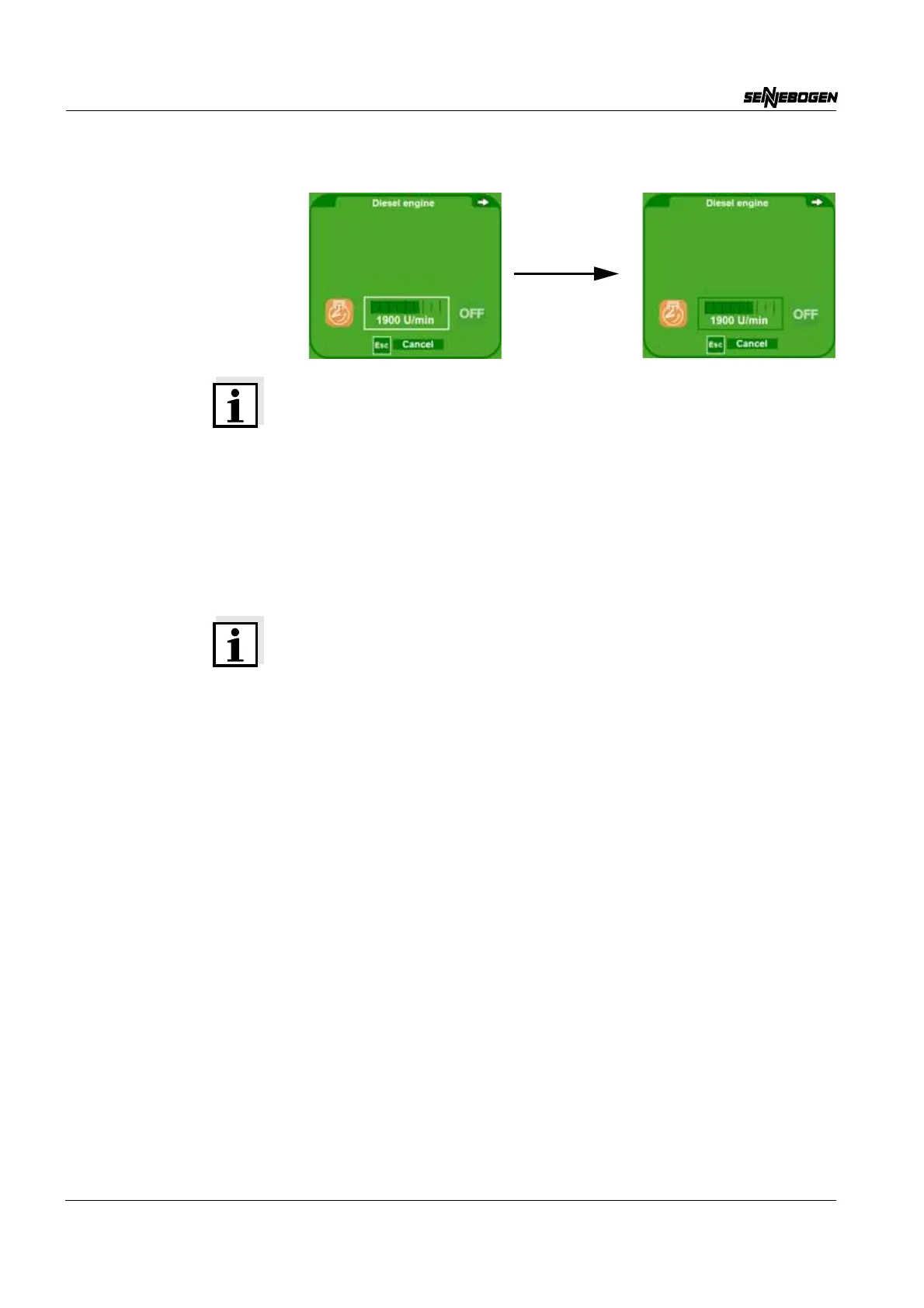
If the operator presses the SCROLL button, he enters selection mode
and can switch between the functions.
A white frame indicates a selected field. Switch between the various
fields using the SCROLL wheel. If the SCROLL wheel is pressed again,
the selected field becomes active and the value can be changed by
turning the SCROLL wheel.
The selected field then has a green frame. To save the value, the
operator must press the SCROLL wheel again. The value can be reset
using the ESC button.
Note - engine restart
The emergency rpm setting remains intact after restarting the engine.



 To Next Page