SENCON - Sennebogen Control System - Settings/Parameterization
SENCON / 01.2013
5 - 31
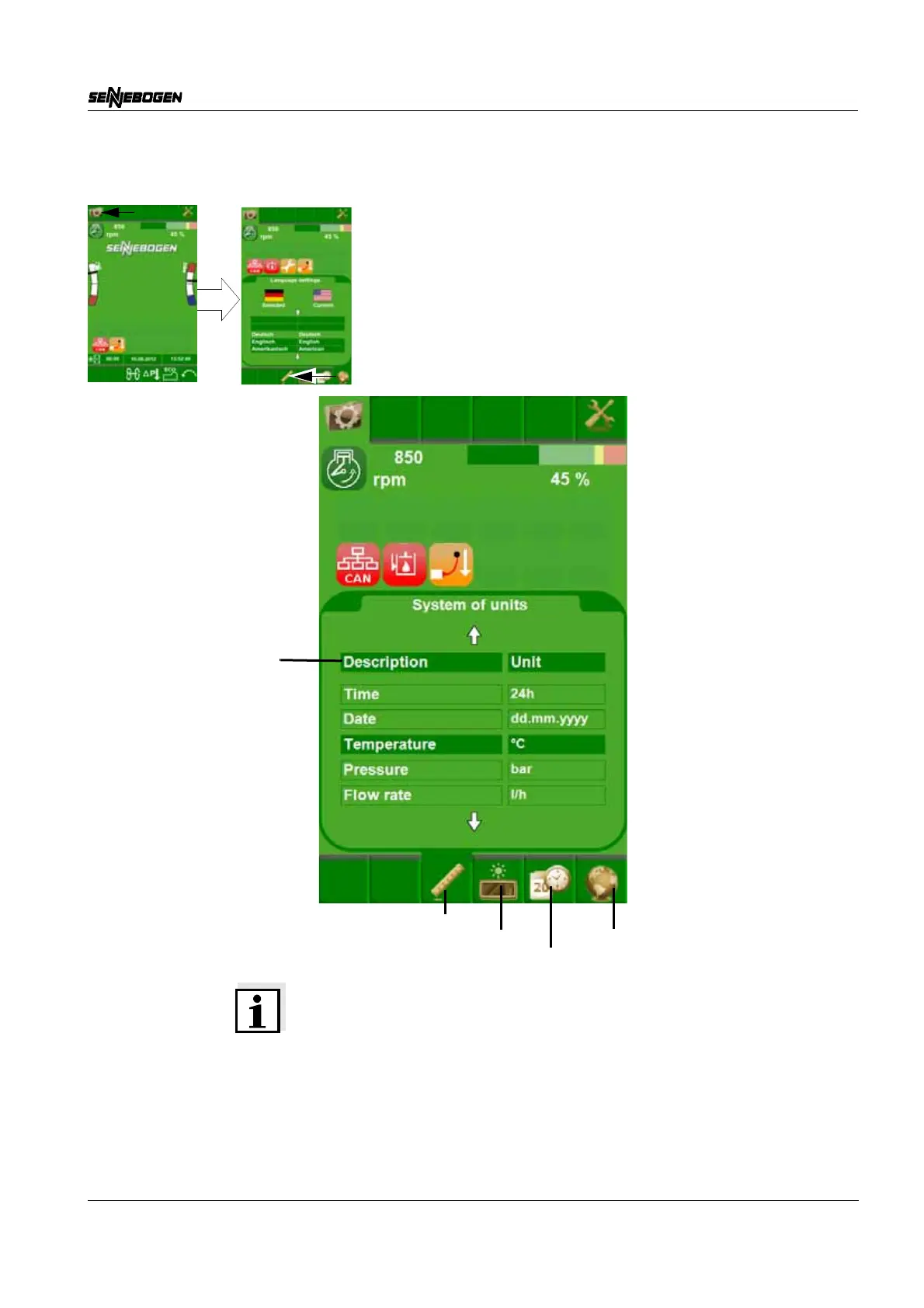
Units
Note on Setting Units
The SCROLL wheel can be used by the operator to switch between the
various units in the list. The currently selected value has a dark green
background. If the SCROLL wheel is pressed, the detailed view is
displayed and a unit can be selected with the SCROLL wheel.
Press the SCROLL wheel again to select the new unit. To change back
to the previous view, press the ESC button.
Language
Date/Time
Brightness
Units
List of all available units



 To Next Page