4-18
PDW-700/V1 (E)
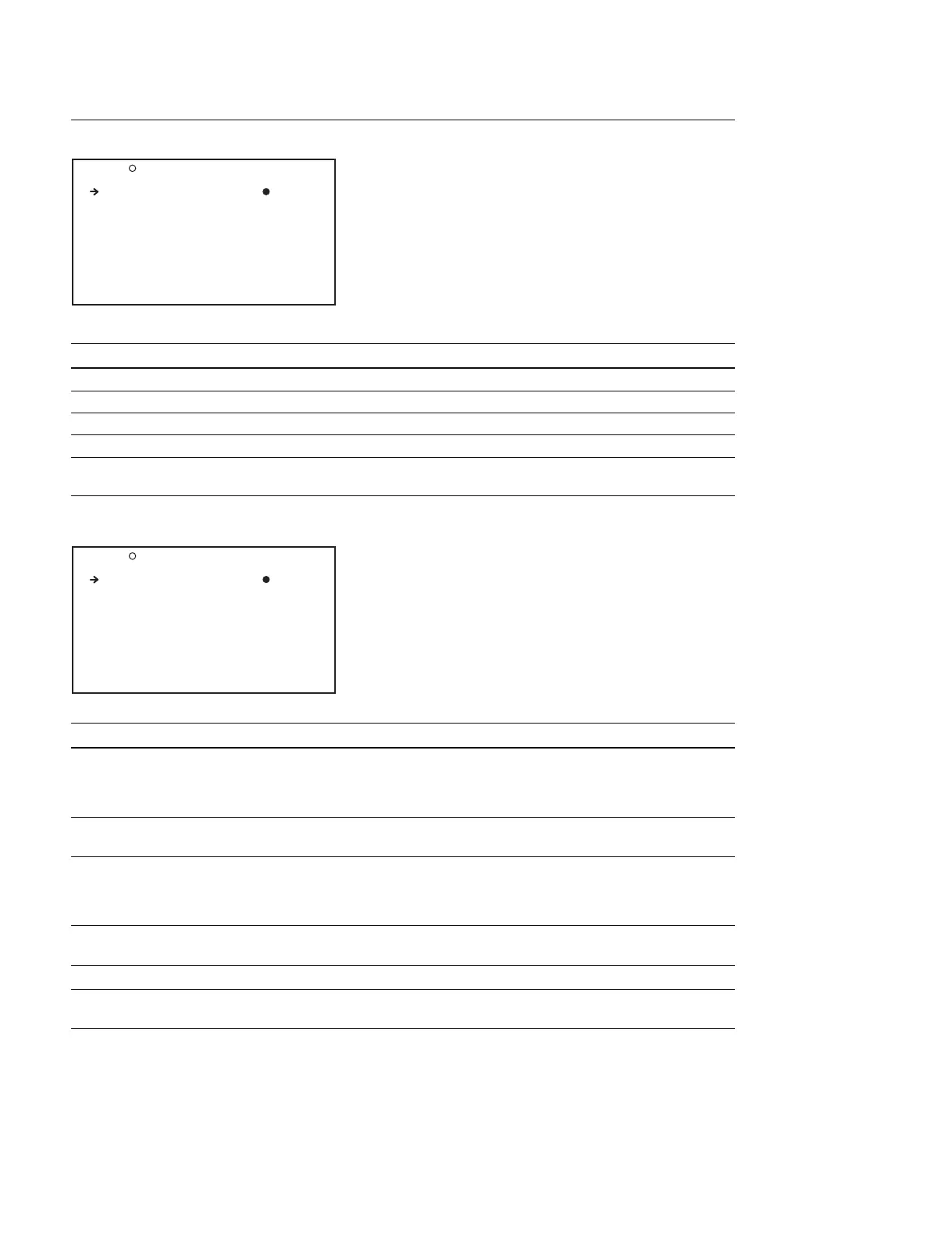
SET STATUS Display (Selecting the status check screen display)
Item Setting Function
STATUS ABNORMAL OFF/ON Turns ON/OFF the ABNORMAL <!> screen display
STATUS SYSTEM OFF/ON Turns ON/OFF the SYSTEM screen display
STATUS FUNCTION OFF/ON Turns ON/OFF the FUNCTION screen display
STATUS AUDIO OFF/ON Turns ON/OFF the AUDIO STATUS screen display
WHITE SETTING Display (Indicating the setup status of the various function that are set
by the FUNCTION display)
Item Setting Function
WHITE SWITCH <B> MEM/ATW Sets the operating mode when the WHITE BAL switch is set to the
B side
MEM : Auto white balance
ATW : Auto tracking white balance
SHOCKLESS WHITE OFF/1/2/3 Sets the transition time when the WHITE BAL switch is changed to
a new setting (1 is fastest)
ATW HOLD MEMORY OFF/ON Sets whether or not to save the white balance adjustment value in
the memory (A/B/C) that corresponds to the WHITE BAL switch
position during ATW
(The value cannot be saved in the PRESET layer)
ATW SPEED 1/2/3/4/5 Switches the transition speed of auto tracking white balance (ATW)
(1 is slowest)
AWB FIXED AREA OFF/ON Executes the AWB (auto white balance) at the center of the screen
FILTER WHT MEM OFF/ON Sets the memory area for white balance for each position number
of the FILTER knob
O19 SET STATUS TOP
STATUS ABNORMAL : ON
STATUS SYSTEM : ON
STATUS FUNCTION : ON
STATUS AUDIO : ON
O20 WHITE SETTING TOP
WHITE SWITCH <B>: MEM
SHOCKLESS WHITE : 1
ATW HOLD MEMORY : OFF
ATW SPEED : 4
AWB FIXED AREA : OFF
FILTER WHT MEM : OFF



 To Next Page