5-7
PDW-700/V1 (E)
5-3-3. REFERENCE FILE
The REFERENCE FILE data is the same as the one in the PRESET layer. The difference is that the items
to be handled as REFERENCE FILE in the PRESET layer are limited.
n
Refer to “4-16. Setup Menu List” for the items of the REFERENCE FILE.
1. Saving the REFERENCE FILE in the built-in memory of the PDW-700. (REFERENCE STORE)
When executing REFERENCE STORE on the REFERENCE page under the FILE menu page 5
<F05>, the REFERENCE FILE items (corresponding items among OPERATION, PAINT and
MAINTENANCE) are saved as the default values.
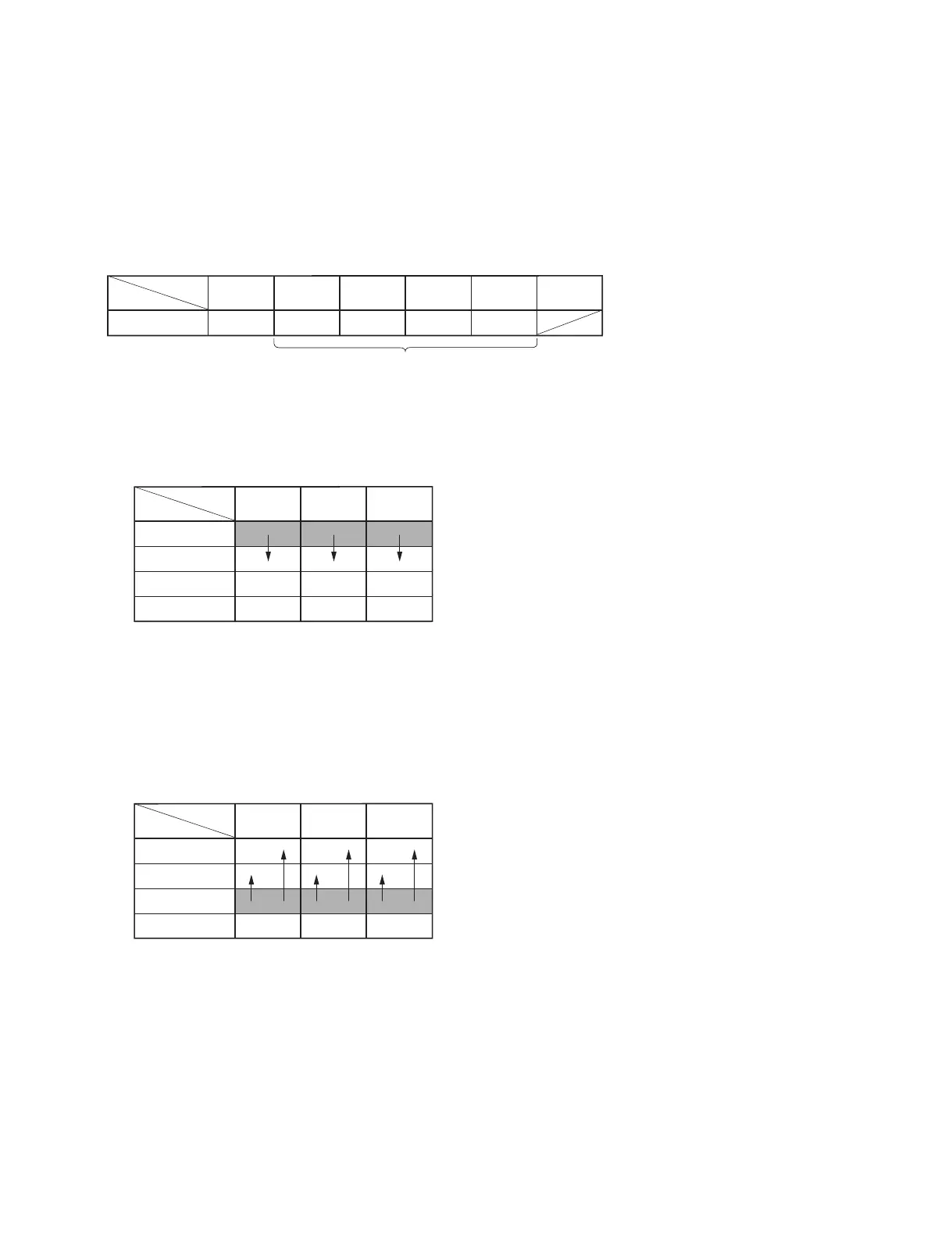
Executing REFERENCE STORE:
Copy the data stored in the USER layer of the REFERENCE FILE items to the PRESET layer.
2. Initializing all the REFERENCE FILE setups to the factory default values. (REFERENCE CLEAR)
When executing REFERENCE CLEAR on the REFERENCE page under the FILE menu page 5
<F05>, the REFERENCE FILE items (corresponding items among OPERATION, PAINT and
MAINTENANCE) are initialized to the factory default value
*1
.
Executing REFERENCE CLEAR:
Copy the data stored in the SERVICE layer of the REFERENCE FILE items to the USER and
PRESET layers.
*1: As the users will use the values set in the service mode as the factory default value, be sure to
handle the setup values with care in the service mode.
USER
PRESET layer
PAINT FILE
OPERA-
TION
MAINTE-
NANCE
SERVICE
Data
Structure
Menu
REFERENCE FILE items
USER layer
PRESET layer
SERVICE layer
FACTORY layer
PAINT
OPERA-
TION
MAINTE-
NANCE
Data
Structure
Menu
USER layer
PRESET layer
SERVICE layer
FACTORY layer
PAINT
OPERA-
TION
MAINTE-
NANCE
Data
Structure
Menu



 To Next Page