4-2
PDW-700/V1 (E)
4-2. TOP Menu
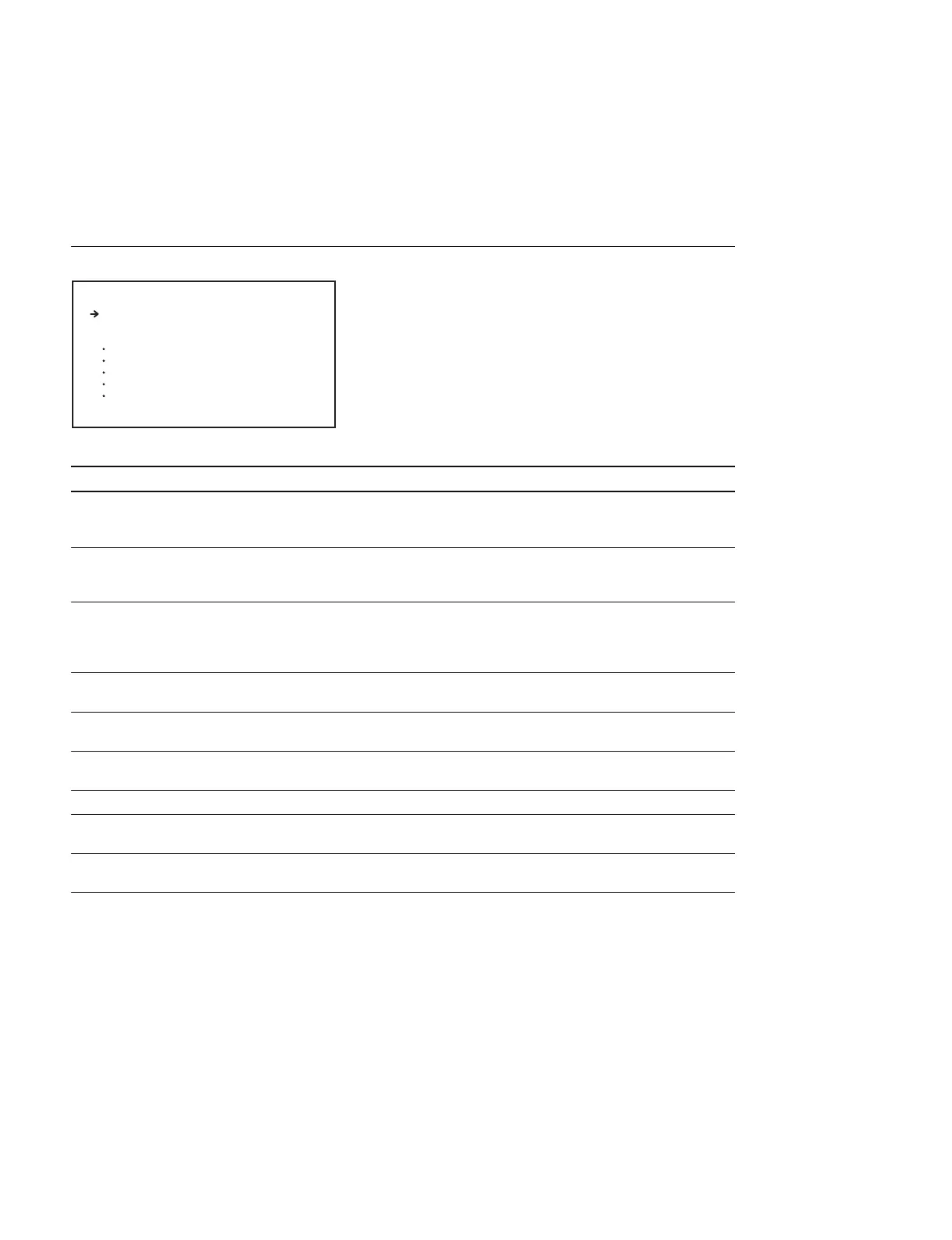
While pressing the MENU knob, set the MENU ON/OFF switch to ON. Then the TOP menu appears.
However, the TOP menu is not displayed when the switch S400 (TOP MENU selection)/AT-177 board is
in the OFF position.
TOP MENU Display
Menu Function
USER Use the USER menu to set the functions that are used for daily routine operations
such as MONITOR OUT setting
(This menu appears when the MENU ON/OFF switch is set to ON normally)
USER MENU CUSTOMIZE Use this menu to add or delete the pages that are required for the USER menu to suit
operators’ needs depending on applications
(For more details, refer to “Editing the USER Menu” of Operation Manual)
ALL The ALL menu contains all pages of each category of the “USER 1” to “USER 19”
pages edited by “USER MENU CUSTOMIZE”, “ASSIGN ITEM SEL” page, OPERA-
TION, PAINT, MAINTENANCE, FILE and DIAGNOSIS. It means that you can move to
any page from the ALL menu without returning to the TOP menu
OPERATION Usually, the camera operator is expected to use the OPERATION menu to set or
change the preference setups to suit the shooting conditions of each object
PAINT Use this menu to implement fine adjustment of pictures by monitoring the camera
output waveform on a waveform monitor etc
MAINTENANCE This is the camera maintenance menu. Use this menu to set the PAINT items of lower
operating frequency or to alter the system configuration
FILE
This is the file operation menu. Use this menu to save data in the REFERENCE file etc
DIAGNOSIS Use this menu to check the optical drive status or to diagnose the circuit boards that
are suspected to have an error
SERVICE Use this menu for service and maintenance
(This menu is enabled when the switch S402-1/AT-177 board is set to ON)
S <TOP MENU>
USER
USER MENU CUSTOMIZE
ALL
OPERATION
PAINT
MAINTENANCE
FILE
DIAGNOSIS
SERVICE



 To Next Page