9-12
PDW-700/V1 (E)
9-2-10. S/H DC Adjustment
n
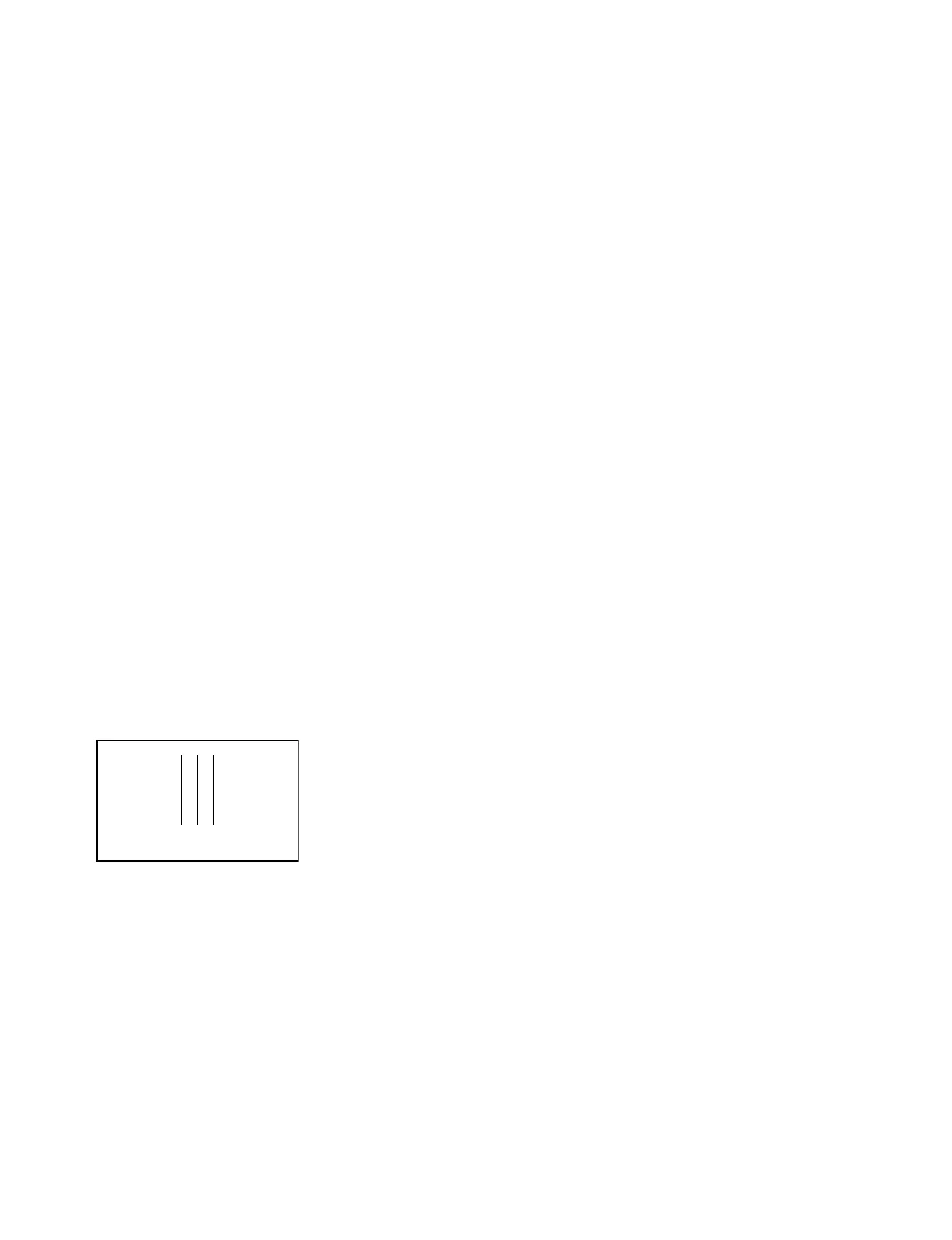
If it is poorly adjusted, the RPN correction cannot be
optimized, or vertical stripes will appear when MASTER
GAIN is increased.
In such case, perform this adjustment.
Fixtures and Equipment:
HD picture monitor
Preparation:
. Connect an TEST OUT connector to the (HD-Y) of HD
picture monitor.
. Lens IRIS → CLOSE
. GAIN SW → 12 dB
. WHITE BAL SW → PRESET
. AUTO W/B BAL switch (Font panel) → BLK
(Perform the automatic black balance adjustment.)
Adjustment Procedure:
1. On the menu, adjust as follows.
MENU : SERVICE
PAGE : S23 S/H DC
ITEM : S/H DC ADJ MODE → ON
ITEM : TEST OUT SELECT → R
If this adjustment is poorly performed, the vertical
stripes appear on the monitor screen.
2. Perform the R-channel adjustment using the menu
until the vertical stripes become least visible on the
picture monitor.
MENU : SERVICE
PAGE : S23 S/H DC
ITEM : S/H DC B Rch (1)
3. On the menu, adjust as follows.
MENU : SERVICE
PAGE : S23 S/H DC
ITEM : TEST OUT SELECT → G
Rch Gch Bch
4. Perform the G-channel adjustment using the menu
until the vertical stripes become least visible on the
picture monitor.
MENU : SERVICE
PAGE : S23 S/H DC
ITEM : S/H DC B Gch (1)
5. On the menu, adjust as follows.
MENU : SERVICE
PAGE : S23 S/H DC
ITEM : TEST OUT SELECT → B
6. Perform the B-channel adjustment using the menu
until the vertical stripes become least visible on the
picture monitor.
MENU : SERVICE
PAGE : S23 S/H DC
ITEM : S/H DC B Bch (1)
Setting after Adjustment:
. On the menu, set as follows.
MENU : SERVICE
PAGE : S23 S/H DC
ITEM : S/H DC ADJ MODE → OFF
ITEM : TEST OUT SELECT → VBS



 To Next Page